







Samsung’s One UI 8 update has officially started reaching the brand’s mid-range lineup, marking the next phase of its Android 16 rollout. Recently, the update landed on the Galaxy F36 and M36, but now a whole new gamut of Samsung mid-range phones will be receiving it.
Flagship devices like the Galaxy S24, Z Flip6, and S23 series received the One UI 8 update recently, too, but now, it seems Samsung is shifting the focus to its mid-range portfolio in the Galaxy A and M families. Read on to know which Galaxy phones are being treated to the One UI 8 update next.
List of Samsung phones getting One UI 8 soon
Are you a Samsung mid-range phone user curious about the One UI 8 update? Check this list to find out if your device is included:
– Samsung Galaxy A33
– Samsung Galaxy A53
– Samsung Galaxy M34
– Samsung Galaxy M35
– Samsung Galaxy Wide 7 (Korean variant of M15 5G)
– Samsung Galaxy Quantum 3 (Korean variant of M53)
ALSO READ: One UI 8 features that make Galaxy phones smarter, faster, and more fun to use
While the first wave of updates for the listed devices has started in South Korea, Indian users of models like the Galaxy A53 and M35 can expect the update to arrive soon.
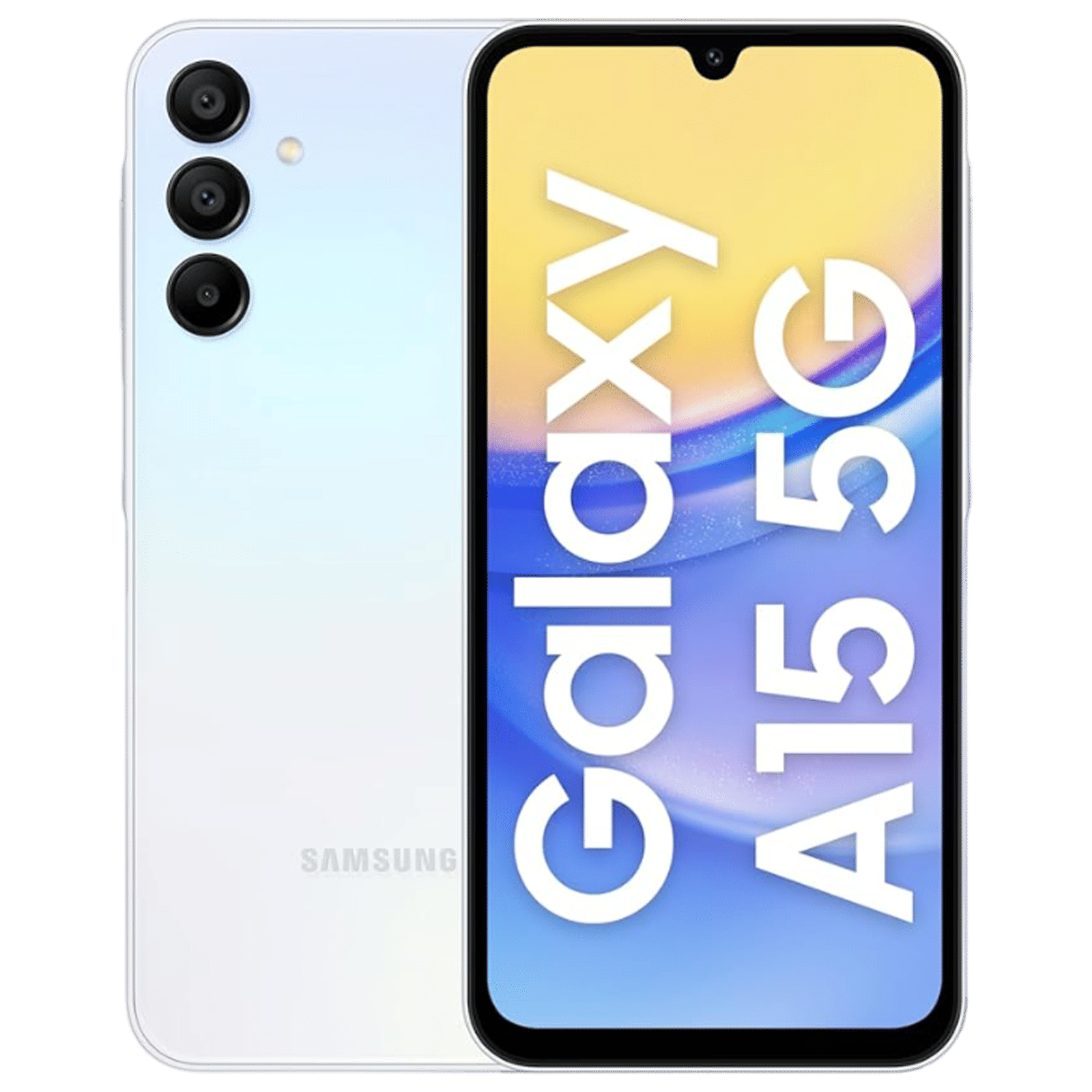
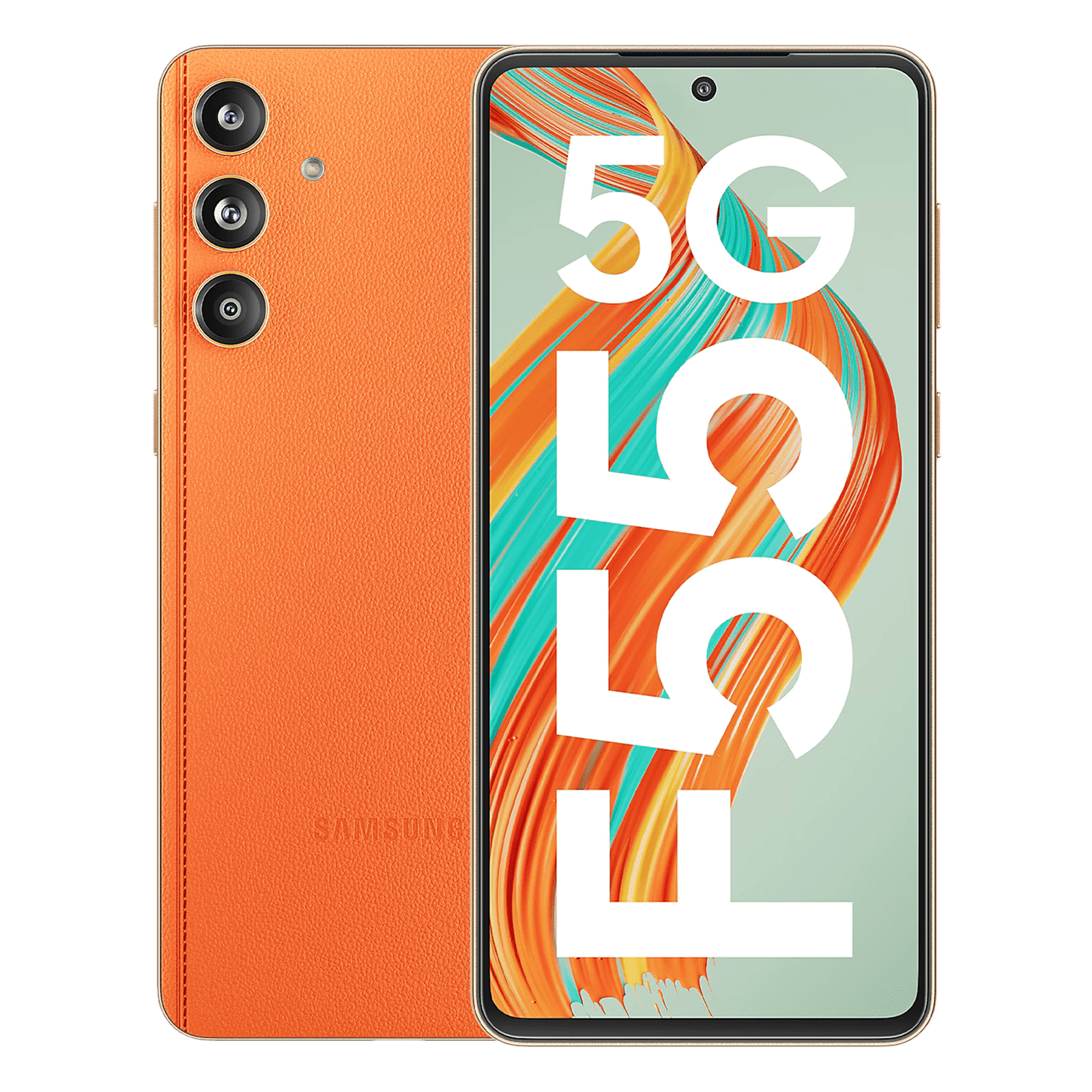
Samsung’s decision to push One UI 8 earlier than expected follows a noticeable shift in its software strategy. After One UI 7 faced delays, the company seems intent on tightening update timelines for both flagships and mid-tier devices; a welcome move for users who’ve often waited months for major OS updates.
What to expect and how to install
One UI 8, built on Android 16, refines Samsung’s design language while improving battery optimisation, AI-based photo editing, and system-wide responsiveness. The interface feels smoother, animations are tighter, and overall app performance has received a minor but perceptible boost. You can check some of the coolest new features in the video below.
If your Galaxy phone is eligible, installing the update is simple:
Step 1: Open Settings
Step 2: Tap Software update
Step 3: Select Download and install
Step 4: Wait for the process to complete and restart your device
ALSO READ: Samsung gives the Galaxy F36 and M36 a taste of One UI 8
Once installed, you’ll be running the same software experience found on Samsung’s latest flagships. As for older models like the Galaxy S22, this will be their final major Android version, wrapping up Samsung’s promised update cycle. For most mid-range users, though, One UI 8 feels like a new lease of life. Will you be updating your Samsung phone to One UI 8 soon? Let us know in the comments below.

Unleash your inner geek with Croma Unboxed
Subscribe now to stay ahead with the latest articles and updates
You are almost there
Enter your details to subscribe

Happiness unboxed!
Thank you for subscribing to our blog.
Disclaimer: This post as well as the layout and design on this website are protected under Indian intellectual property laws, including the Copyright Act, 1957 and the Trade Marks Act, 1999 and is the property of Infiniti Retail Limited (Croma). Using, copying (in full or in part), adapting or altering this post or any other material from Croma’s website is expressly prohibited without prior written permission from Croma. For permission to use the content on the Croma’s website, please connect on contactunboxed@croma.com

- Related articles
- Popular articles
Gunny Dougherty
Has anybody had an issue with thier phone after the One UI 8 Update? After the update to my A35 the unlock screen where I enter my pin got stuck in a loop, It would never unlock.