







If you aren’t sure which MacBook screen size works best for you, you’re not alone. MacBook Air and MacBook Pro models are now available in four distinct sizes, ranging from compact 13.3 to 13.6-inch displays to larger 14.2-inch, 15.3-inch, and 16.2-inch options. Resolution and pixel density also scale across the lineup, with higher-end Pro models offering noticeably sharper and more detailed displays.
While the differences might feel minor on paper, they have a direct impact on how comfortable and productive your setup feels. So, to help you figure out which size fits your workflow, here’s a closer look at MacBook screen sizes and what each one offers.
Every MacBook screen size explained
The MacBook screen size you choose affects how much usable screen space you get and how easy the laptop is to carry around. MacBook Air and MacBook Pro models now come in a range of sizes, and each one is built for a different kind of use. Apple currently offers four main display sizes:
– 13.3–13.6 inches
– 14.2 inches
– 15.3 inches
– 16.2 inches
These measurements refer to the diagonal screen size, but what you’ll notice more is how much you can actually fit on screen. Larger displays give you more room to work across apps, while smaller ones are easier to carry around and use.
MacBook screen sizes: Screen resolution and sharpness
Resolution and pixel density (ppi) decide how crisp and detailed everything looks on screen. The 13-inch MacBook Air comes with a 2560 × 1600 pixels display, while the 15-inch version steps up to 2880 × 1864 pixels at 224 ppi. On the Pro side, the 14-inch model offers 3024 × 1964 pixels, and the 16-inch goes up to 3456 × 2234 pixels, both at 254 ppi.
ALSO READ: MacBook Neo vs MacBook Air M5: Breaking down the Rs 50,000 price gap
Higher pixel density means text looks crisper and visuals hold more detail, which you’ll notice more when editing photos, working on design-heavy tasks, or even just reading for long stretches. The Pro models offer slightly sharper output overall, while the Air models still deliver clean and clear visuals for most everyday work.
MacBook screen sizes: Display technology
Not all MacBook displays are built the same. Older models use Retina displays, which still offer solid sharpness and colour for daily tasks. Newer MacBook Air models, however use Liquid Retina panels, which improve colour accuracy and brightness, going up to 500 nits.
The MacBook Pro models go a step further with Liquid Retina XDR displays that use Mini-LED technology, delivering much higher contrast and brightness levels that can reach up to 1,600 nits for HDR content. On top of that, Pro models also include ProMotion, which brings up to a 120Hz refresh rate and makes scrolling and animations feel noticeably smoother.
MacBook screen sizes: Size and weight
Screen size has a direct impact on how heavy and portable your MacBook feels. The 13-inch MacBook Air weighs around 1.24 to 1.29 kg, making it the easiest to carry. The 15-inch Air is slightly heavier at around 1.51 kg, while the 14-inch MacBook Pro ranges between 1.55 and 1.61 kg.
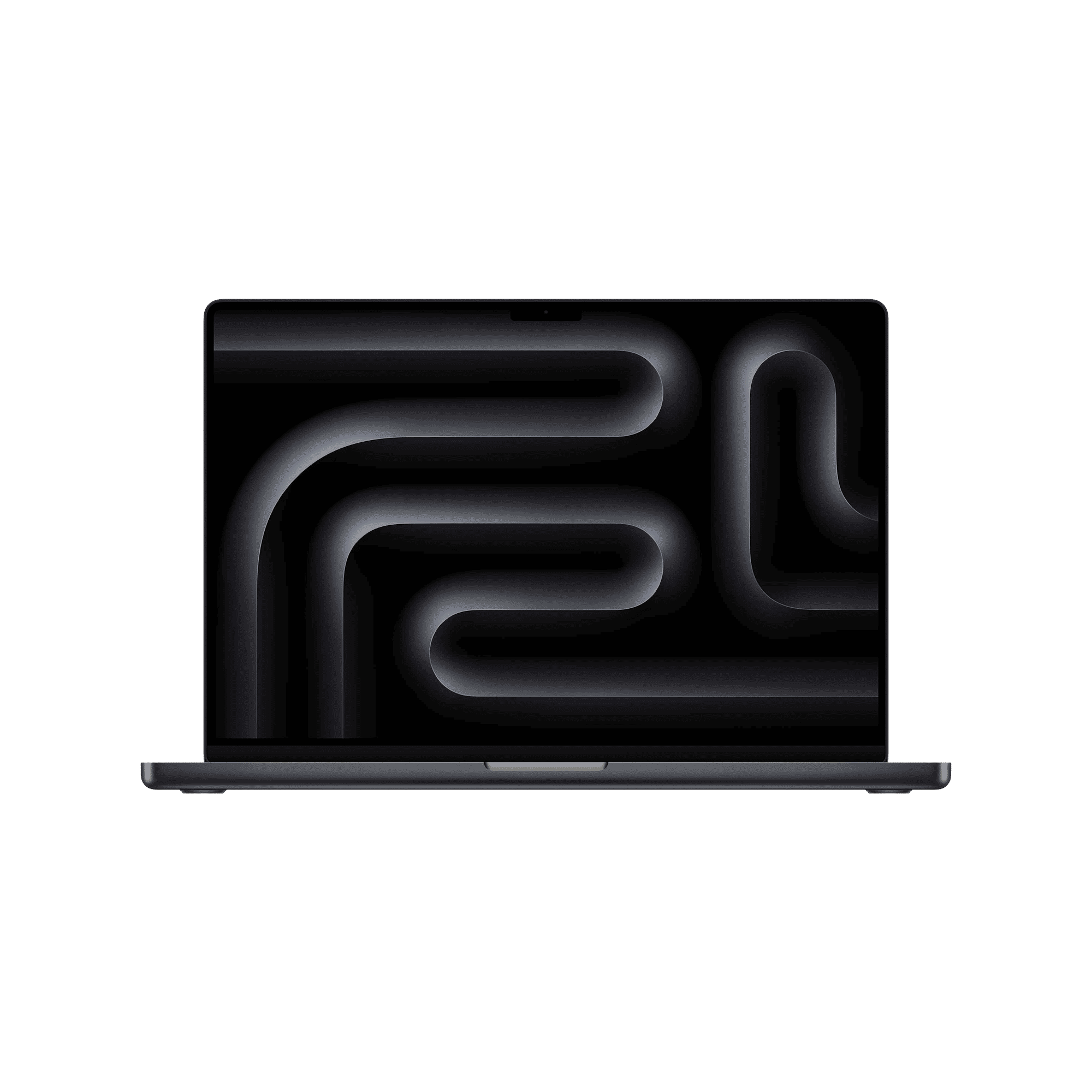
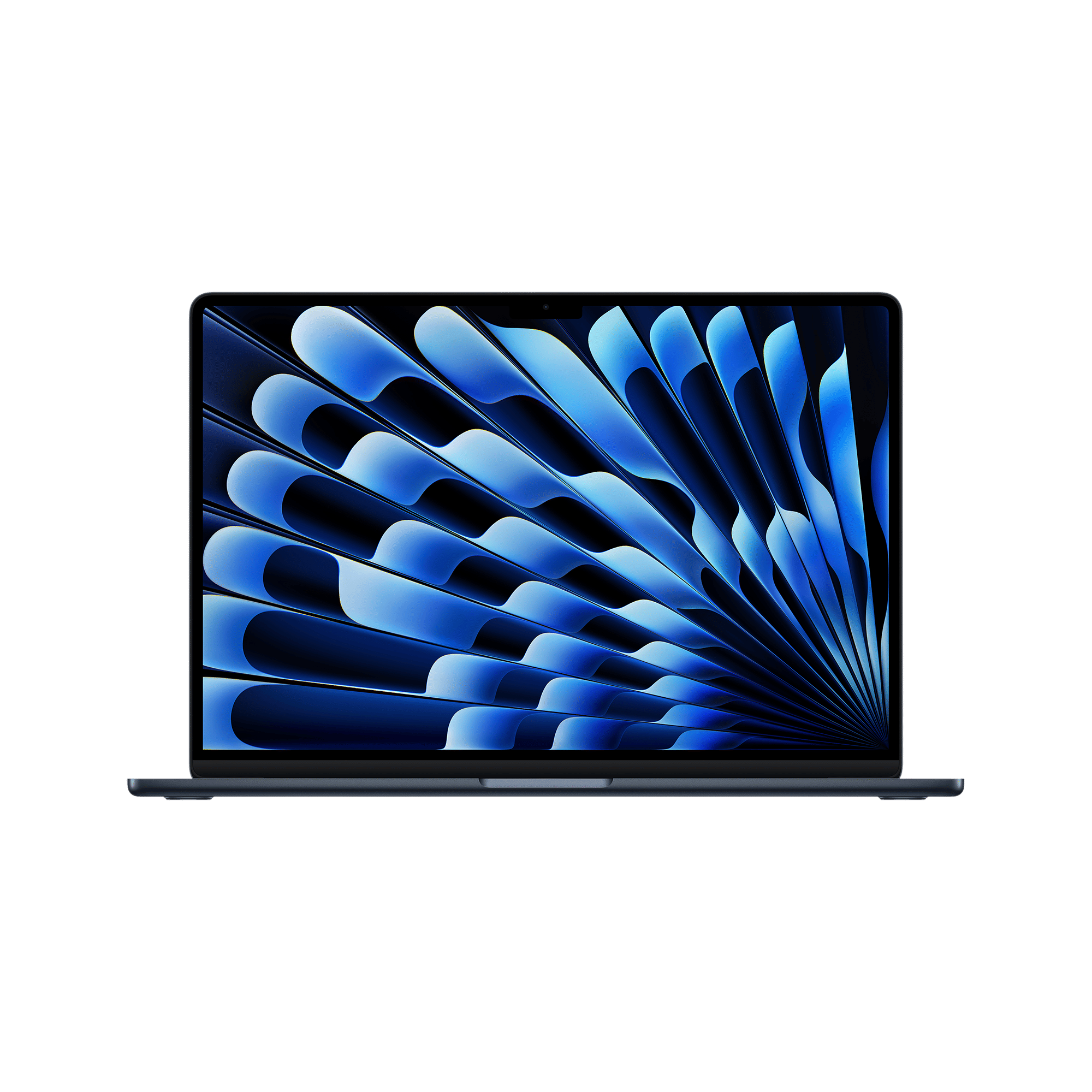
The 16-inch Pro is the heaviest at around 2.14 to 2.16 kg and feels more like a workstation than a grab-and-go laptop. If you move around often, smaller models are easier to manage, while larger ones are better suited for more fixed setups.
MacBook screen sizes: Which one should you buy?
So which MacBook screen size should you go for? The 13-inch model works well if you want something compact that’s easy to carry around without taking up much space. The 14-inch gives you a bit more room on screen while still keeping the size and weight manageable, which makes it a comfortable middle ground.
The 15-inch steps things up with noticeably more screen space, but without getting too bulky. The 16-inch, on the other hand, is better suited for setups where screen space really matters, especially for tasks like editing, design work, or anything that benefits from a larger, more immersive display.
So which MacBook are you planning to go for? Let us know in the comments section below, and stay tuned to Unboxed by Croma for everything tech.

Unleash your inner geek with Croma Unboxed
Subscribe now to stay ahead with the latest articles and updates
You are almost there
Enter your details to subscribe

Happiness unboxed!
Thank you for subscribing to our blog.
Disclaimer: This post as well as the layout and design on this website are protected under Indian intellectual property laws, including the Copyright Act, 1957 and the Trade Marks Act, 1999 and is the property of Infiniti Retail Limited (Croma). Using, copying (in full or in part), adapting or altering this post or any other material from Croma’s website is expressly prohibited without prior written permission from Croma. For permission to use the content on the Croma’s website, please connect on contactunboxed@croma.com
- Related articles
- Popular articles
Shubhendu Vatsa
Comments