







Samsung’s Android 16–based One UI 8 beta update is now making its way to last year’s flagship Samsung Galaxy S24 series, as well as the Galaxy Z Fold 6 and Z Flip 6. The update also includes the August security patch. In the coming weeks, Samsung is expected to expand the One UI 8 beta program to more devices in the Galaxy A, Galaxy S, and foldable lineups. Unfortunately, the beta update is still not here for Indian users. Read on to know when you can experience it.
One UI 8 is heading to more Samsung devices
According to multiple user reports on X, the One UI 8 beta based on Android 16 is rolling out to the Galaxy S24, S24+, and S24 Ultra in the UK and Korea. The update carries firmware versions S926BXXU9ZYH3, S926BOXM9ZYH3, and S926BXXU9CYH3 in the UK.
Weighing in at around 3.2 GB, the update also brings the August security patch. Beta testers with the Galaxy Z Fold 6 and Z Flip 6 in South Korea are receiving their first taste of One UI 8 as well.
ALSO READ: Samsung One UI 8 eligibility and rollout timeline: Check if your phone is on the list
And what about India? While no exact release date has been confirmed, the beta is expected to arrive soon for the same devices in both India and the US. In fact, Indian users could get it as soon as next week, as per multiple reports online.
How to get the One UI 8 beta on the S24 series, Z Fold 6, and Z Flip 6
If you’re in India, you don’t have to just twiddle your thumbs waiting for the update to drop. You can kickstart the process by signing up for the One UI 8 beta program now to be ready the moment it arrives. Here’s how:
Step 1: Open the Samsung Members app and log in to your Samsung account.
Step 2: Scroll down to find the One UI 8 beta banner and tap it.
Step 3: Follow the on-screen steps to complete your registration.

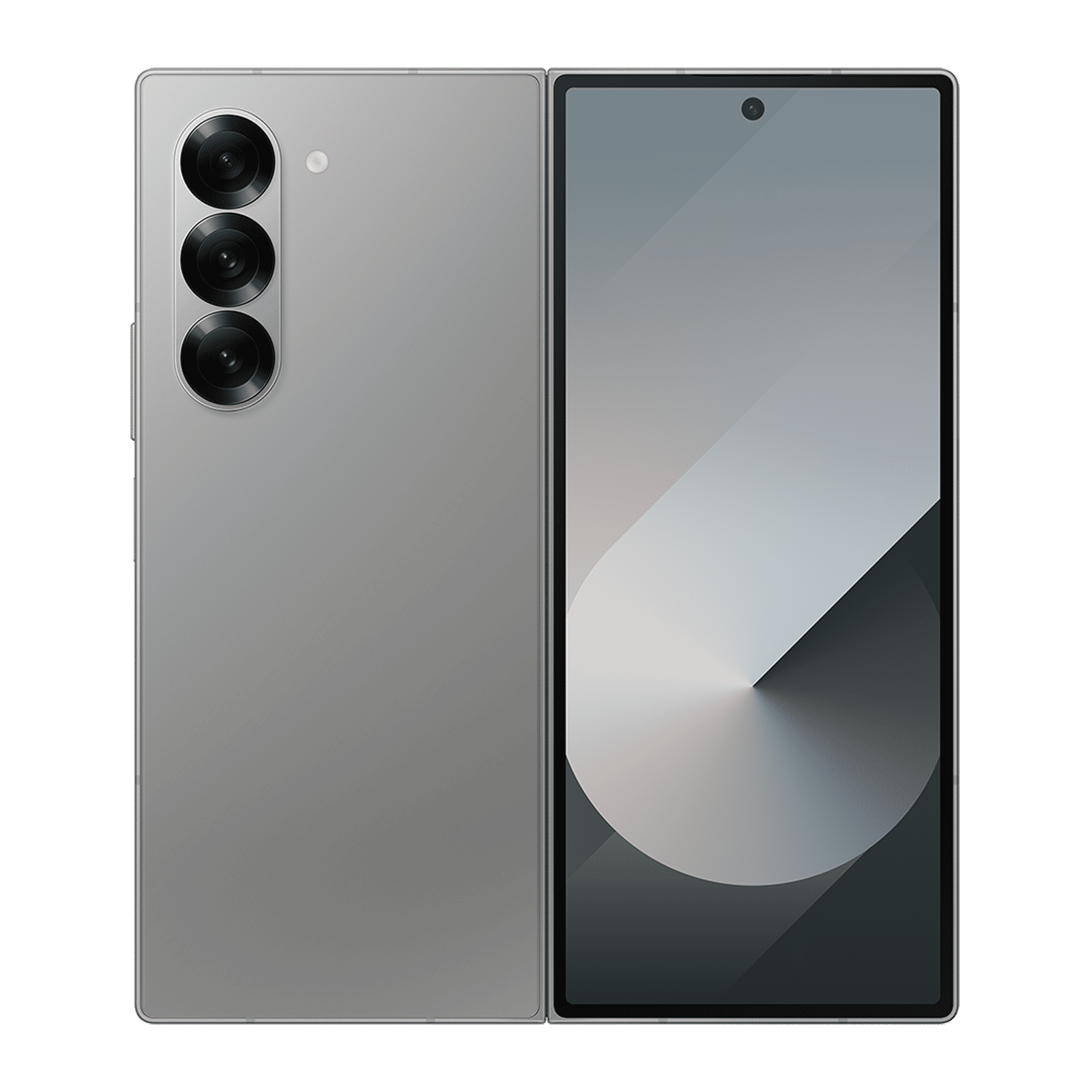
Once registered, simply wait for the beta to become available in India. When it does, head to Settings > Software Update, download the beta, and install it to start exploring the new features, refreshed design, and improved security.
Do keep in mind that beta software can sometimes be unstable, so it’s a good idea to back up your data before installing. For more updates like this, stay tuned to Unboxed by Croma.

Unleash your inner geek with Croma Unboxed
Subscribe now to stay ahead with the latest articles and updates
You are almost there
Enter your details to subscribe

Happiness unboxed!
Thank you for subscribing to our blog.
Disclaimer: This post as well as the layout and design on this website are protected under Indian intellectual property laws, including the Copyright Act, 1957 and the Trade Marks Act, 1999 and is the property of Infiniti Retail Limited (Croma). Using, copying (in full or in part), adapting or altering this post or any other material from Croma’s website is expressly prohibited without prior written permission from Croma. For permission to use the content on the Croma’s website, please connect on contactunboxed@croma.com
- Related articles
- Popular articles
Dhriti Datta
Comments