







OnePlus just had its OHealth app code torn apart, revealing the step-by-step process for its plan to connect the Apple Watch to OxygenOS 16.
We already knew this unlikely cross-platform pairing was coming with the new OS. Now, code strings from the latest OHealth app update (version 4.40.7_6a8017d_251002) paint a much clearer picture of the setup. They come courtesy of Android Authority.
An OHealth app teardown details the full setup process
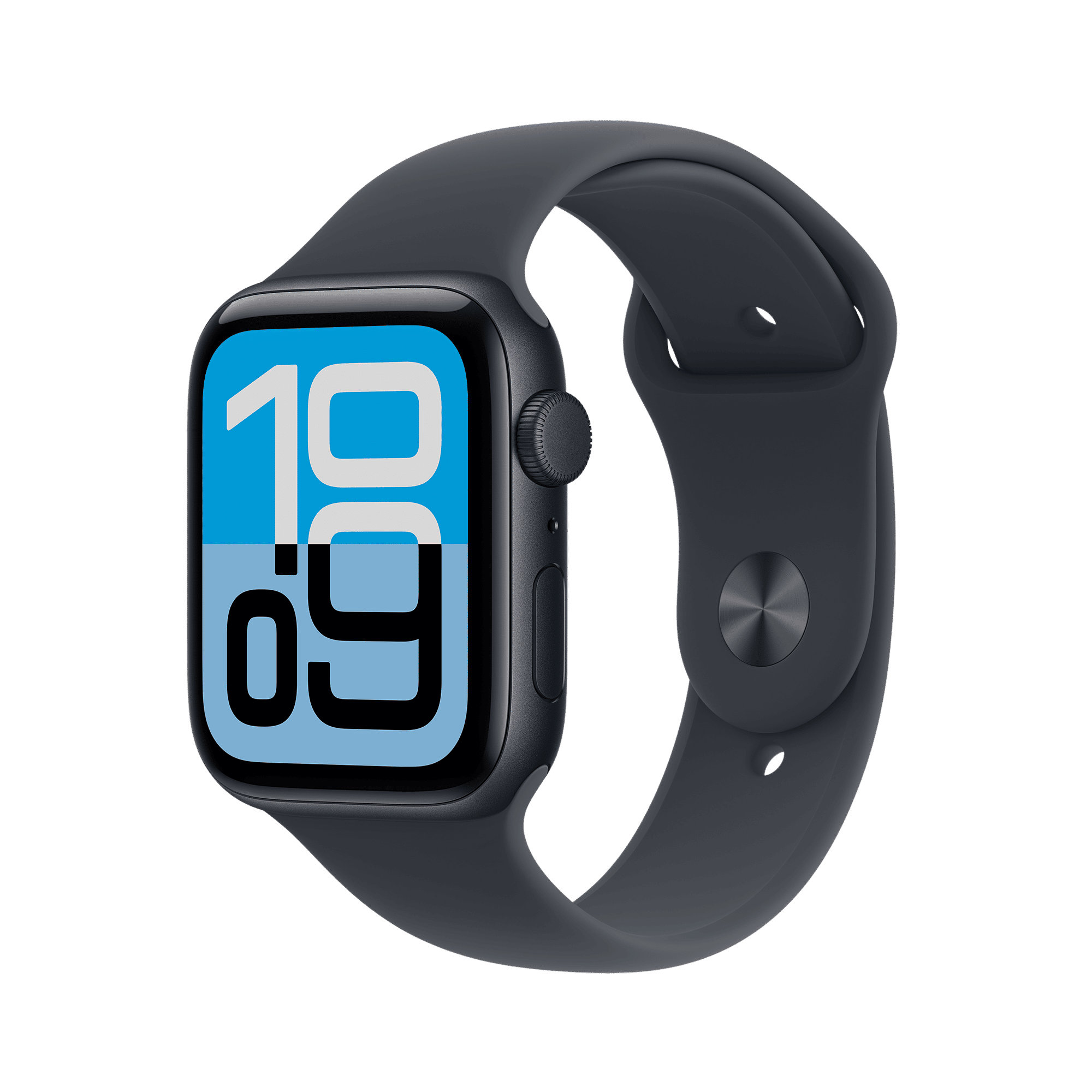
It looks like a surprisingly direct pairing. You will get a prompt to “Pair Apple Watch” inside the OHealth app. Then the app will tell you to install a companion OHealth app on your Apple Watch. You can grab this from the App Store on your watch or iPhone.
Once that is sorted, the Apple Watch app will show a pairing code. You will just scan this code with your OnePlus phone to get the two devices talking.
The code spells out exactly what data gets shared. The setup will sync your incoming calls, messages, and phone notifications right to your wrist. It is a two-way street.
ALSO READ: OnePlus 15 to feature triple 50MP camera setup, cinematic 4K 120fps video recording
All your workout records and health stats from the watch will get beamed back to the OHealth app on your phone. This makes your OnePlus handset the centre for all that fitness data, just as OnePlus promised. It also rounds out the feature set, which we know includes camera controls and a “find my phone” function.

The app teardown also uncovered a separate bonus feature for OnePlus’s own wearables. It is a new “Cardless entry” function. The code suggests you will be able to clone your physical NFC access cards. You will hold a card against your OnePlus watch until it vibrates, copying its credentials.
Strings like “Open doors with a simple touch” make the purpose pretty clear. The feature would basically let your watch act as a digital key for your office or apartment building.
Just keep in mind that as with any app teardown, none of this is absolutely guaranteed to launch.

Unleash your inner geek with Croma Unboxed
Subscribe now to stay ahead with the latest articles and updates
You are almost there
Enter your details to subscribe

Happiness unboxed!
Thank you for subscribing to our blog.
Disclaimer: This post as well as the layout and design on this website are protected under Indian intellectual property laws, including the Copyright Act, 1957 and the Trade Marks Act, 1999 and is the property of Infiniti Retail Limited (Croma). Using, copying (in full or in part), adapting or altering this post or any other material from Croma’s website is expressly prohibited without prior written permission from Croma. For permission to use the content on the Croma’s website, please connect on contactunboxed@croma.com
- Related articles
- Popular articles
Zohaib Ahmed
Comments