







The beloved Alert Slider on OnePlus’ flagship phones is one of its most iconic features. A quick history of all OnePlus phones since 2013’s OnePlus One will tell you that the Alert Slider has always been a part of the brand’s phones – so much so, that when one generation skipped the Alert Slider, the feedback was loud enough for the brand to bring it back immediately a year later.
Now, however, it seems OnePlus may be ditching the Alert Slider yet again, at least on its flagship phones. However, this time, the omission would actually be a replacement, and what could come in its place could be more useful. Here’s everything you need to know.
Why the OnePlus Alert Slider may be going away
Traditionally, the Alert Slider on OnePlus and some Oppo devices has been a three-way sliding switch. It’s a quick hardware toggle that lets you put the phone on ring, vibrate or silent modes in under a second.
ALSO READ: OnePlus 13 launched in India with Snapdragon 8 Elite
Since it’s a hardware toggle on the edge of the phone, it can also be quickly reached, without even unlocking the phone, letting you toggle the switch when it’s on a desk, in your pocket, etc. However, that is pretty much it.
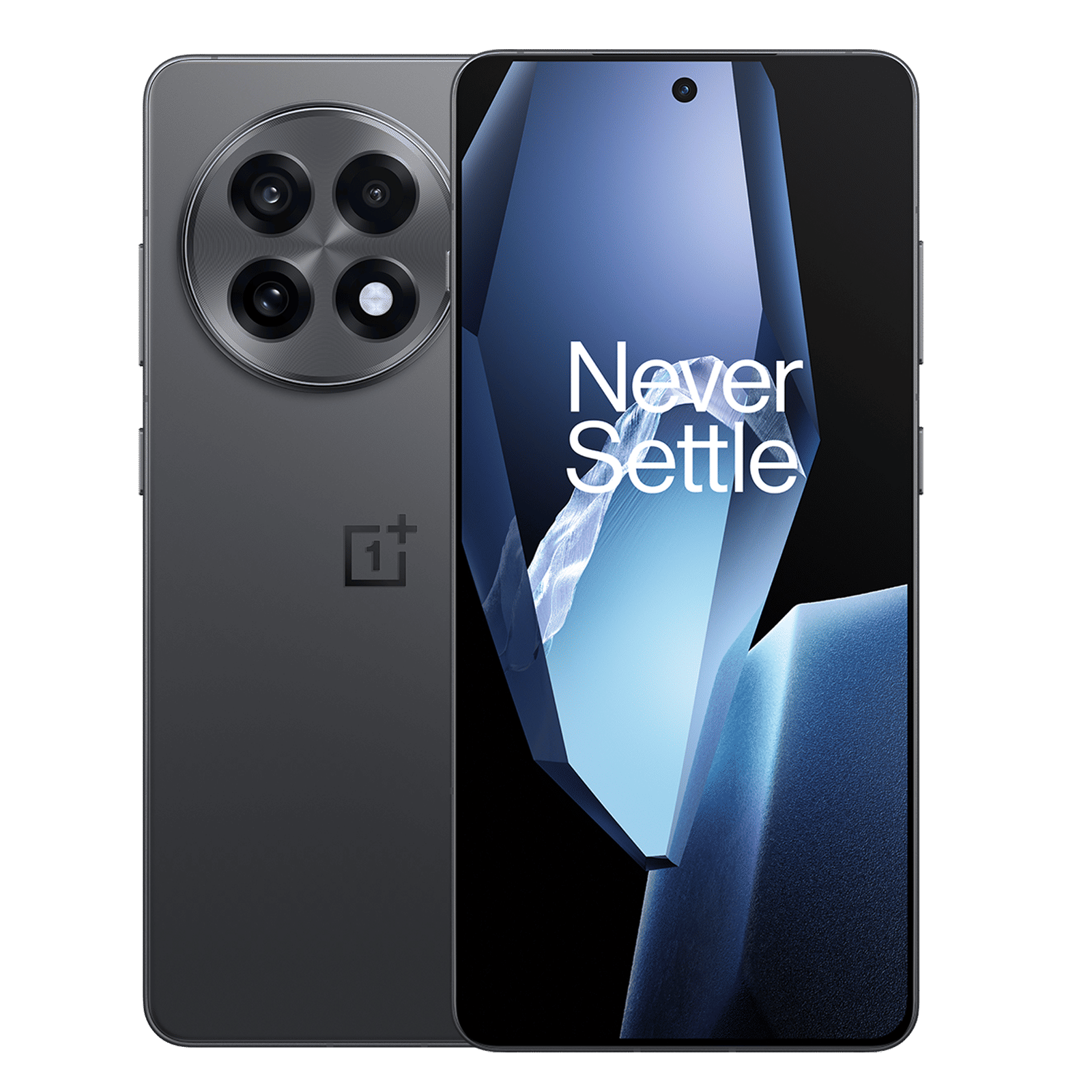
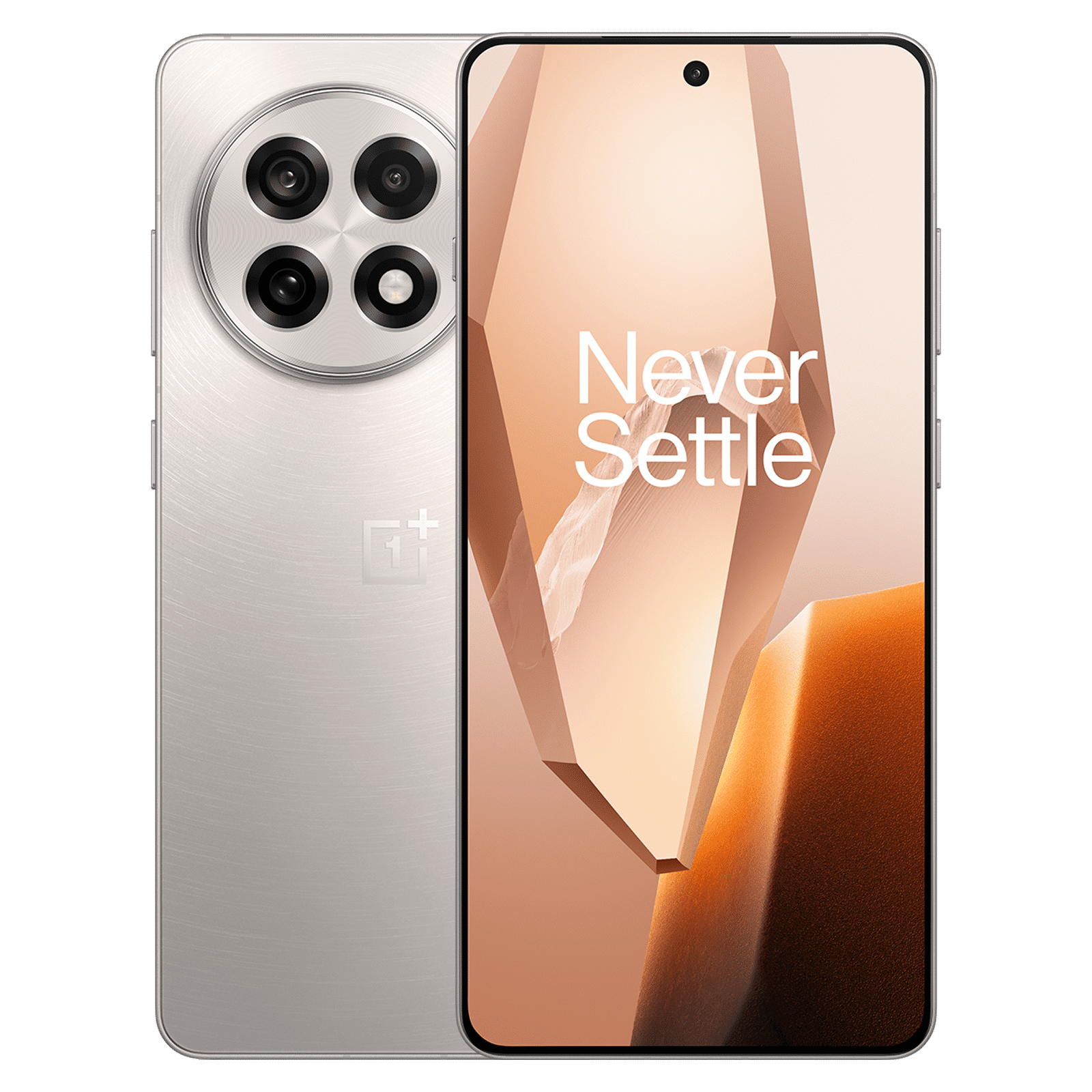
On the contrary, a multi-functional switch like the Apple Action Button on the iPhone 15 and iPhone 16 series can be more useful for those who often switch between ringer modes, but also those who frequently open an app, run a shortcut, or execute some other task.
The new leak, coming from leaker Digital Chat Station, suggest a similar change could be coming to OnePlus and Oppo smartphones.
Hence, implementing an Action Button like solution for the OnePlus phones could be beneficial for a larger number of users, who can then tailor the customisable button to their use-cases, instead of being limited to a single function. Nothing, is also rumoured to add a similar button to its own Phone (3a).
The move would be similar to physical navigation buttons on Android phones being replaced by on-screen buttons, which can today be rearranged, or substituted for navigation gestures.

Unleash your inner geek with Croma Unboxed
Subscribe now to stay ahead with the latest articles and updates
You are almost there
Enter your details to subscribe

Happiness unboxed!
Thank you for subscribing to our blog.
Disclaimer: This post as well as the layout and design on this website are protected under Indian intellectual property laws, including the Copyright Act, 1957 and the Trade Marks Act, 1999 and is the property of Infiniti Retail Limited (Croma). Using, copying (in full or in part), adapting or altering this post or any other material from Croma’s website is expressly prohibited without prior written permission from Croma. For permission to use the content on the Croma’s website, please connect on contactunboxed@croma.com
- Related articles
- Popular articles
Chetan Nayak
Comments