







Last year, Google announced cross-platform sharing support within Quick Share starting with Pixel 10 series for seamless transfers between Android and iPhone. It was rolled out to the Pixel 9 series last month.
Now, Samsung has become the first non-Pixel brand to jump onto the filesharing bandwagon. The latest generation of Galaxy S26 series are the brand’s first compatible phones to get AirDrop support.
Samsung adds AirDrop support for its latest flagships
Samsung has added support for AirDrop in Quick Share. This means that Android users can directly and seamlessly transfer data with Apple’s iPhones, iPads, and Macs without having to rely on third-party apps. It will also make switching from iPhone to Android easier.
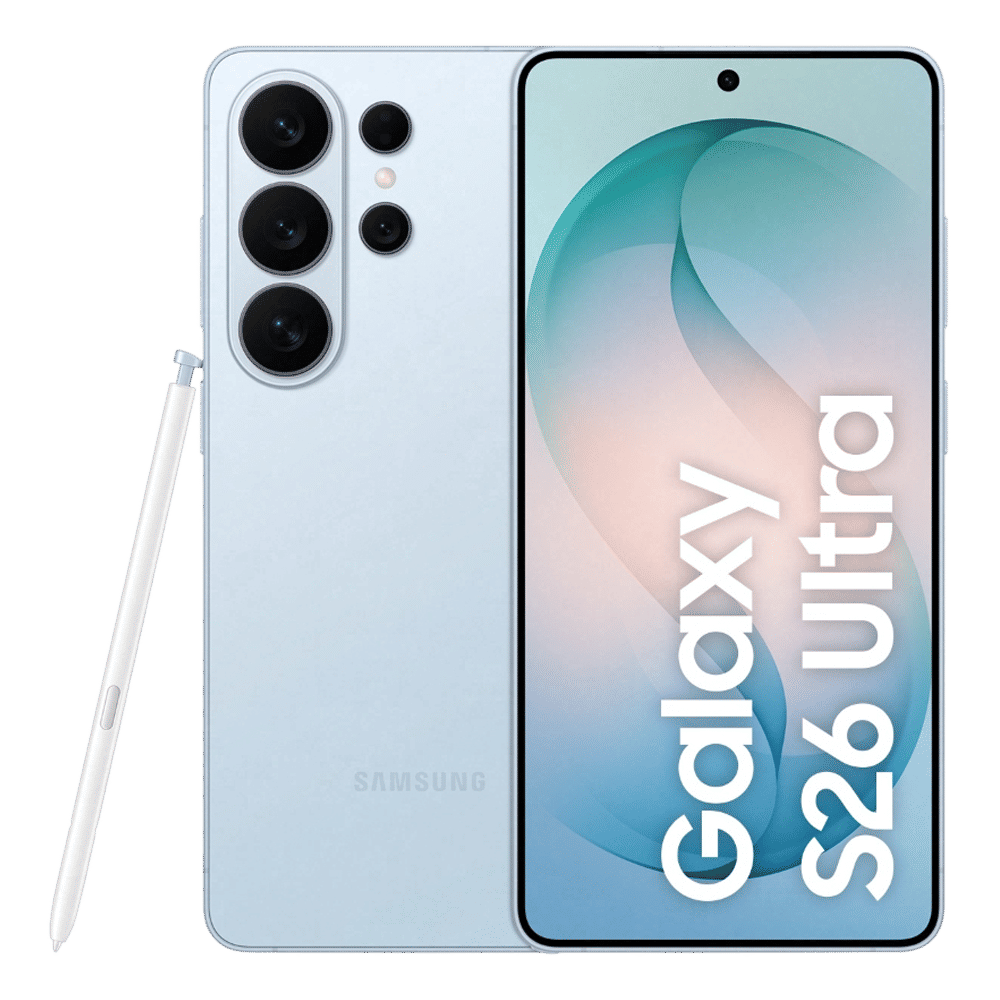
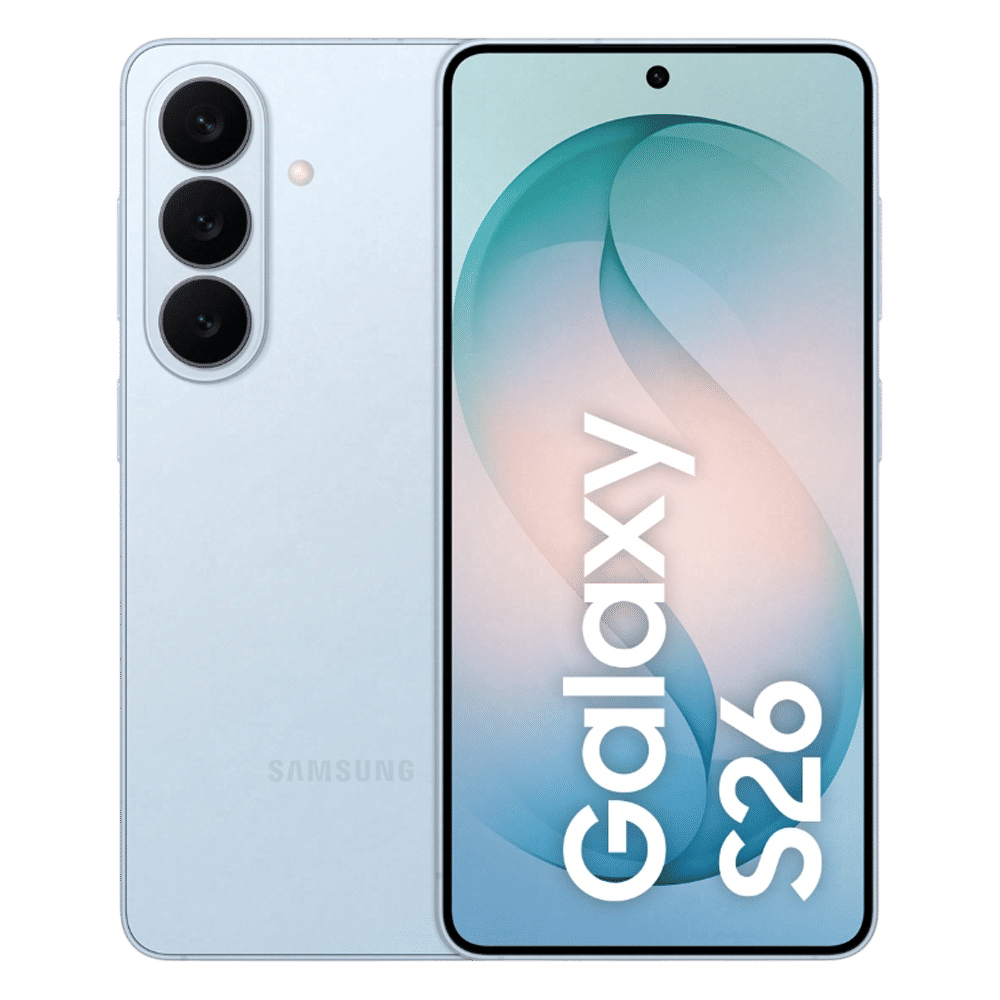
The feature is now rolling out in South Korea and it will also be available in regions including Europe, Hong Kong, Japan, Latin America, North America, Southeast Asia and Taiwan. Samsung confirmed that AirDrop support will also expand to older devices later although it remains to be seen if the budget and mid-range Galaxy phones will also be compatible with the feature.
Samsung notes that Galaxy users should ask iPhone users to enable the “Everyone” setting in AirDrop. The same applies in reverse—Galaxy devices must also have a similar visibility option turned on when receiving files.
ALSO READ: How to use AirDrop on your iPhone, iPad or Mac
To use AirDrop on Samsung Galaxy S26 series, users need to head to the Settings app. From there navigate to Connected devices, tap on Quick Share, and toggle ‘Share with Apple Devices’.
Google had already confirmed that OEMs would gain support for AirDrop within Quick Share. Oppo had also confirmed the rollout of the feature for its Find X9 and X9 Pro later this month.
Stay tuned to Unboxed by Croma for more tech updates.

Unleash your inner geek with Croma Unboxed
Subscribe now to stay ahead with the latest articles and updates
You are almost there
Enter your details to subscribe

Happiness unboxed!
Thank you for subscribing to our blog.
Disclaimer: This post as well as the layout and design on this website are protected under Indian intellectual property laws, including the Copyright Act, 1957 and the Trade Marks Act, 1999 and is the property of Infiniti Retail Limited (Croma). Using, copying (in full or in part), adapting or altering this post or any other material from Croma’s website is expressly prohibited without prior written permission from Croma. For permission to use the content on the Croma’s website, please connect on contactunboxed@croma.com
- Related articles
- Popular articles
Viraj Gawde
Comments