







Samsung just dropped a beta for its popular Samsung Internet browser, letting it jump from your phone to your Windows PC for the very first time. The app is designed to finally bridge the gap between your Galaxy phone and your computer.
It lets you sync all your crucial data like bookmarks and browsing history. It also brings Samsung Pass to the desktop, which means your logins and autofill profiles will follow you securely.
The Galaxy ecosystem keeps growing
One of the slickest tricks is the ability to resume your session. If you are browsing on your phone, you will get a prompt to pick up right where you left off on your PC. All you’ll need to do for this feature to work is to be logged into the same Samsung account on both devices, have Wi-Fi and Bluetooth enabled, and toggle on the ‘Continue apps on other devices’ function.
Samsung is also baking its Galaxy AI smarts directly into the browser. If you are logged into your Samsung Account, you get access to Browsing Assist. This tool can instantly summarise or translate webpages, helping you find info faster.
Naturally, the browser includes Samsung’s trusted security foundations. It packs Smart anti-tracking to block annoying third-party data collectors. There is also a Privacy Dashboard to let you see and manage your protections in real time.
ALSO READ: Samsung Wallet will now let you make UPI payments with your fingerprint
The beta programme officially kicked off on October 30 for anyone running Windows 11 or Windows 10 version 1809 and above. Now, here is the catch for us in India. The initial beta is limited to the United States and Korea. Samsung says a broader expansion is planned but has not given a timeline for when it might land here.
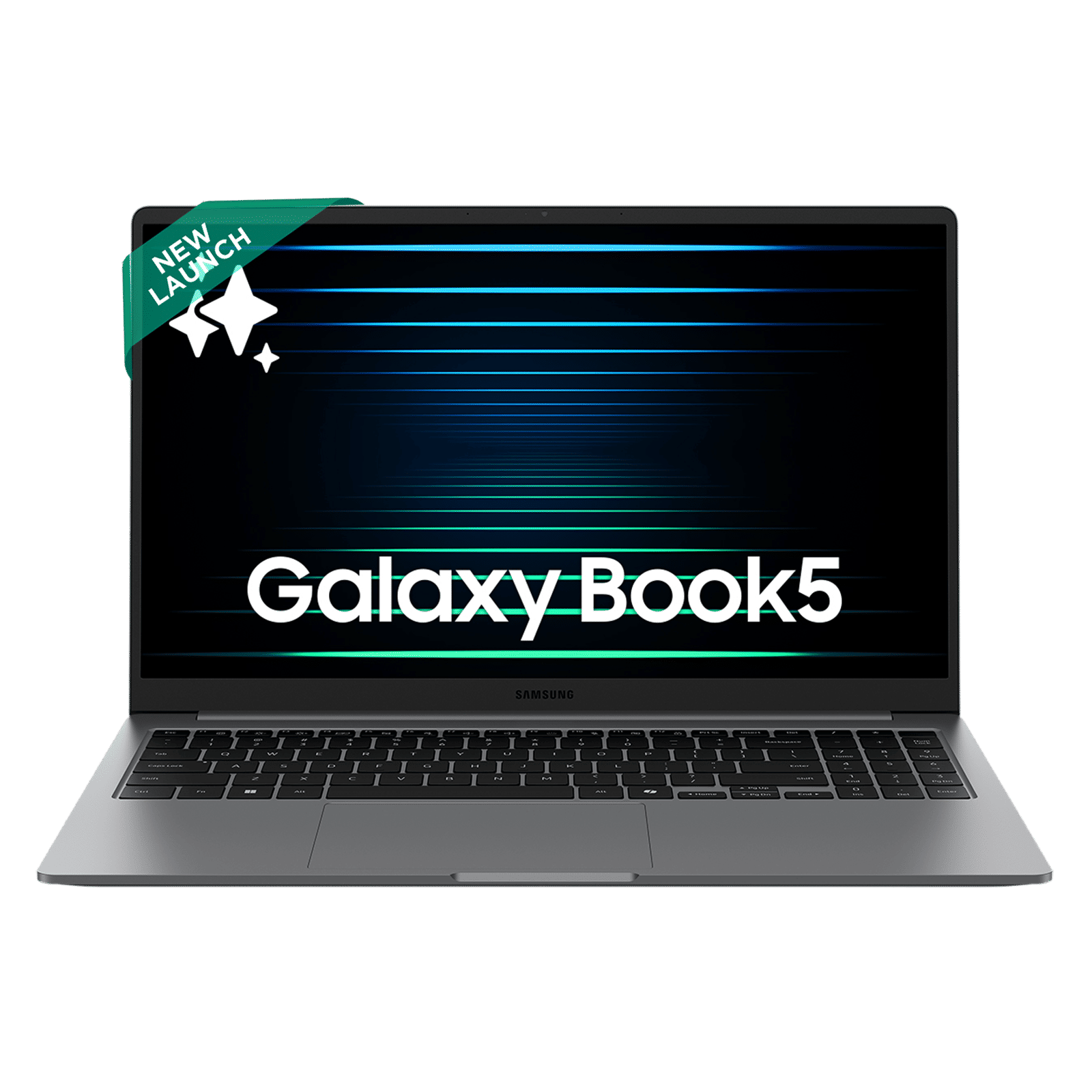
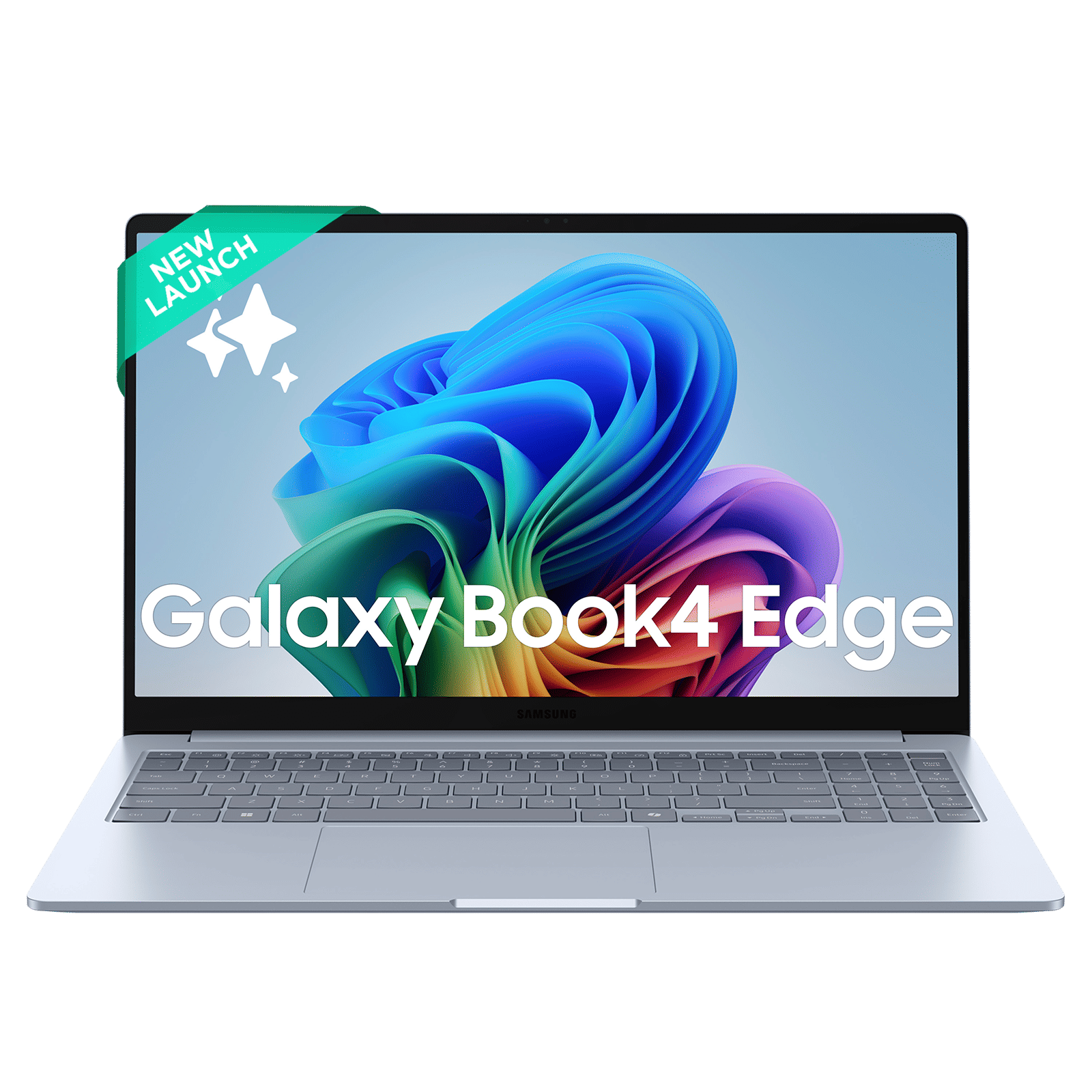
It is also a bit unclear if the browser is restricted to Samsung-branded laptops. The only official requirement seems to be a PC running the correct Windows version. You can probably install it on any machine, but you will almost certainly miss out on the deep ecosystem sync features without a Galaxy phone in your pocket.

Unleash your inner geek with Croma Unboxed
Subscribe now to stay ahead with the latest articles and updates
You are almost there
Enter your details to subscribe

Happiness unboxed!
Thank you for subscribing to our blog.
Disclaimer: This post as well as the layout and design on this website are protected under Indian intellectual property laws, including the Copyright Act, 1957 and the Trade Marks Act, 1999 and is the property of Infiniti Retail Limited (Croma). Using, copying (in full or in part), adapting or altering this post or any other material from Croma’s website is expressly prohibited without prior written permission from Croma. For permission to use the content on the Croma’s website, please connect on contactunboxed@croma.com
- Related articles
- Popular articles
Zohaib Ahmed
Comments