







Windows laptops don’t really have a true battery saver feature. Well, there’s the regular energy saver mode that toggles on when your battery drops below a certain percentage. However, this is not fully reliable since it only activates when your laptop’s battery is low.
Microsoft, however, is fixing this with a cool new adaptive energy saver mode that’s smarter and doesn’t toggle on only when your laptop is low on battery. With this feature, Windows 11 laptops are about to get a battery boost. Sounds good? Here’s all about the new feature, which has just entered the testing phase.
What’s the new adaptive battery saver mode in Windows 11?
Microsoft is testing a new adaptive battery saver mode that’s unlike the regular energy saver mode. It doesn’t exactly lower the display brightness, and neither does it fully stop background activities; rather, it’s smarter and analyses your workload.
How does this work, you ask? Well, this is a smarter battery saver mode that checks the load on the system, and based on that automatically reduces the power usage. However, it doesn’t dim the brightness, which means you can still work conveniently. It may pause background activities, but only on the apps that you may not use.
For instance, OneDrive or Phone Link may not fully sync while the adaptive battery saver mode is running. But if you are using one app constantly, it may not fully stop its background activity. Basically, it’s smarter and better.
This new adaptive battery saver mode will only support Windows 11 machines with a battery inside, such as laptops or handheld devices. It may not come to desktops, although the regular energy saver mode is easily accessible on desktops.
ALSO READ: Why upgrading to Windows 11 is more than just a security fix
As for the release timeline, the feature has just entered the testing phase, which means you cannot use it right away. But if the initial tests are successful, expect a public rollout soon.
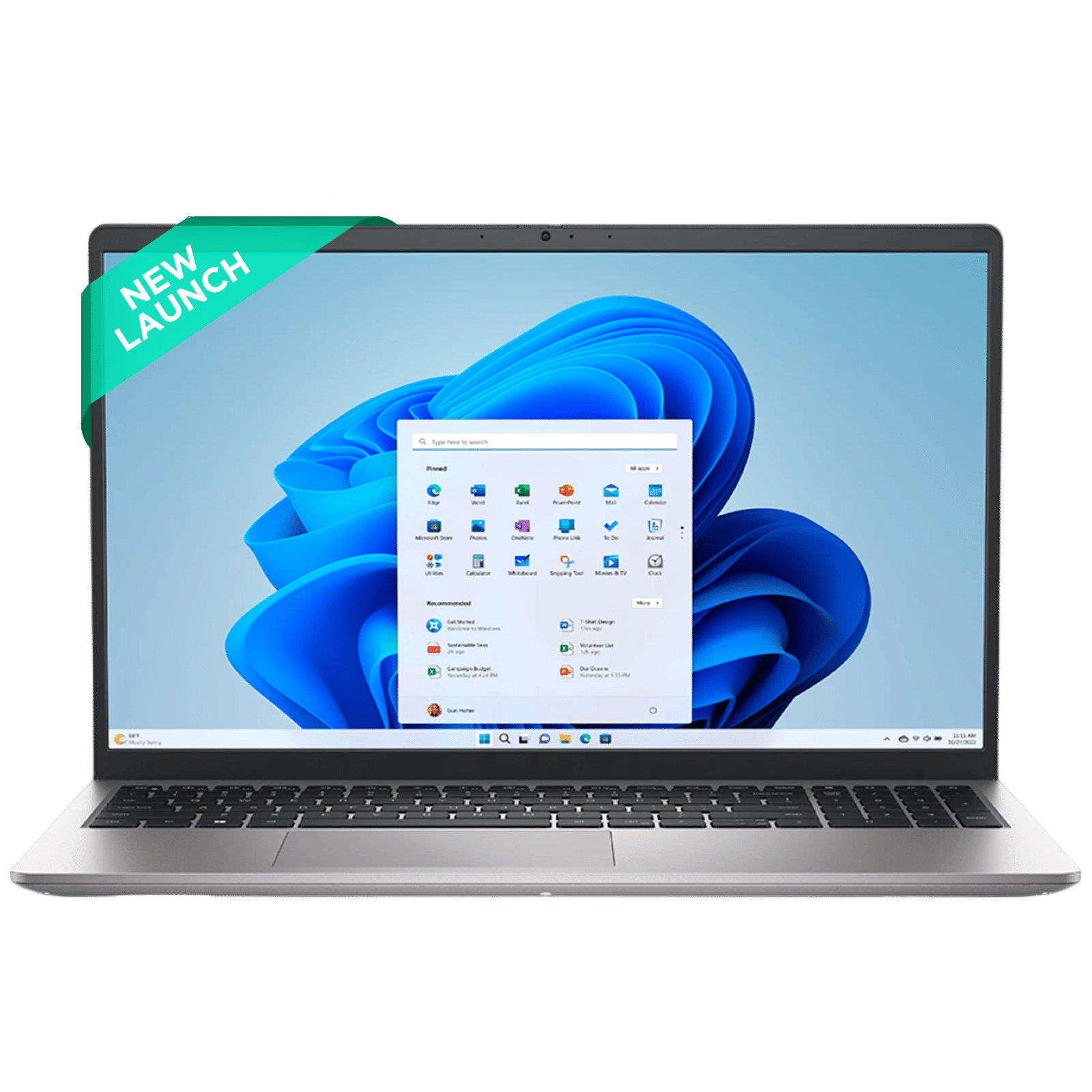

What’s your take on the adaptive battery saver mode in Windows 11? Do let us know your thoughts in the comments below.

Unleash your inner geek with Croma Unboxed
Subscribe now to stay ahead with the latest articles and updates
You are almost there
Enter your details to subscribe

Happiness unboxed!
Thank you for subscribing to our blog.
Disclaimer: This post as well as the layout and design on this website are protected under Indian intellectual property laws, including the Copyright Act, 1957 and the Trade Marks Act, 1999 and is the property of Infiniti Retail Limited (Croma). Using, copying (in full or in part), adapting or altering this post or any other material from Croma’s website is expressly prohibited without prior written permission from Croma. For permission to use the content on the Croma’s website, please connect on contactunboxed@croma.com
- Related articles
- Popular articles
Pranav Sawant
Comments