







The Xiaomi Pad 8 arrives with an ambitious pitch: to be the one screen you reach for from the moment you wake up to the moment you wind down. It boasts a stunning display, powerful internals, and a sleek design that feels premium to the touch.
On paper, it seems to have everything you would need throughout your day. But does it deliver in the real world? Having used the tablet, along with its accessories, for the past few days, here’s our Xiaomi Pad 8 review.
Xiaomi Pad 8 design, build

Xiaomi Pad 8 display
Whether you’re starting the day with a quick news scroll, working on spreadsheets through the day, gaming in the evening, or unwinding with a movie post dinner, the Xiaomi Pad 8’s 11.2-inch LCD screen is built to keep up.
With a 3.2K (3200 x 2136 pixels) resolution and a 144Hz refresh rate, everything feels incredibly smooth and fluid. The screen’s 800 nits of peak brightness, combined with HDR10 and Dolby Vision support, ensures vibrant colours and deep blacks, making for a truly cinematic viewing experience.
The overall size and the capable display make this a handy companion during those long flights. Especially since it fits well in the cramped foldable trays of an economy class seat.
Xiaomi Pad 8 performance
Under the hood is Qualcomm’s Snapdragon 8s Gen 4 chipset, which delivers a significant boost in both CPU and GPU performance compared to the last-gen Xiaomi Pad 7. While testing, we were able to multitask with several apps, edit high-res photos on the go, and play demanding games like CoD Mobile and Asphalt 9: Legends.
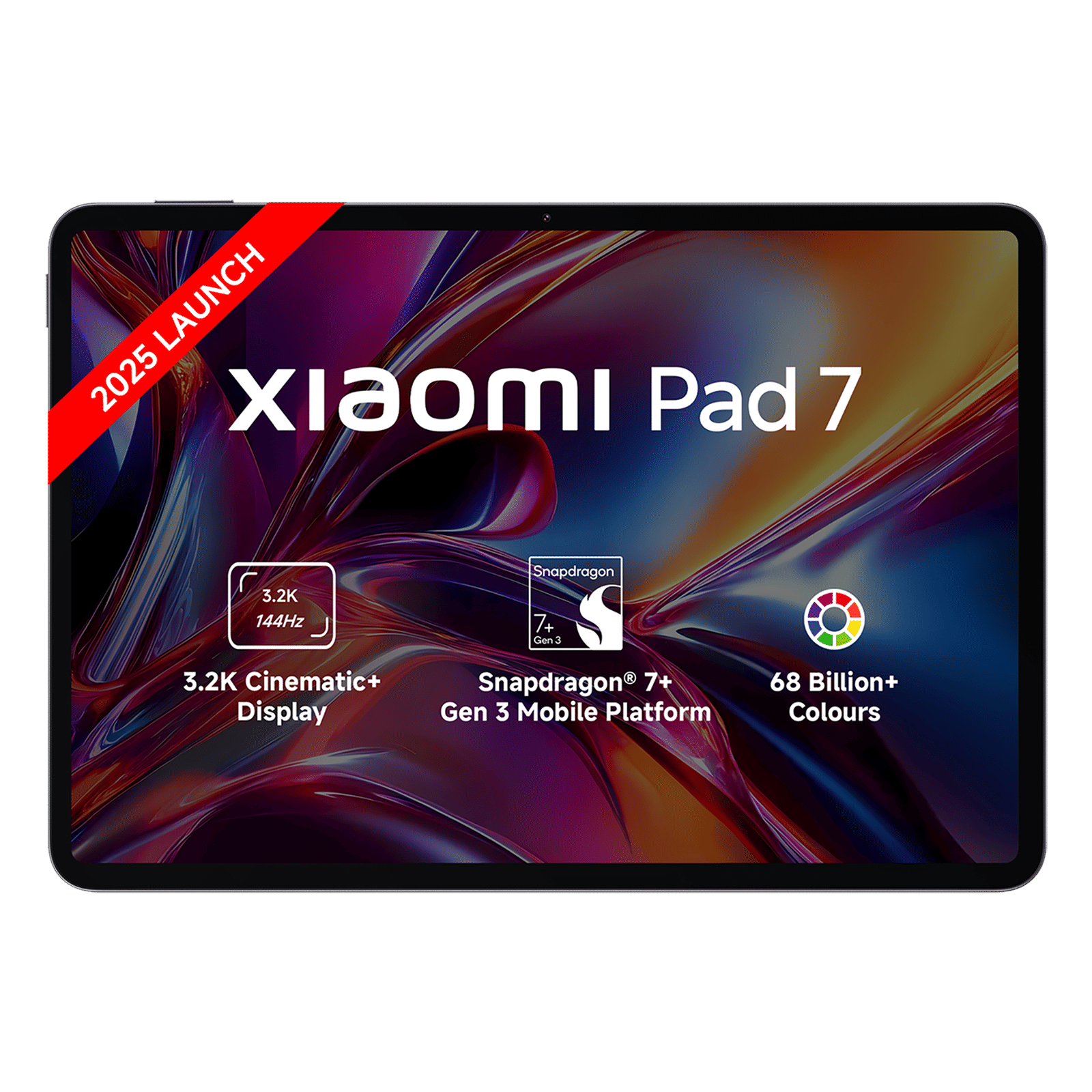
Credit for the smooth performance also goes to the software, with the tab running HyperOS 3, based on Android 16, out of the box. The OS is smooth, quick, and optimised for the large screen.
Built-in features like the workstation mode turn the tab into a laptop (well, almost) by letting you use multiple windows on the screen. Add the keyboard accessory (more on that below), and you genuinely have an ultra-portable laptop.
Then there are the AI-powered tools that let you do more than just touch up photos. AI Live subtitles, for instance, are a boon during meetings. Other features that we tested were the AI Calculator and AI Writing assistant. All these features turn the Pad 8 into a smart companion for your daily tasks.
All that performance would mean nothing if the battery tapped out by lunchtime. Fortunately, the Pad 8 comes with a ginormous 9,200mAh battery to carry you through the whole day and beyond. Whether you’re binge-watching your favourite series or attending back-to-back online meetings, you can rely on the Pad 8 to keep going. And when you finally need to recharge, the 45W turbo charging will get you back to full power in no time.
Xiaomi Pad 8 accessories
To really level up the Xiaomi Pad 8’s user experience, we recommend opting for the two accessories—the Focus Keyboard and the Focus Pen Pro. The keyboard attaches magnetically to the tablet via the pogo-pin connector. This allows the tab to float (in a manner of speaking) with the keys and trackpad at the bottom.
The keys have decent travel and a satisfying click. More importantly, they are also backlit, which makes it easy to get some work done after hours. In essence, it is a joy to type on for hours, including this review. The trackpad is smooth, accurate, and supports multi-touch gestures. When you’re done, it folds neatly into a protective folio case.
For your creative side, there’s the new Focus Pen Pro, which now features ultra-low latency and 4,096 levels of pressure sensitivity. Whether you’re doodling, annotating a PDF, or simply jotting down ideas, the pen feels extremely precise.
Adding to the experience are the built-in haptic motors, which somewhat remind you of the haptics on a PlayStation 5 DualSense controller. When you’re done, the Pen magnetically attaches to the tablet’s edge with a satisfying click.

Unboxed Take: Who should buy the Xiaomi Pad 8?
The Xiaomi Pad 8 makes a strong case for being the only screen you’ll need through a typical day. It’s comfortable enough to be carried around anywhere you go, the screen and performance make the tab a great entertainment and productivity machine, and the long battery life is the cherry on top.
The Pad 8 is for those who are in the market for a premium Android tablet that won’t break the bank. While the device is good as is, for an all-out experience, we recommend opting for the Focus Pen Pro and the Focus Keyboard.
For all the above reasons, we rate the Xiaomi Pad 8 a strong 4.5/5. Stay tuned to Unboxed by Croma for more such in-depth reviews, and everything tech.

Unleash your inner geek with Croma Unboxed
Subscribe now to stay ahead with the latest articles and updates
You are almost there
Enter your details to subscribe

Happiness unboxed!
Thank you for subscribing to our blog.
Disclaimer: This post as well as the layout and design on this website are protected under Indian intellectual property laws, including the Copyright Act, 1957 and the Trade Marks Act, 1999 and is the property of Infiniti Retail Limited (Croma). Using, copying (in full or in part), adapting or altering this post or any other material from Croma’s website is expressly prohibited without prior written permission from Croma. For permission to use the content on the Croma’s website, please connect on contactunboxed@croma.com
- Related articles
- Popular articles
Sambit Satpathy
Comments