







If you’re an Apple iPad owner and you frequently use your tablet for work and productivity use cases, chances are that you also want to invest in a good stylus. While there are options across the segment, nothing quite works as well with an iPad as the Apple Pencil series.
Currently, there are two key variants of the Apple Pencil on sale – the Apple Pencil Pro and Apple Pencil (USB-C), although you can also pick up older generation models depending on compatibility requirements with your iPad model.
As the names suggest, these are different models in the Apple Pencil lineup, each with their own specific set of features, capabilities, and compatibility parameters with different iPad models. Read on to find out the differences between these two Apple Pencil variants, and figure out which is best for you.
Apple Pencil Pro vs Apple Pencil (USB-C): Features and specifications compared
Price
Between the two models, the Apple Pencil Pro is the more expensive option. This comes with good reason though. The Pro model has a few additional features over the Apple Pencil (USB-C). While the USB-C option is more affordable, it naturally offers a bit less in terms of capabilities and convenience, although most of the key features are common to both.
The Apple Pencil Pro is better suited to professional users and those who require specific functionality related to tasks such as designing, sketching, and writing, while the Apple Pencil (USB-C) will work for most users who just need a precise and accurate stylus for ease of use.
Charging
The Apple Pencil Pro features magnetic charging, so it’ll draw power to charge directly from the iPad when it’s magnetically attached for storage and safekeeping. On the other hand, the Apple Pencil (USB-C) needs to be connected via the USB Type-C connector to charge.
Compatibility
The Apple Pencil Pro is a more premium model, and its feature set means that it is also compatible with fewer iPad variants; some iPad Pro and iPad Air variants running on Apple M-series chipsets are covered, along with the iPad mini, which runs on the A17 Pro chip.
ALSO READ: https://www.croma.com/apple-pro-pencil-for-ipad-magnetically-attaches-mx2d3zm-a-white-/p/306700
The Apple Pencil (USB-C) is compatible with many more iPad variants, including older iPad Pro, iPad Air, and iPad mini tablets, as well as some models in the standard iPad range.
Features
Most core features are common to both the Apple Pencil Pro and Apple Pencil (USB-C) variants, but the Pro option does have a few additional capabilities which can come in handy for professional use cases. Features that are common to both include precision, tilt sensitivity, hover detection, and magnetic attachment for storage.
The Apple Pencil Pro gets additional pressure sensitivity, double-tap gestures to switch between tools, barrel roll gesture for different textures and styles, and squeeze gesture for functionality and haptic feedback.
Additionally, the Apple Pencil Pro also works with Apple’s Find My app which will help in locating it if it’s lost, and Apple also offers free engraving for the Apple Pencil Pro for additional customisation by the user.

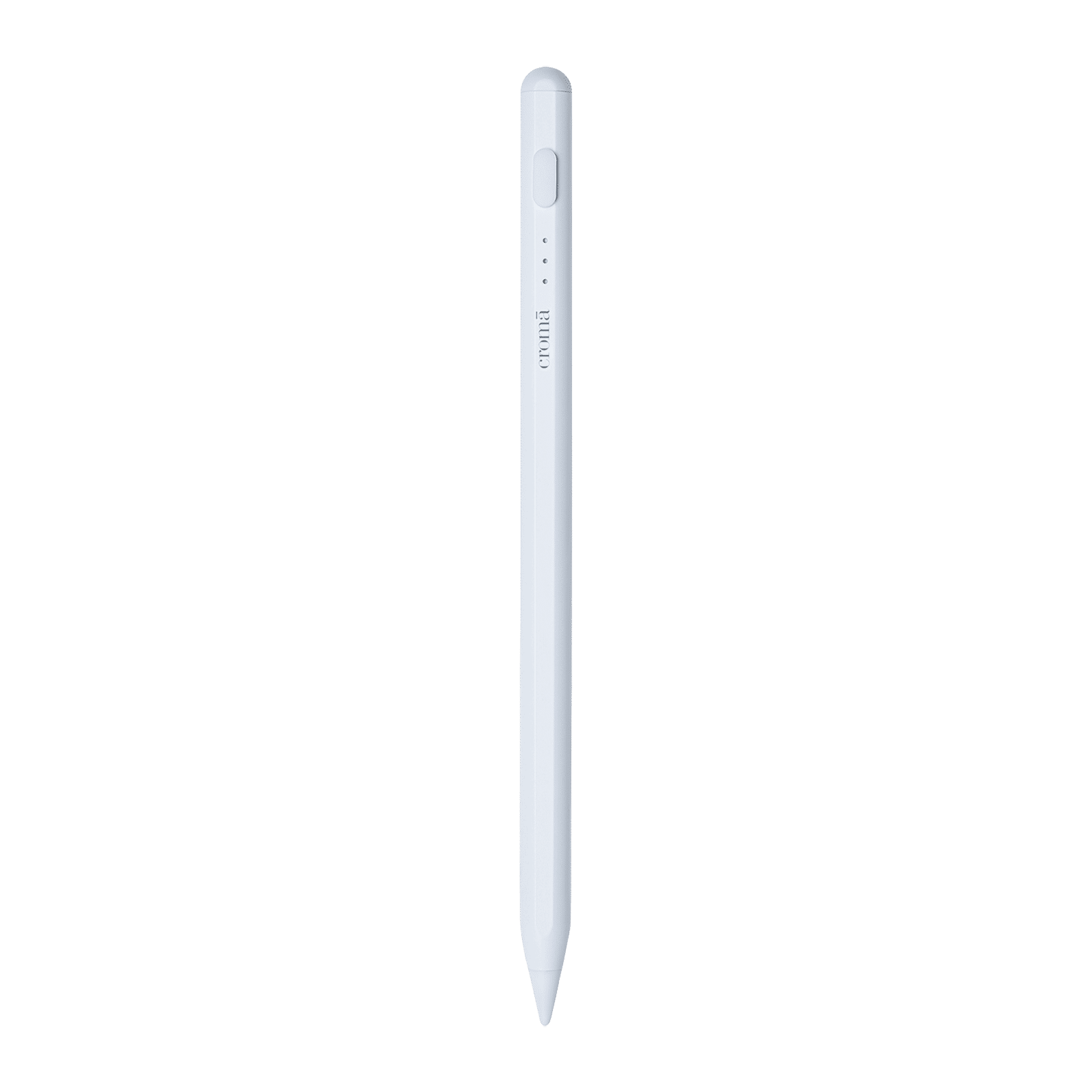
So if you’re a pro user, the Apple Pencil Pro is best for you. If you’re looking at a more cost-effective option, the Apple Pencil (USB-C) is a good enough option with most of the functionality as the Pro.

Unleash your inner geek with Croma Unboxed
Subscribe now to stay ahead with the latest articles and updates
You are almost there
Enter your details to subscribe

Happiness unboxed!
Thank you for subscribing to our blog.
Disclaimer: This post as well as the layout and design on this website are protected under Indian intellectual property laws, including the Copyright Act, 1957 and the Trade Marks Act, 1999 and is the property of Infiniti Retail Limited (Croma). Using, copying (in full or in part), adapting or altering this post or any other material from Croma’s website is expressly prohibited without prior written permission from Croma. For permission to use the content on the Croma’s website, please connect on contactunboxed@croma.com
- Related articles
- Popular articles
Ali Pardiwala
Comments