







Laptop prices can get quite high if you’re looking at high-spec options, but don’t let that scare you. A decent affordable laptop is possible to buy even on a low budget, with prices starting at under Rs. 30,000. While the specifications and features will be understandably entry-level, you can usually rely on an affordable laptop to be able to capably handle the basics, including web browsing, occasional document and spreadsheet work, storing and viewing images and video clips, and a bit more.
Even with a budget of under Rs. 30,000, your options aren’t too scarce, with some brands offering affordable options with decent specifications. Here are our top picks for the best laptops under Rs. 30,000 which you can buy in India right now.
Best laptop under Rs. 30,000
Asus Vivobook Go (AMD Ryzen 3)
Acer Aspire 3 A325-45 (Intel Celeron N4500)
HP 15 fc-0154AU
Asus Vivobook Go (AMD Ryzen 3)
Despite its price, the Asus Vivobook Go features some impressive specifications and features. The full-sized laptop gets a 14-inch full-HD LED screen, and a convenient form factor that combines a manageable weight of 1.38kg and plenty of connectivity options including HDMI, USB, and a headphone jack. The laptop is powered by the AMD Ryzen 3 7320U processor, which offers decent performance for everyday usage requirements.
ASUS Vivobook Go AMD Ryzen 3 Laptop (8GB, 512GB SSD, Windows 11 Home, 14 inch Full HD LED Backlit Display, MS Office 2021, Mixed Black, 1.38 KG)
Buy now
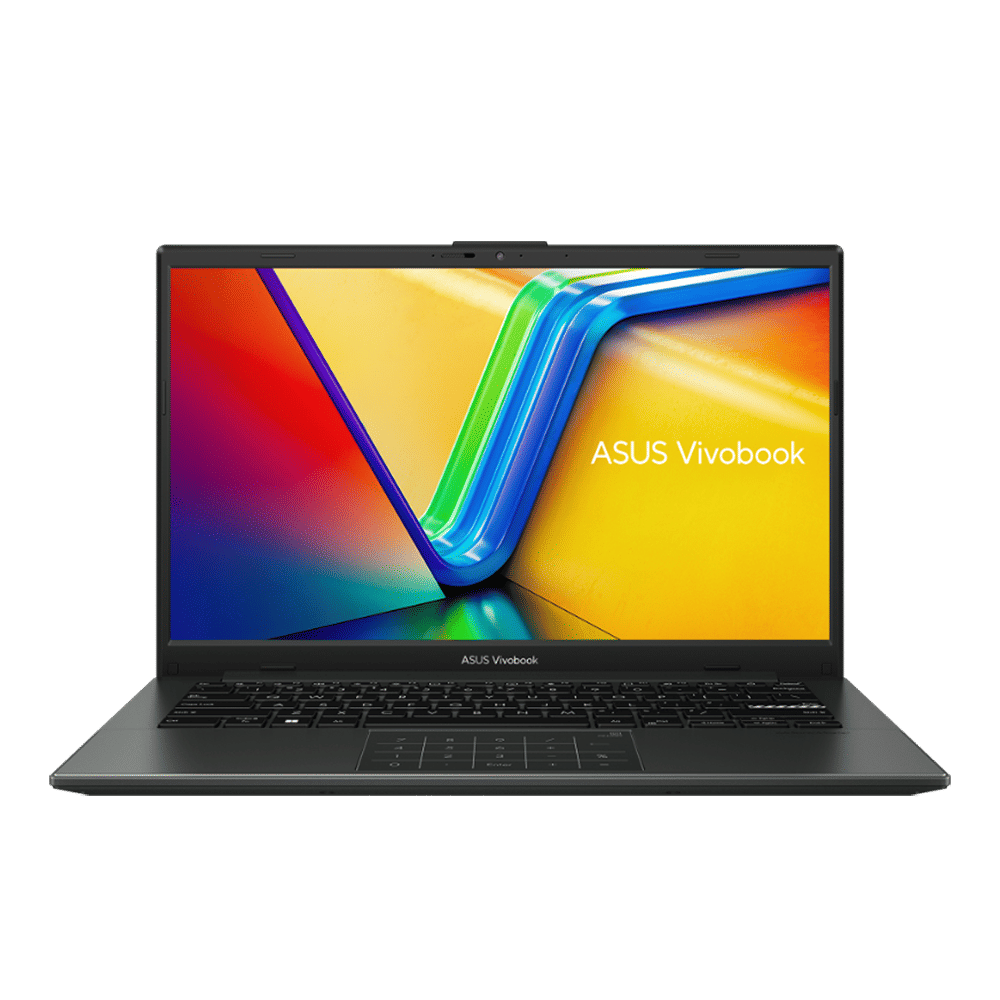
Usefully, the Vivobook Go also gets 8GB RAM and 512GB of SSD storage, and has Microsoft Office included with the Windows 11 operating system. This is a good starter laptop for students, or can even be useful to those whose requirement is typically web browsing such as checking emails or viewing documents and files.
Acer Aspire 3 A325-45 (Intel Celeron N4500)
Very affordably priced, the Acer Aspire 3 laptop is powered by the Intel Celeron N4500 processor. It also get 8GB of RAM and 512GB of SSD storage, with a big 15.6-inch HD LED screen and a manageable 1.5kg weight.
acer Aspire 3 A325-45 Intel Celeron N4500 Thin & Light Laptop (8GB, 512GB SSD, Windows 11 Home, 15.6 inch Full HD LED Backlit Display, Pure Silver, 1.5 KG)
Buy now
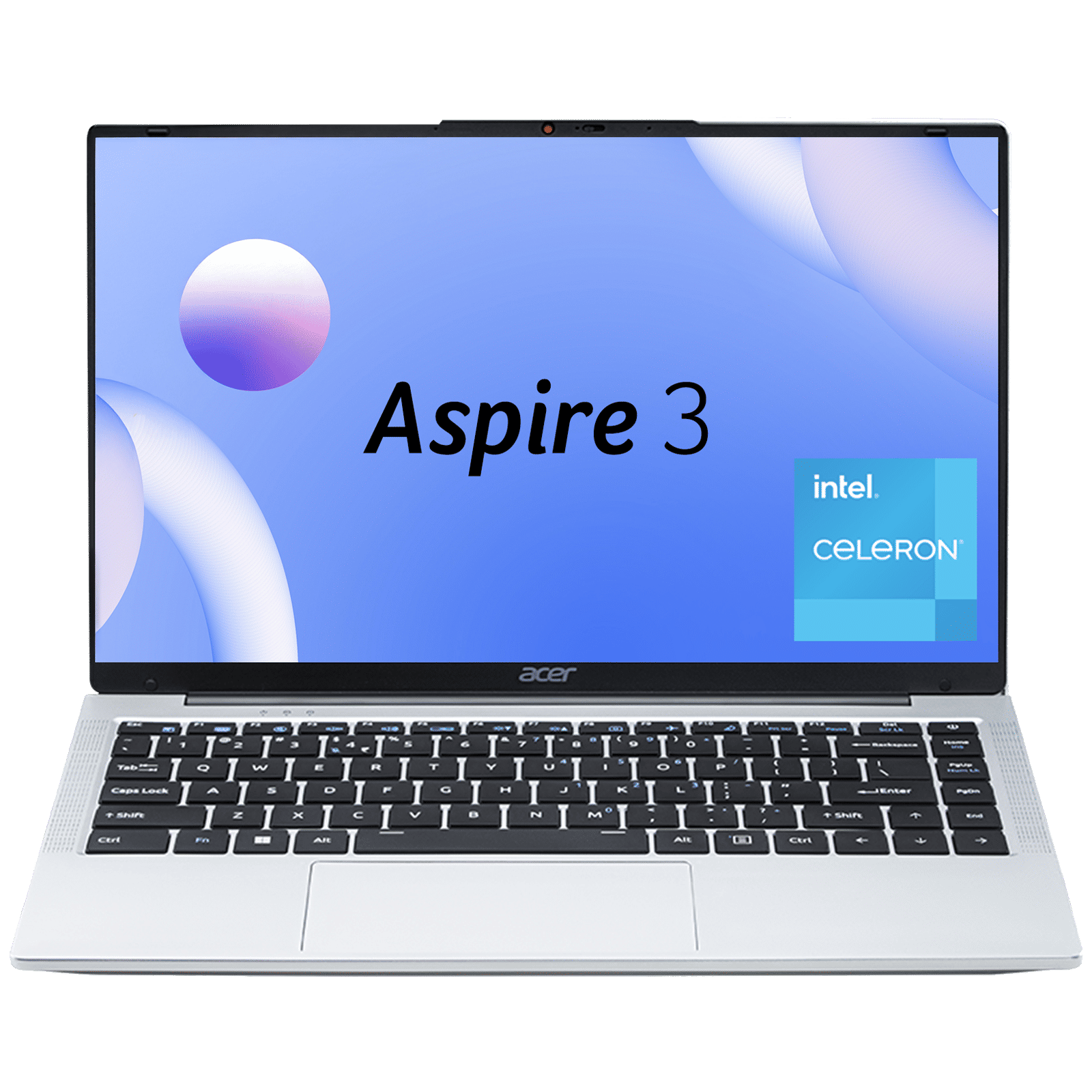
The laptop gets Windows 11 and decent connectivity options including HDMI and USB ports – there’s one USB Type-C port as well for convenient connectivity with modern devices such as smartphones and portable hard drives.
This is a worthwhile laptop to consider if you’re on a tight budget, and will offer decent functionality for core tasks including web browsing, text documents, and viewing images. It’s worth considering for students or elderly users who want a basic but reliable laptop with a big screen.
HP 15 fc-0154AU
Although technically priced just a bit over the budget, this HP laptop is worth considering nonetheless. It’s powered by the reliable and capable AMD Ryzen 3 7320U processor, and comes with 8GB of RAM and 512GB of SSD storage, giving it a decent spec sheet for the price. You also get a 15.6-inch full-HD display, and Windows 11 with Microsoft Office for productivity needs.
HP 15-fc0154AU AMD Ryzen 3 Thin & Light Laptop (8GB, 512GB SSD, Windows 11 Home, 15.6 inch Full HD Display, MS Office Home, Natural Silver, 1.59 KG)
Buy now
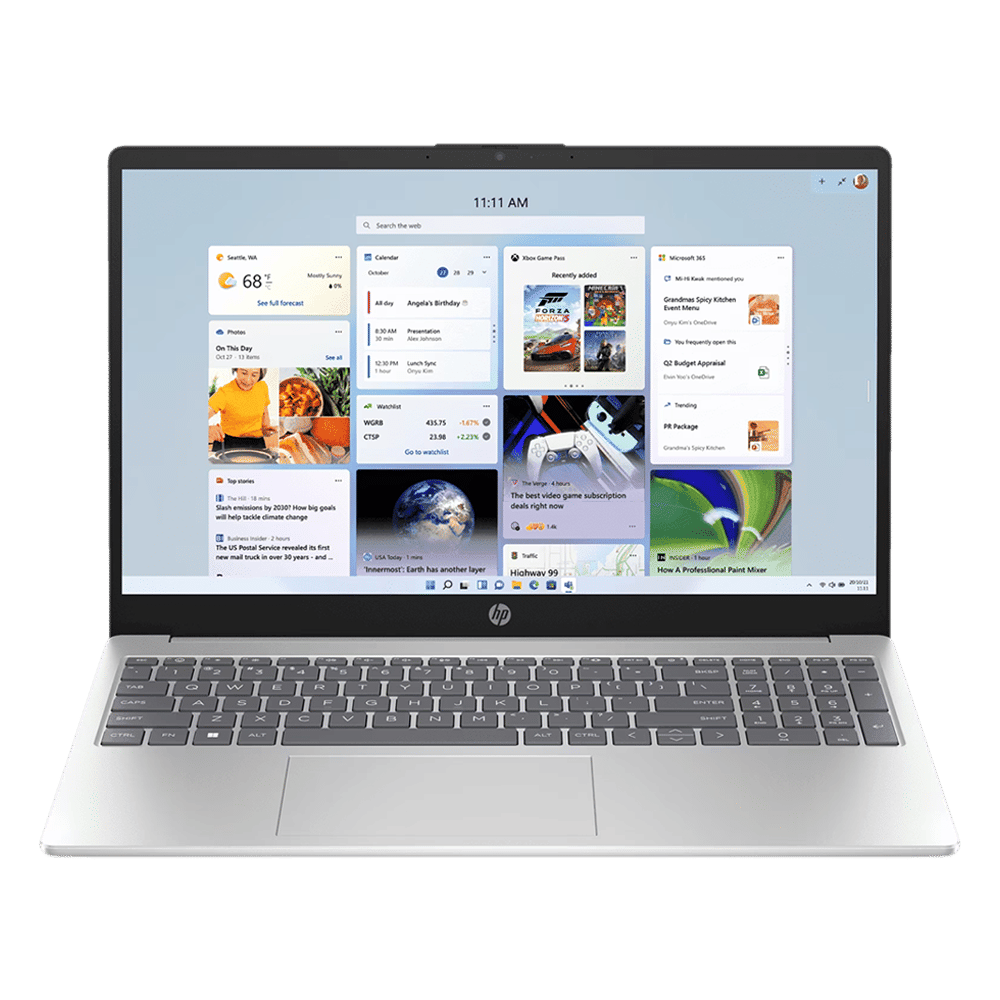
Connectivity is decent with an HDMI port, two USB Type-A ports, and one USB Type-C port, along with a headphone jack to connect wired headphones. The laptop is a good entry-level option for students, and can also handle most work-related requirements and functions.

Unleash your inner geek with Croma Unboxed
Subscribe now to stay ahead with the latest articles and updates
You are almost there
Enter your details to subscribe

Happiness unboxed!
Thank you for subscribing to our blog.
Disclaimer: This post as well as the layout and design on this website are protected under Indian intellectual property laws, including the Copyright Act, 1957 and the Trade Marks Act, 1999 and is the property of Infiniti Retail Limited (Croma). Using, copying (in full or in part), adapting or altering this post or any other material from Croma’s website is expressly prohibited without prior written permission from Croma. For permission to use the content on the Croma’s website, please connect on contactunboxed@croma.com
- Related articles
- Popular articles
Ali Pardiwala
Comments