







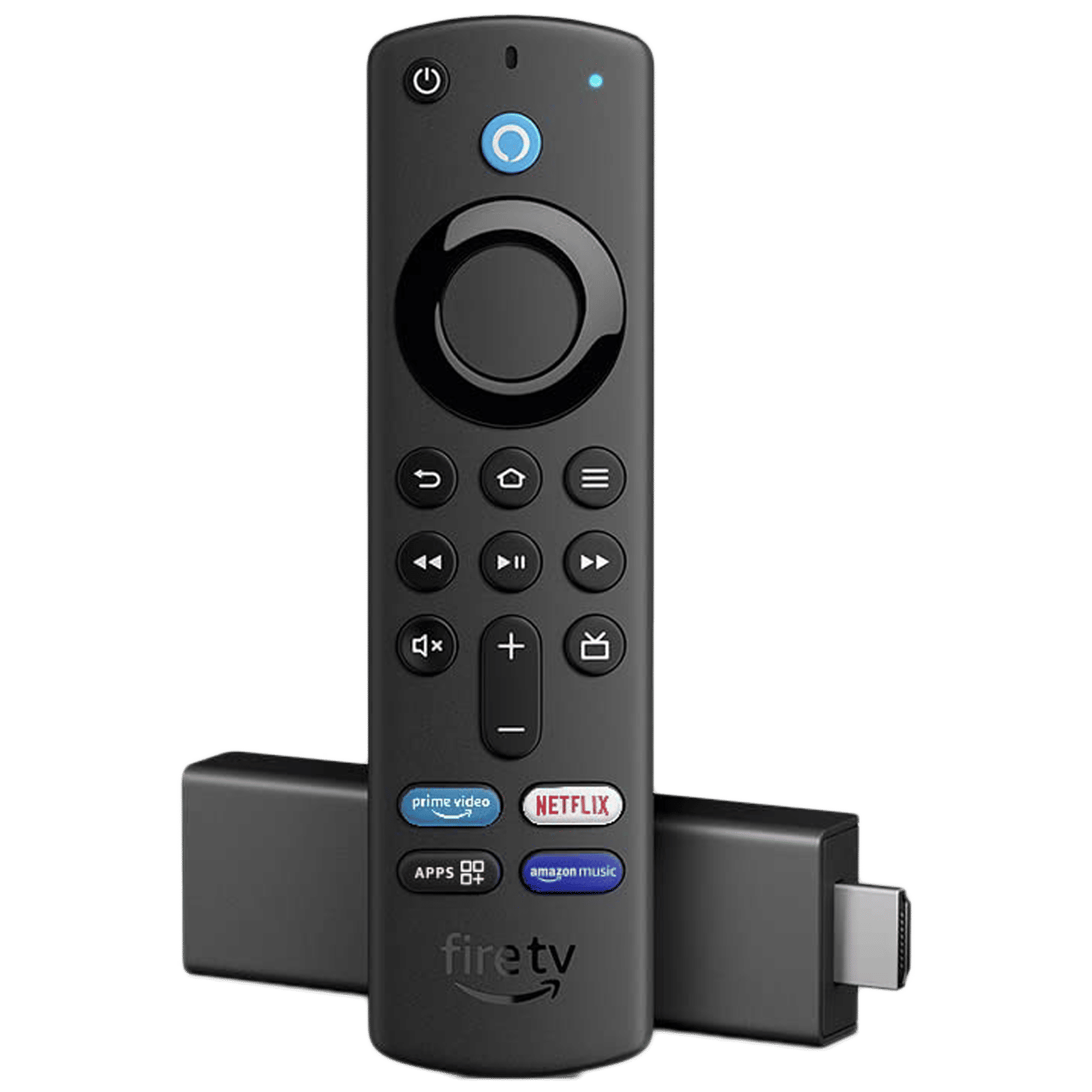
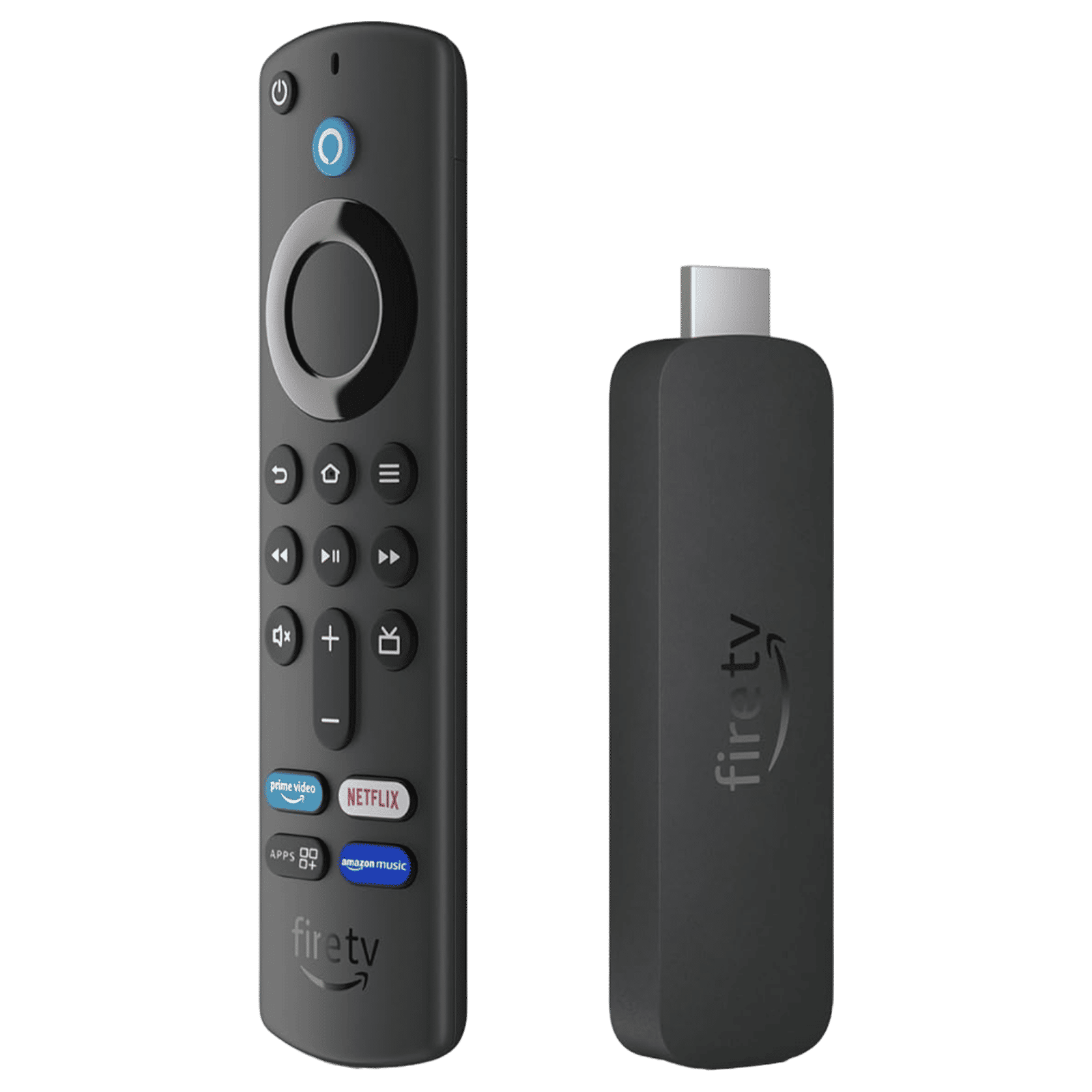
Amazon Fire Stick is a streaming device that works by plugging into your TV’s HDMI port and connects to your Wi-Fi to access streaming apps and content. It runs on Fire OS and turns any TV into a smart TV, providing access to apps like Netflix, Amazon Prime Video, JioCinema, and others.
How does Amazon Fire Stick work
The Amazon Fire Stick is easy to set up, involving only a few simple steps: connecting to power, pairing with Wi-Fi, and accessing apps using the included voice remote. Here’s how it works:
Step 1: Plug your Fire Stick into your TV’s available HDMI port
Step 2: Use the included adapter or the TV’s USB port to power the device
Step 3: Change the TV’s input to the corresponding HDMI
Step 4: Pair the remote by holding the Home button for 10 seconds
Step 5: Connect to your home’s Wi-Fi network by entering the network password
Step 6: Update Fire OS to the latest version
Step 7: Browse streaming services and download more apps from Amazon Appstore
ALSO READ: How to reset a Fire TV stick: Easy steps to fix connection issues
How does Firestick work
In addition to the above steps, the Fire Stick from Amazon also works by relying on this streaming process. It begins with the user selecting a movie or show from any app, and the device then downloads the video data continuously. Once the data is downloaded, it converts streams to a TV-compatible format and displays final content on the TV. For this functionality to work smoothly, you need a reliable internet connection.
FAQs
Q1: Can I use Fire Stick without Amazon Prime?
A: Yes, the Fire TV works with any streaming service and doesn’t require Amazon Prime, but Prime members get access to Prime Video.
Q2: Does Fire Stick slow down internet for other devices?
A: No, Fire Stick uses bandwidth only when actively streaming, but depending on video quality, it typically consumes 3 to 7GB of data per hour.
Fire Stick works by connecting to Wi-Fi networks and streaming content through the HDMI output. It requires a fast and stable internet connection, proper setup, and regular software updates for an optimal experience.

Unleash your inner geek with Croma Unboxed
Subscribe now to stay ahead with the latest articles and updates
You are almost there
Enter your details to subscribe

Happiness unboxed!
Thank you for subscribing to our blog.
Disclaimer: This post as well as the layout and design on this website are protected under Indian intellectual property laws, including the Copyright Act, 1957 and the Trade Marks Act, 1999 and is the property of Infiniti Retail Limited (Croma). Using, copying (in full or in part), adapting or altering this post or any other material from Croma’s website is expressly prohibited without prior written permission from Croma. For permission to use the content on the Croma’s website, please connect on contactunboxed@croma.com
- Related articles
- Popular articles
Karthekayan Iyer
Comments