







Our smartphones are loaded with a plethora of apps, from finance and productivity to social media. There are also entertainment app,s and some of us also play games during our leisure time. At times, this may turn out to be addictive as it’s easy to be glued and lose track of time spent in front of a screen. Our usage of our smartphones also says a lot about our digital habits.
Fortunately, Android and iPhones come with built-in tools to help users monitor their time spent on different apps. Along with revealing the app activity, the feature also provides detailed insights on a daily and weekly basis, notification tracking, phone unlocks, etc, on both devices.
The tool is also an excellent option for parents who want to keep a tab on their child’s smartphone usage, set parental controls, and limit any app activity.
ALSO READ: How to childproof your smartphone
The steps to track app usage are different on Android phones and iPhones. In this post, we walk you through the process.
How to check app usage on Android
Android phones running version 9.0 and later come with Digital Wellbeing. Here’s how to access it.
- Open the Settings app.
- Scroll down and tap on Digital Wellbeing.
- On the home page, tap on ‘ view activity details’ just below the dashboard.
- Here, you will see the total screen time for the day and a list of apps below that contribute towards it.
How to check app usage on iPhone
For those using an iPhone, Apple makes it easier to monitor app usage through Screen Time available on iOS 12.2 and later. Follow the steps below.
- Launch the Settings app.
- Scroll down and tap on Screen Time.
- You will be shown the average daily screen time.
- Select ‘all app and website activity’.
- On this page, you can see the most used apps and the time spent on each.
Apple also groups apps into specific categories, allowing you to see how much time you spend on similar apps.

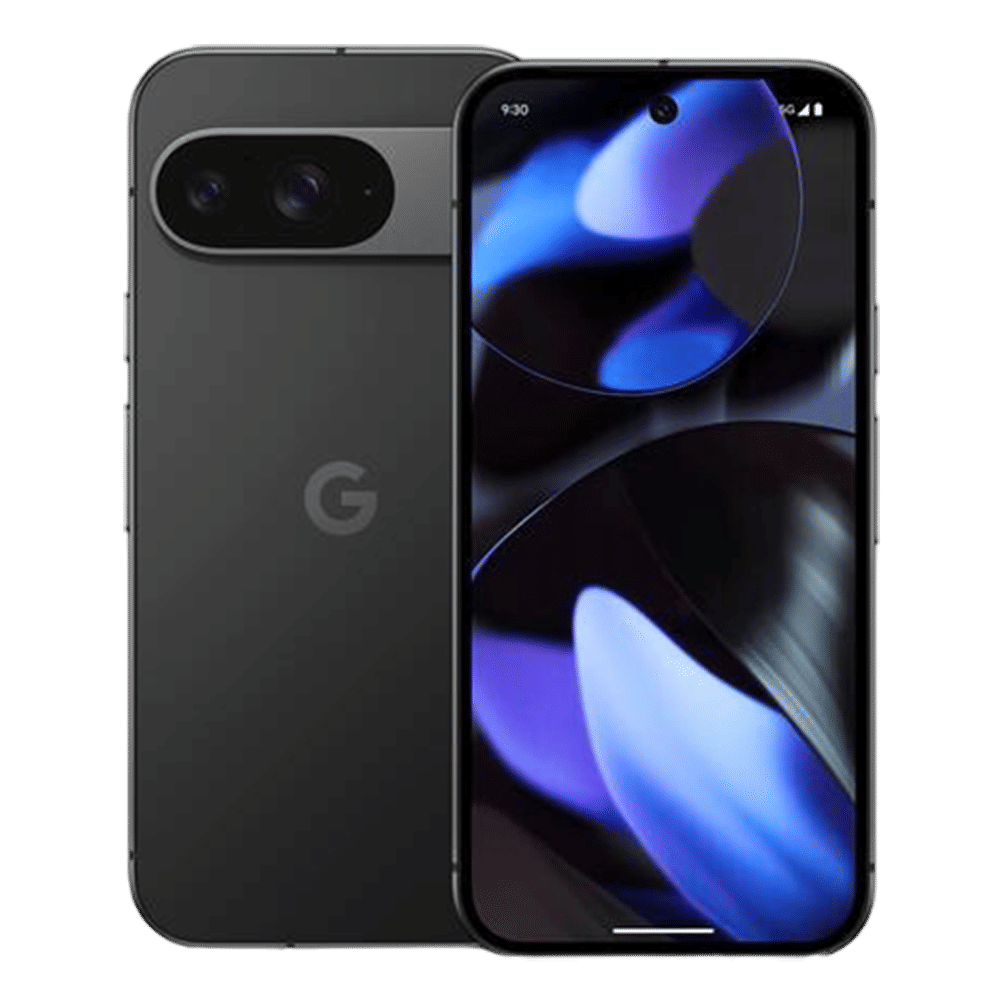
Additionally, Android phones and iPhones allow you to check how many times you’ve opened a particular app and the number of notifications received. The built-in tools on both devices help you manage screen time, boost productivity, and even improve battery life.

Unleash your inner geek with Croma Unboxed
Subscribe now to stay ahead with the latest articles and updates
You are almost there
Enter your details to subscribe

Happiness unboxed!
Thank you for subscribing to our blog.
Disclaimer: This post as well as the layout and design on this website are protected under Indian intellectual property laws, including the Copyright Act, 1957 and the Trade Marks Act, 1999 and is the property of Infiniti Retail Limited (Croma). Using, copying (in full or in part), adapting or altering this post or any other material from Croma’s website is expressly prohibited without prior written permission from Croma. For permission to use the content on the Croma’s website, please connect on contactunboxed@croma.com
- Related articles
- Popular articles
Viraj Gawde
Comments