







Meta’s standalone video editor, Edits, is rolling out a fresh batch of tools this week. If you have been trying to make the perfect Reel but getting stuck in the planning phase, these might actually help. The update focuses heavily on workflow, specifically bringing templates and storyboard features that creators have been begging for since the app launched.
Templates, sticky notes, Storyboards, and more
Let’s talk about the planning side first. The app is upgrading its sticky notes feature into a full-blown Storyboard mode. Basically, ideas can be mapped out with specific sticky notes that act as placeholders. Video clips are then attached to these notes, essentially letting you build the skeleton of a project before you even start the actual edits.

It is described by the team as a way to convert “idea stickies” into structured layouts. For those who tend to ramble when the camera starts rolling, cues are supported within this view too.
Then there are Templates. This isn’t exactly new technology in the editing world, but Edits is finally catching up. You can grab preset layouts that sync clips to the beat of popular tracks or trending audio.
If you stumble across a format you fancy, you just tap “Use template” and swap in your own footage. It creates a much faster workflow for hopping on trends. It is worth noting that a dedicated section for these is currently only available in select regions like the UK, US, and Australia, though it should expand soon.
The integration with Instagram is getting tighter as well. Publicly posted Reels can be pulled directly into your Edits timeline now. This is ideal for reaction videos or remixes, and the original creator is automatically credited by the software. That saves you the hassle of manual tagging or worrying about attribution.

On the visual front, a Secondary Colour tab has been added. This gives you way more control over text outlines and backgrounds so your captions pop a bit more.
ALSO READ: Instagram now lets you reshare stories even if you are not tagged; here’s how
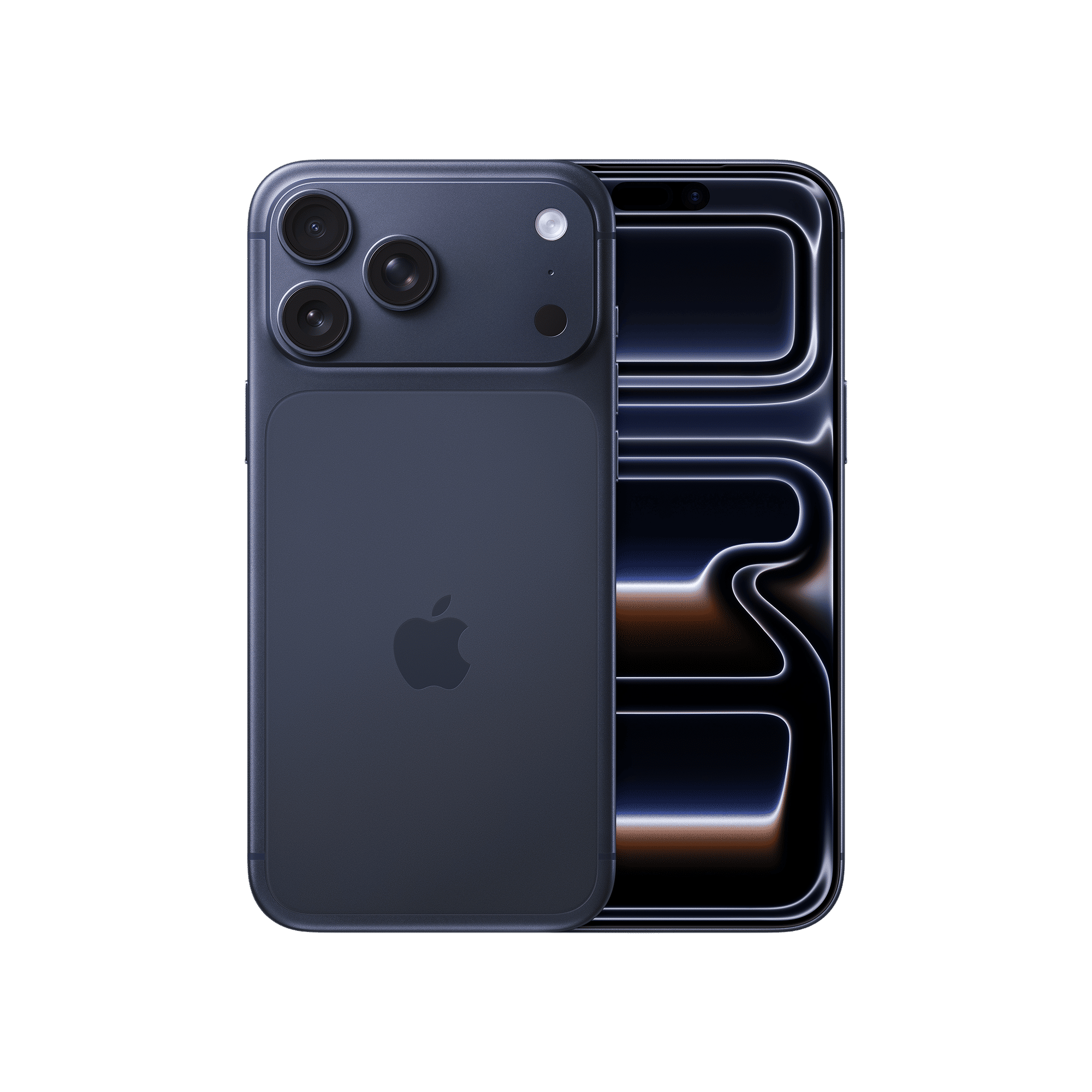
Finally, iPhone users are getting some love with lock screen widgets. Two options are available. One launches the camera instantly, while the other opens a sticky note for jotting down fleeting ideas. These are saved directly to the app for later.

Unleash your inner geek with Croma Unboxed
Subscribe now to stay ahead with the latest articles and updates
You are almost there
Enter your details to subscribe

Happiness unboxed!
Thank you for subscribing to our blog.
Disclaimer: This post as well as the layout and design on this website are protected under Indian intellectual property laws, including the Copyright Act, 1957 and the Trade Marks Act, 1999 and is the property of Infiniti Retail Limited (Croma). Using, copying (in full or in part), adapting or altering this post or any other material from Croma’s website is expressly prohibited without prior written permission from Croma. For permission to use the content on the Croma’s website, please connect on contactunboxed@croma.com
- Related articles
- Popular articles
Zohaib Ahmed
Comments