







Meta has officially pushed an update to Instagram on iOS that enables full Dolby Vision and ambient light sensing for Reels. This effectively solves that jarring visual experience where HDR videos would often look a lot brighter compared to the rest of your feed.
You have likely noticed the issue if you ever scroll through the app at night. Like, you might be watching standard clips comfortably. But then suddenly, an HDR video appears and blasts your screen with maximum brightness.
Meta has now explained that this actually happened because the app was technically supporting HDR video, but throwing away the instructions on how to display it properly.
Easier doomscrolling at night
Those missing instructions are called metadata. Specifically, Instagram was stripping out Dolby Vision and something called ‘amve’ or ambient viewing environment data during the upload process.
This data tells your iPhone exactly how to map colours and, crucially, how to adjust the picture based on the lighting in your room. Without them, your phone was just guessing. It usually guessed wrong and defaulted to raw brightness that did not match your surroundings.

Now, this fix may sound simple, but Meta explains that it required a massive backend overhaul. The company had to rebuild its video processing engine to stop discarding this data.
The engineers actually hit a major snag during their first tests last year. They found that adding this lighting data made the video files slightly larger. That tiny increase in file size caused Reels to load slower.
The lag was small, but it was enough to make bored users swipe away before the video even started. It turns out that nobody cares about better colours if the video takes an extra second to buffer.
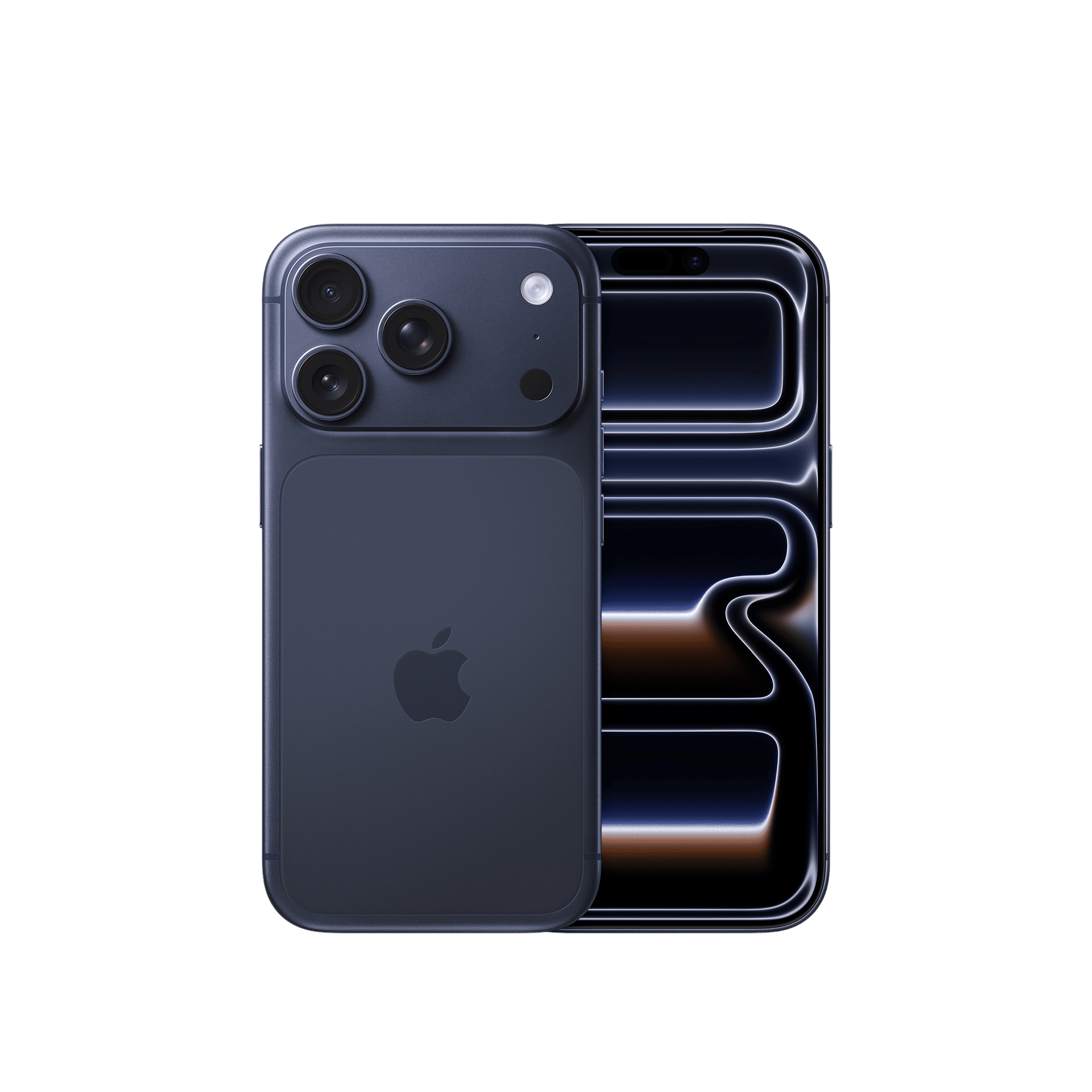
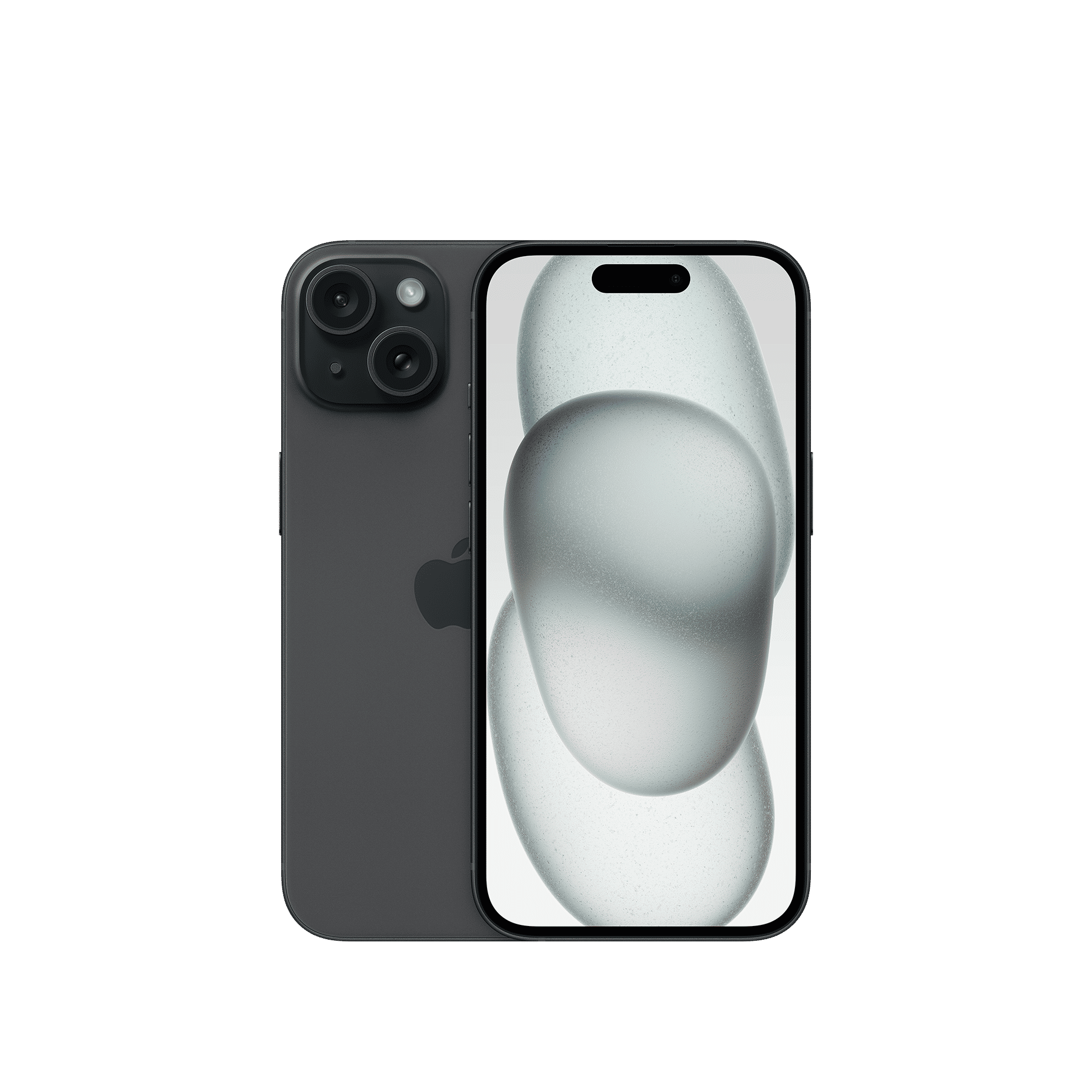
The team eventually solved this by compressing the data down to a fraction of its original size. The result is a smoother experience where high-quality videos load instantly and actually respect your environment.
ALSO READ: How to create your own AI chatbot on Instagram
So what does this mean for you, the user? In short, a video watched in a dim bedroom will now look appropriately balanced rather than blindingly bright. The colours should also look less washed out and more vibrant. This update is currently live for all iOS users. A similar update will also be rolling out to Facebook Reels in the near future.

Unleash your inner geek with Croma Unboxed
Subscribe now to stay ahead with the latest articles and updates
You are almost there
Enter your details to subscribe

Happiness unboxed!
Thank you for subscribing to our blog.
Disclaimer: This post as well as the layout and design on this website are protected under Indian intellectual property laws, including the Copyright Act, 1957 and the Trade Marks Act, 1999 and is the property of Infiniti Retail Limited (Croma). Using, copying (in full or in part), adapting or altering this post or any other material from Croma’s website is expressly prohibited without prior written permission from Croma. For permission to use the content on the Croma’s website, please connect on contactunboxed@croma.com
- Related articles
- Popular articles
Zohaib Ahmed
Comments