







Apple’s annual software refresh is picking up steam, and the iOS 26 public beta is just around the corner. After giving developers an early look at its next-gen OS last month, Cupertino is now getting ready to hand over the reins to everyday users who like to live a little on the edge. Expect the public beta to drop mid-July, a slight shift from Apple’s usual early-month rhythm. Until it drops, you can try out the developer beta, but it is advised not to do so on your primary device.
ALSO READ: How to install iOS 26 Developer Beta 2 on your iPhone right now, and what’s new
Early testers have already put the developer beta through its paces, and the verdict is quite clear. iOS 26 is full of bold ideas, but the execution has been slightly buggy so far. However, that could change with the upcoming public beta. If you’re the kind of user who prefers polish over first dibs, this upcoming public beta is your sweet spot. It should be stable enough to run daily but still offers a sneak peek at what’s next.
List of iPhones that will support iOS 26 public beta
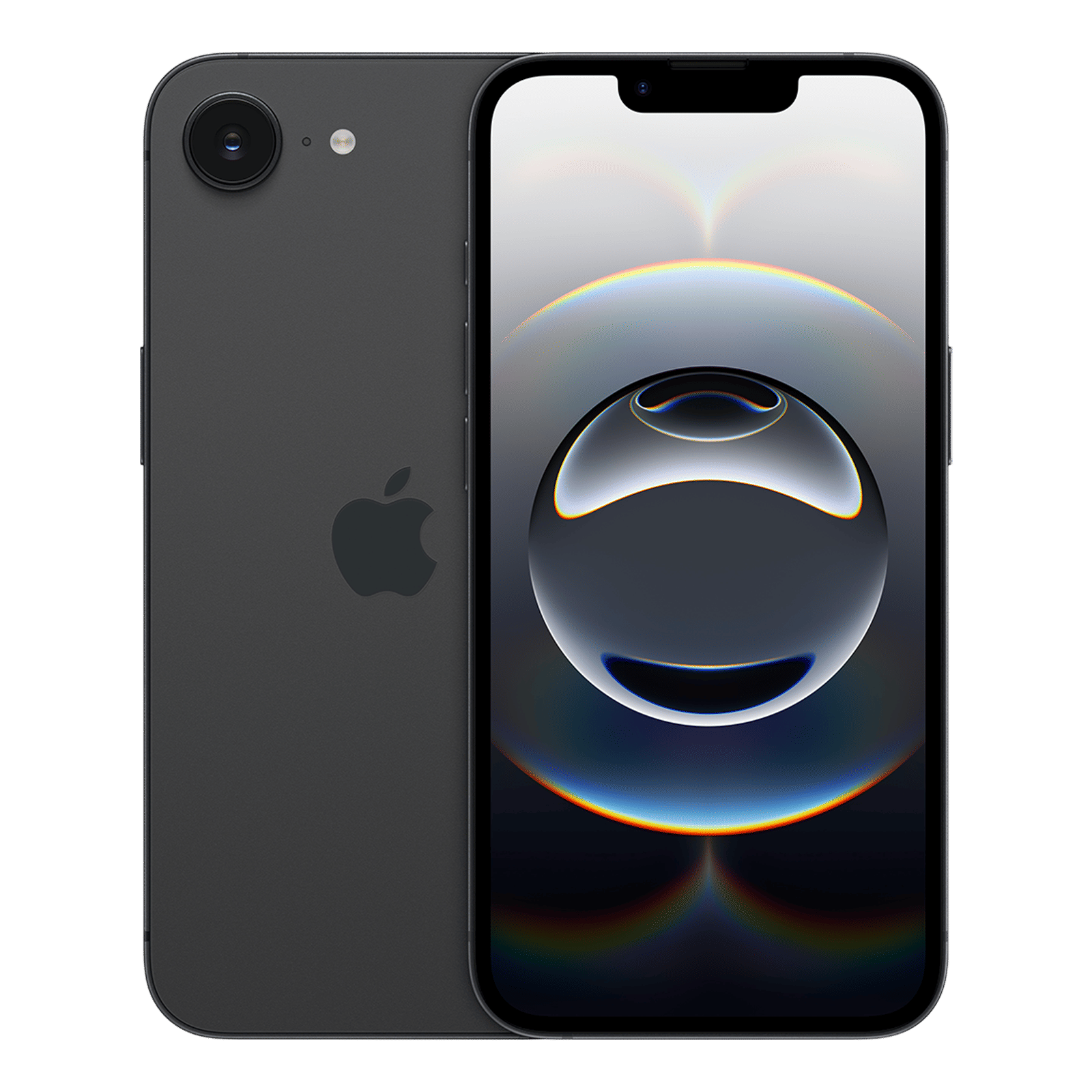
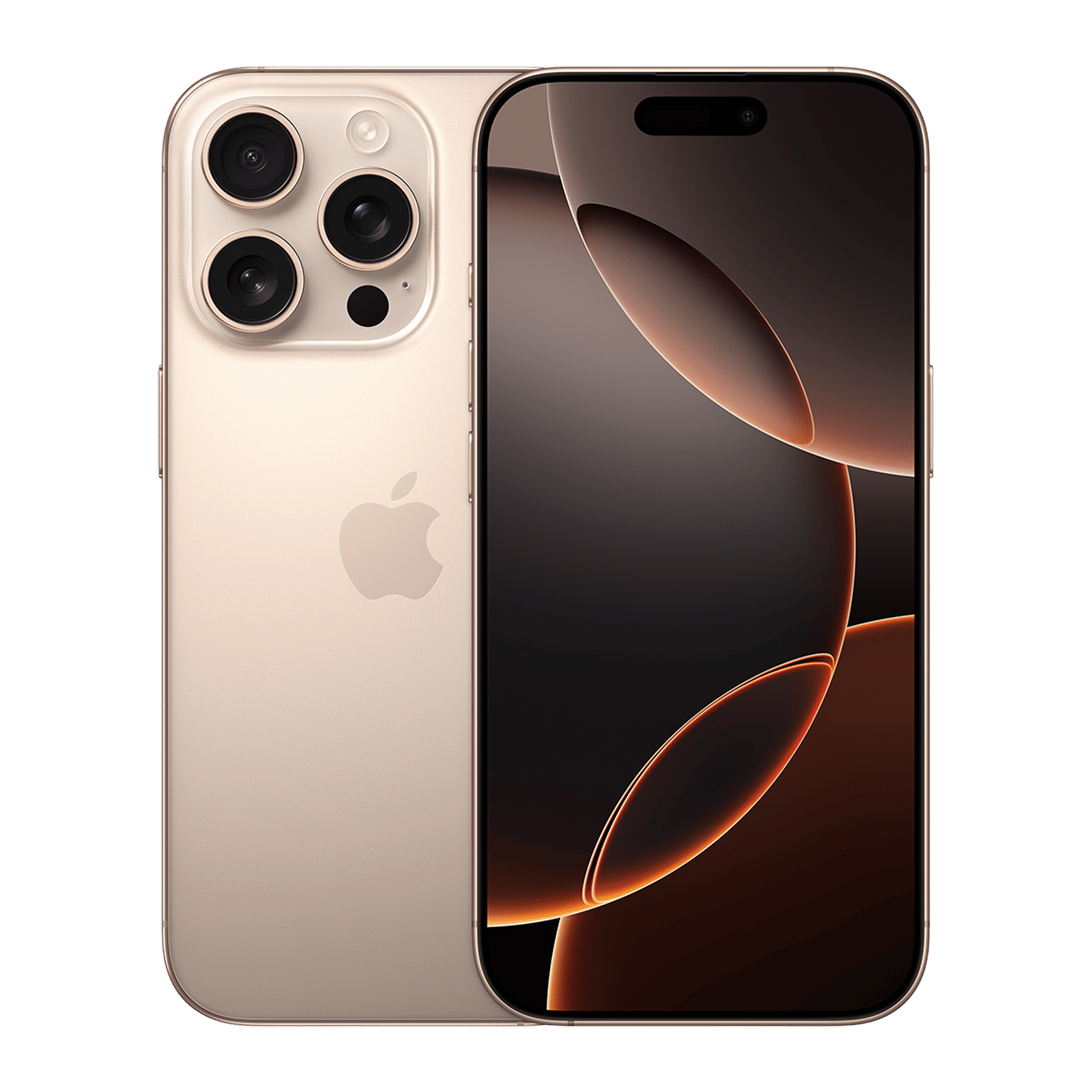
If your iPhone is from 2019 or newer, you’re in luck. Apple is drawing the line at the iPhone 11 and cutting ties with older models like the iPhone XR and XS. These devices have served well but now are officially on the software sunset list.
Supported models include:
– iPhone 11 / 11 Pro / 11 Pro Max
– iPhone 12 / 12 Mini / 12 Pro / 12 Pro Max
– iPhone 13 / 13 Mini / 13 Pro / 13 Pro Max
– iPhone 14 / 14 Plus / 14 Pro / 14 Pro Max
– iPhone 15 / 15 Plus / 15 Pro / 15 Pro Max
– iPhone 16 / 16 Plus / 16 Pro / 16 Pro Max
iOS 26 features: What’s new (and actually useful)
Let’s talk features. iOS 26 isn’t just a new number, it’s Apple’s attempt to make the iPhone feel more fluid, more aware, and a little more transparent. The public beta will bring these new features and changes.
1. Liquid Glass interface, polished
The star of the update is the Liquid Glass UI, Apple’s sleek, semi-transparent design that got mixed reviews during the developer beta. In its refined form, the Control Centre and multitasking layouts no longer feel like a visual headache. Everything now clicks with cleaner tabs, no more awkward overlaps, and a much better reading experience.
2. A new ringtone, finally
Meet Alt 1, a fresh ringtone baked into iOS 26. It’s not just another chirpy jingle. It sounds different, and frankly, a little more now. You’ll find it under Settings > Sounds & Haptics, if you want your incoming calls to feel less… default.
3. Low Power Mode transparency
For the first time, Apple is telling users exactly what happens when Low Power Mode is switched on. Background tasks are paused, processing takes a hit, display refresh rates drop, and even iCloud syncing slows down. In short, you’ll get more juice, but at a performance cost. Now, at least, you know.
4. FaceTime privacy gets smarter
A subtle but powerful change; FaceTime will now notify callers if Live Captions are active. It’s a win for privacy and inclusivity rolled into one.
ALSO READ: Top 5 iOS 26 features we can’t wait to try
iOS 26 might not be a radical reinvention of the iPhone experience, but it’s an evolution that feels considered with a massive design language overhaul. There’s clearer UX choices, more transparency in performance modes, and small-but-smart changes like new ringtones and FaceTime alerts.
All-in-all, it should shape up to be a meaningful upgrade. What do you think? Drop a comment with your thoughts and stay tuned to Unboxed by Croma.

Unleash your inner geek with Croma Unboxed
Subscribe now to stay ahead with the latest articles and updates
You are almost there
Enter your details to subscribe

Happiness unboxed!
Thank you for subscribing to our blog.
Disclaimer: This post as well as the layout and design on this website are protected under Indian intellectual property laws, including the Copyright Act, 1957 and the Trade Marks Act, 1999 and is the property of Infiniti Retail Limited (Croma). Using, copying (in full or in part), adapting or altering this post or any other material from Croma’s website is expressly prohibited without prior written permission from Croma. For permission to use the content on the Croma’s website, please connect on contactunboxed@croma.com

- Related articles
- Popular articles
Narendra Bansal
iOS 26 update
Neeraj Kumar. love. u
iOS 26 update