







The Nothing Phone (3a) and (3a) Pro are finally stepping into the Android 16 era, and it arrives wrapped in Nothing OS 4.0, a software update that promises to blends practicality with personality.
After debuting on the flagship Nothing Phone (3), this latest rollout brings fresh visual design, meaningful AI additions, smarter multitasking, camera upgrades, and deeper Glyph customisation to the more affordable siblings. The update is already rolling out to the Nothing Phone (3a) and Phone (3a) Pro, so, here’s everything you need to know.
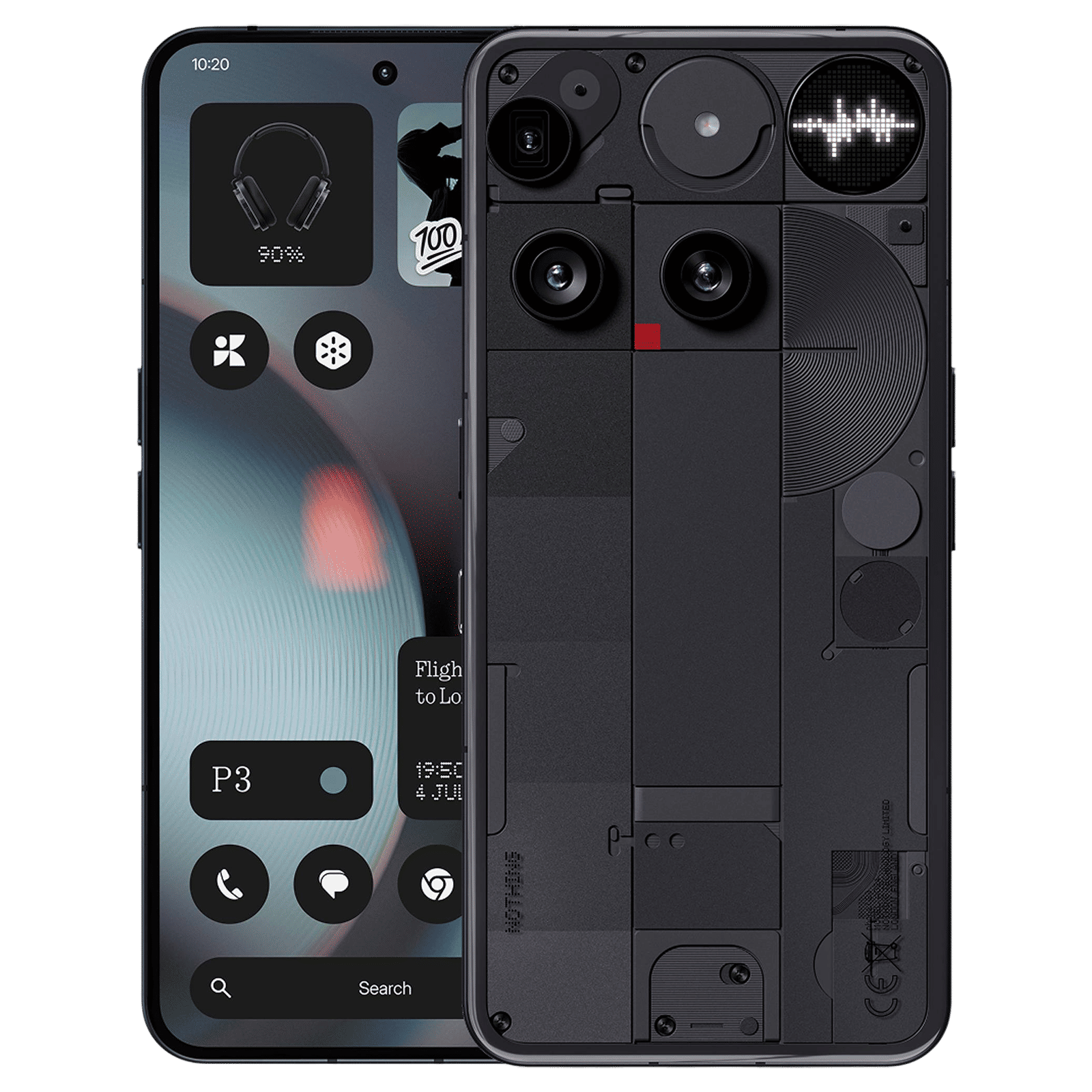
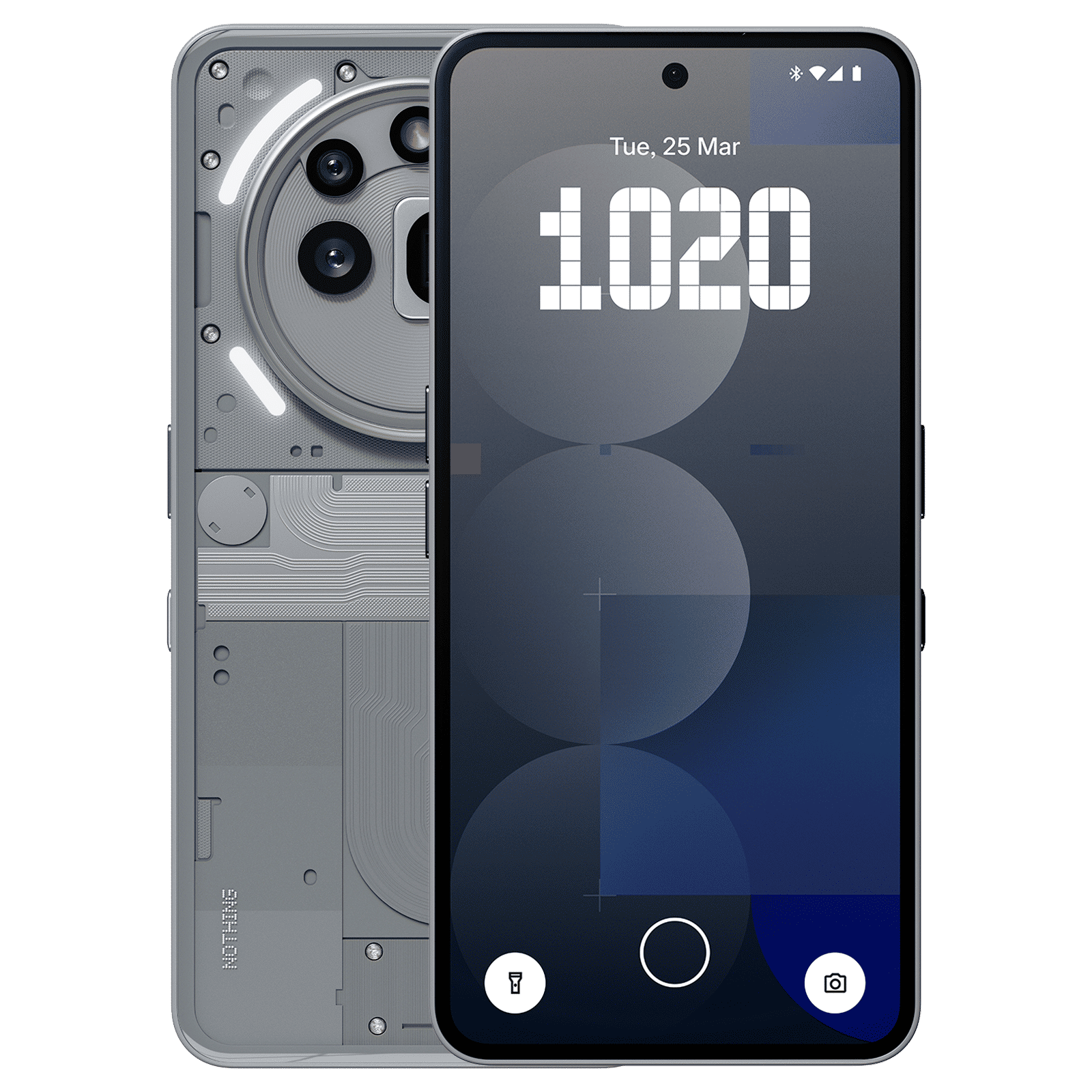
Nothing OS 4.0: Smarter tools, sleeker style
The standout addition is the AI Usage Dashboard, which keeps tabs on large-model activity within Essential Space, giving users more transparency than most Android skins dare to. Essential Space also gets a Playgrounds (Alpha) section, opening doors to community-built tools like Camera Presets, Essential Apps, and EQ profiles, a small but promising step towards a more creatively driven software ecosystem.
ALSO READ: Nothing OS 4.0 is now rolling out to Phone (3) with huge upgrades
Users can now hide apps straight from the app drawer or home screen, refine searches with new scope controls, and enjoy pop-up multitasking that supports two floating icons. Widgets get more flexible too; Weather, Screen Time and Pedometer now offer multiple size options, while Quick Settings tiles gain wider 2×2 support.
Nothing has also polished the interface with redesigned app icons, cleaner status bar elements, new lock screen clocks, and a more immersive Extra Dark Mode. Refined animations aim to make the OS feel livelier and more fluid throughout.
Nothing OS 4.0: Camera glow-up and Glyph flexibility
Photography gets a serious boost through new presets, richer filters with intensity sliders, refreshed watermarks, and even artistic frames for a touch of flair. Motion Photos now capture longer clips with sound, while the revamped UI improves interaction flow.
The Glyph Interface doesn’t sit out either. Flip to Glyph can now trigger either Silent or Vibrate mode, and Glyph Progress hooks into Android 16’s Live Update notifications, giving third-party apps better compatibility for real-time visual alerts.
For now, Nothing is limiting the update to certain Phone (3a) and (3a) Pro users, with a broader rollout planned once stability is confirmed. Those eager to jump in early should back up their data, just in case.

Unleash your inner geek with Croma Unboxed
Subscribe now to stay ahead with the latest articles and updates
You are almost there
Enter your details to subscribe

Happiness unboxed!
Thank you for subscribing to our blog.
Disclaimer: This post as well as the layout and design on this website are protected under Indian intellectual property laws, including the Copyright Act, 1957 and the Trade Marks Act, 1999 and is the property of Infiniti Retail Limited (Croma). Using, copying (in full or in part), adapting or altering this post or any other material from Croma’s website is expressly prohibited without prior written permission from Croma. For permission to use the content on the Croma’s website, please connect on contactunboxed@croma.com
- Related articles
- Popular articles
Dhriti Datta
Comments