







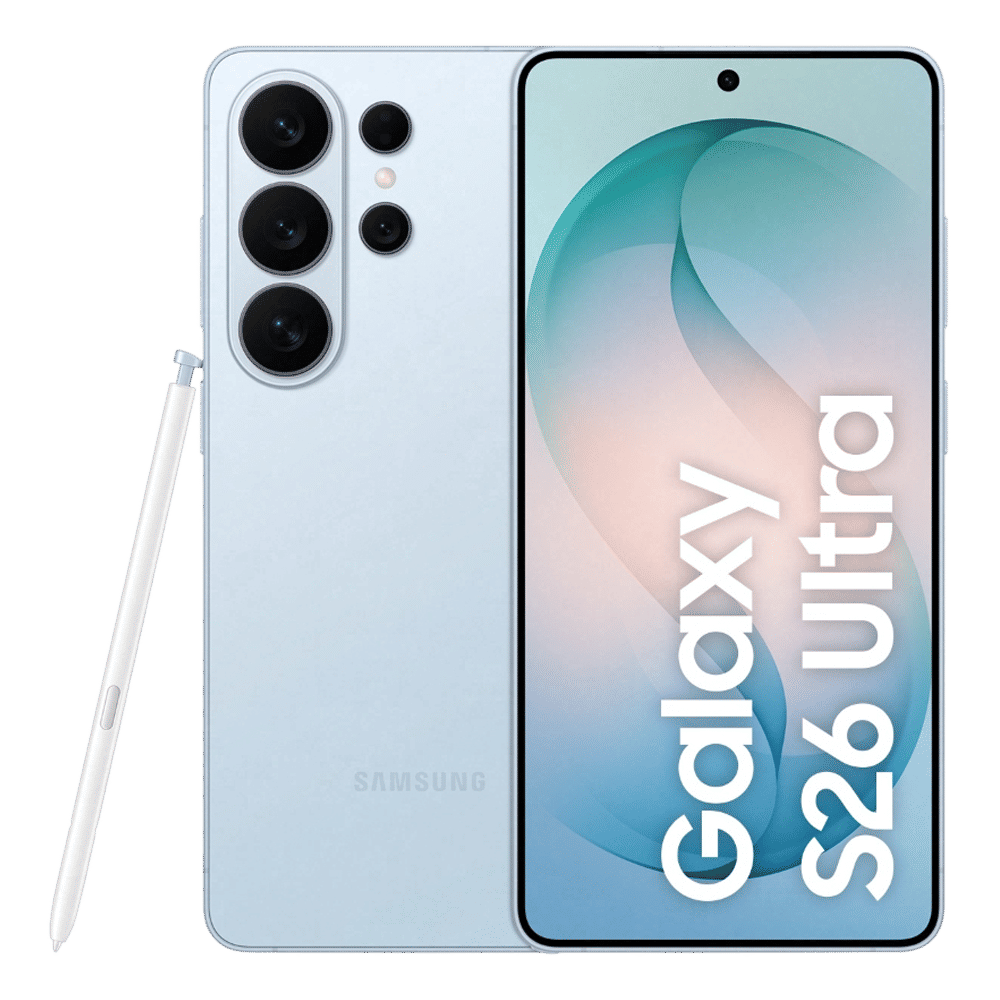
A couple of weeks ago, Samsung unveiled the Galaxy S26 series of smartphones across the world, including India. Among the S26 trio, the S26 Ultra is advertised as a device well-suited for creators. Now, in a bid to offer a more refined experience, the South Korean giant has worked with Qualcomm to bring support for Advanced Professional Video (APV) codec to S26 Ultra users.
What does APV codec support offer?
The Galaxy S26 Ultra is Samsung’s first smartphone to offer APV support. It is designed to deliver high-quality video while optimising storage usage. Unlike traditional codecs such as HEVC, which often lose fine details during compression, APV retains subtle elements like textures, motion, and water droplets, ensuring clearer and more natural-looking footage.
APV is built to support professional-level editing by maintaining visual quality even after multiple edits or re-encoding. It supports up to 8K at 30fps and manages to use around 10 percent less storage compared to similar formats, making it a practical option for users who want both efficiency and cinematic-grade results.
How to enable APV on Galaxy S26 Ultra
Here are the steps to enable APV on the S26 Ultra:
Step 1: Open the Camera app, go to Settings, then head to Video Format and select APV.
Step 2: Choose your preferred recording mode, either APV HDR or APV Log.
Step 3: Select the compression option based on your needs, APV 422 HQ for better quality or APV 422 LQ for saving storage.
Step 4: Enable or disable the selected APV mode directly from the camera preview screen.
Step 5: If needed, you can also set videos to save directly to external USB storage through the Camera settings.
Currently, APV codec support is limited to the S26 Ultra. It remains to be seen whether the feature will be trickled down to other S26 models and previous-generation Samsung Ultra phones.
ALSO READ: Samsung Galaxy Z Fold 8 could finally get faster charging
Let us know your experience with APV codec on your S26 Ultra by commenting below.

Unleash your inner geek with Croma Unboxed
Subscribe now to stay ahead with the latest articles and updates
You are almost there
Enter your details to subscribe

Happiness unboxed!
Thank you for subscribing to our blog.
Disclaimer: This post as well as the layout and design on this website are protected under Indian intellectual property laws, including the Copyright Act, 1957 and the Trade Marks Act, 1999 and is the property of Infiniti Retail Limited (Croma). Using, copying (in full or in part), adapting or altering this post or any other material from Croma’s website is expressly prohibited without prior written permission from Croma. For permission to use the content on the Croma’s website, please connect on contactunboxed@croma.com
- Related articles
- Popular articles
Anvinraj Valiyathara
Comments