







Google’s March Pixel Drop update introduced a new Transit Mode. It is a smart commuting tool designed to make daily travel less distracting and more personalised. The feature also displays real-time At a Glance updates about your transit directly on the home screen and lockscreen. Transit Mode is now rolling out to more Pixel users globally.
Transit Mode now rolling out to all Pixel users
The Transit Mode is built within the broader Modes system on Pixel devices, sitting alongside the existing options like Do Not Disturb and Driving Mode. The addition is for those commuting via public transport modes like trains, buses, and metros. The feature adjusts your phone’s behaviour based on your travelling habits.
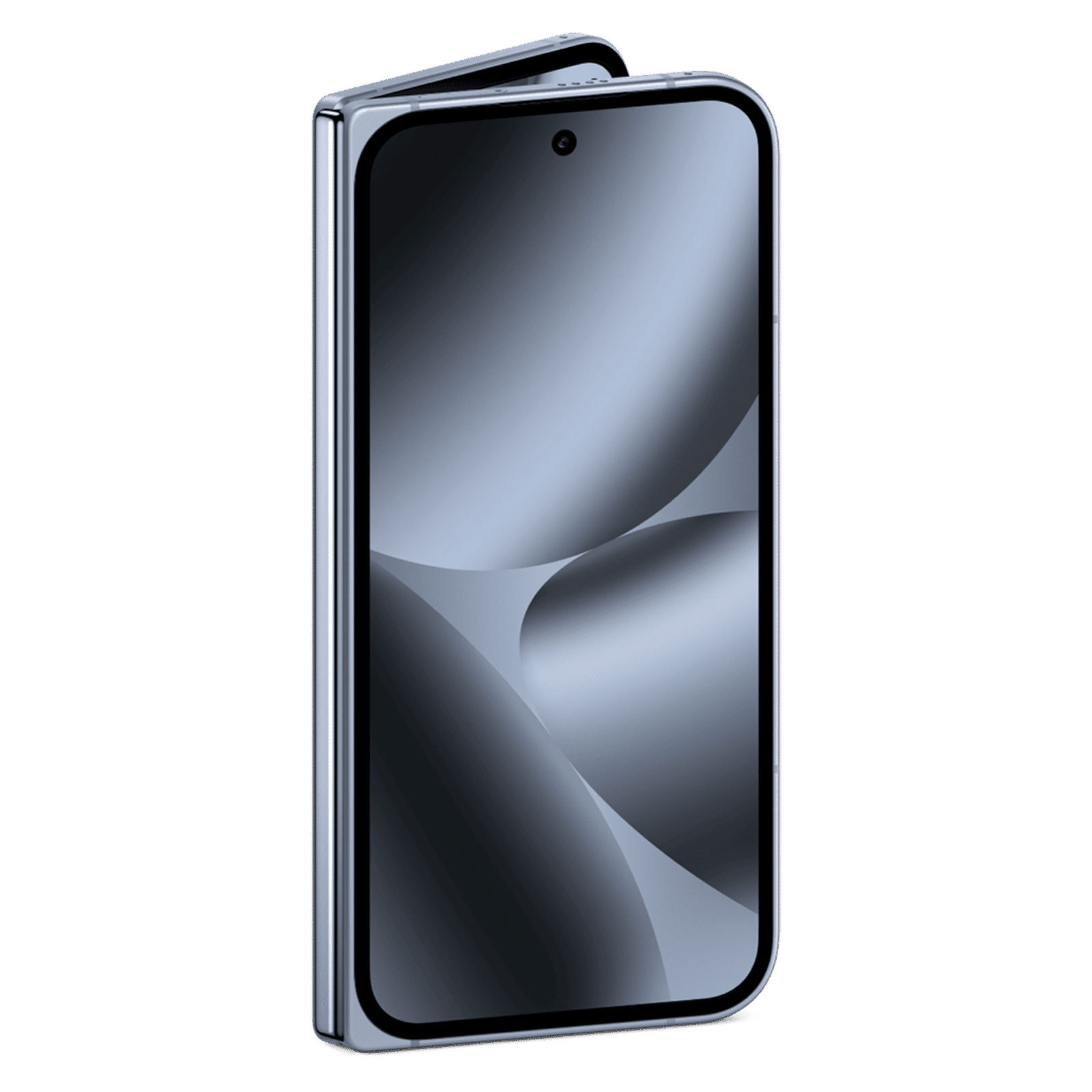

Transit Mode can switch sound profiles between silent, vibrate, and sound on. This can avoid loud ringtones in a packed public place. It can adjust volume, automatically turn on Bluetooth, limit notifications, silence interruptions like alarms. Users can choose which apps or contacts are allowed to interrupt them ensuring fewer distractions during crowded journeys. With Transit Mode, users don’t have to fiddle with settings every time you travel.
The new feature also delivers real-time updates to Google’s At a Glance widget. Users can get information such as delays, route changes, travel time estimates on the home and lock screen. To make this work well, users need to set their home and work locations, grant background location permissions, and allow access to Google Timeline. Once this is set up, Pixel will start building a commute profile and then start showing real-time updates after a few weeks.
Transit Mode can be accessed by heading to Settings app or through the Modes tile in the Quick Settings dropdown on Pixel phones. All users need to do on their Pixel smartphones is download and install the March Pixel Drop update.
ALSO READ: Google’s screenless fitness tracker spotted in a teaser video
Stay tuned to Unboxed by Croma for more tech updates.

Unleash your inner geek with Croma Unboxed
Subscribe now to stay ahead with the latest articles and updates
You are almost there
Enter your details to subscribe

Happiness unboxed!
Thank you for subscribing to our blog.
Disclaimer: This post as well as the layout and design on this website are protected under Indian intellectual property laws, including the Copyright Act, 1957 and the Trade Marks Act, 1999 and is the property of Infiniti Retail Limited (Croma). Using, copying (in full or in part), adapting or altering this post or any other material from Croma’s website is expressly prohibited without prior written permission from Croma. For permission to use the content on the Croma’s website, please connect on contactunboxed@croma.com
- Related articles
- Popular articles
Viraj Gawde
Comments