







Mobile devices don’t have a traditional recycle bin like computers, but they do offer a space to store temporarily deleted items. On most smartphones, you will find a folder called “Recently Deleted” for apps like Photos and Files, which serve as a recycle bin. While Android and iPhone handle deleted files differently, some apps automatically move deleted items to a temporary folder for 30 days before permanently deleting them.
Where is recycle bin in mobile
The location of the recycle bin or the temporary storage for deleted items varies based on the operating system and the specific app. Whether you are looking for deleted photos or files, here’s how to access them.
iPhone Photos App
Step 1: Open Photos and navigate to Albums.
Step 2: Tap Recently Deleted, where items are stored for 30 days before permanent deletion.
Step 3: Tap “Select” and then “Recover” to restore photos.
Google Photos (Android/iPhone)
Step 1: Open Google Photos and tap on Collections
Step 2: Scroll down to Recently Deleted
(60-day storage period for deleted items before permanent deletion)
Step 3: Tap the photo and select the “Restore” option
ALSO READ: How to free up storage space on an iPhone
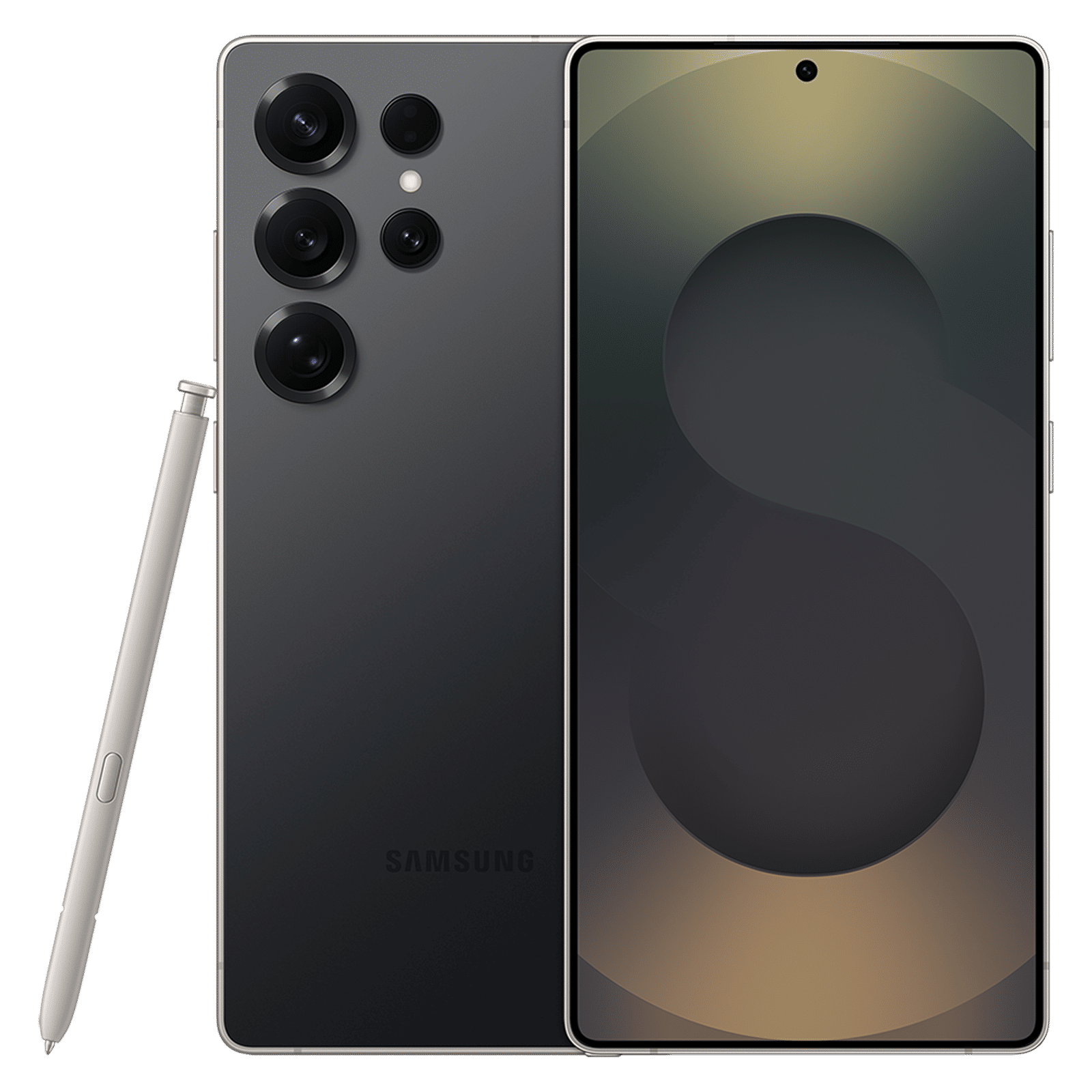
On some devices, you will also find the recycle bin in the file manager. Samsung device owners can find it in My Files > Recycle Bin, while OnePlus users can find it in File Manager > Trash.

FAQs
Q1: Can I recover permanently deleted files on mobile?
A: No, but most files are permanently deleted only after a 30-60 day recovery window.
Q2: Does the iPhone offer a recycle bin?
A: No, but the iPhone has a “Recently Deleted” folder for individual apps like Photos, Mail, and Notes.
Recycle bins in mobiles aren’t universal, and they exist only within specific apps like Photos or File Manager. They are often labelled as “Recently Deleted” or “Trash” and offer a 30-60 day recovery window.

Unleash your inner geek with Croma Unboxed
Subscribe now to stay ahead with the latest articles and updates
You are almost there
Enter your details to subscribe

Happiness unboxed!
Thank you for subscribing to our blog.
Disclaimer: This post as well as the layout and design on this website are protected under Indian intellectual property laws, including the Copyright Act, 1957 and the Trade Marks Act, 1999 and is the property of Infiniti Retail Limited (Croma). Using, copying (in full or in part), adapting or altering this post or any other material from Croma’s website is expressly prohibited without prior written permission from Croma. For permission to use the content on the Croma’s website, please connect on contactunboxed@croma.com
- Related articles
- Popular articles
Karthekayan Iyer
Comments