







The number of processor cores your laptop has a direct impact on its ability to multitask and handle multi-threaded workloads like video editing, 3D rendering, and coding. One thing to keep in mind is the difference between ‘cores’ and ‘logical processors’.
Cores tends to refer to physical cores, the actual hardware that does the processing. Logical processors refers to how software like your operating system sees each of these physical cores.
ALSO READ: Gaming laptop vs normal laptop: What’s the difference?
Cores often support a feature called simultaneous multi-threading (SMT) or hyper-threading (HT) which allows the operating system (Windows, Linux, etc.) to see each physical core as two logical processors.
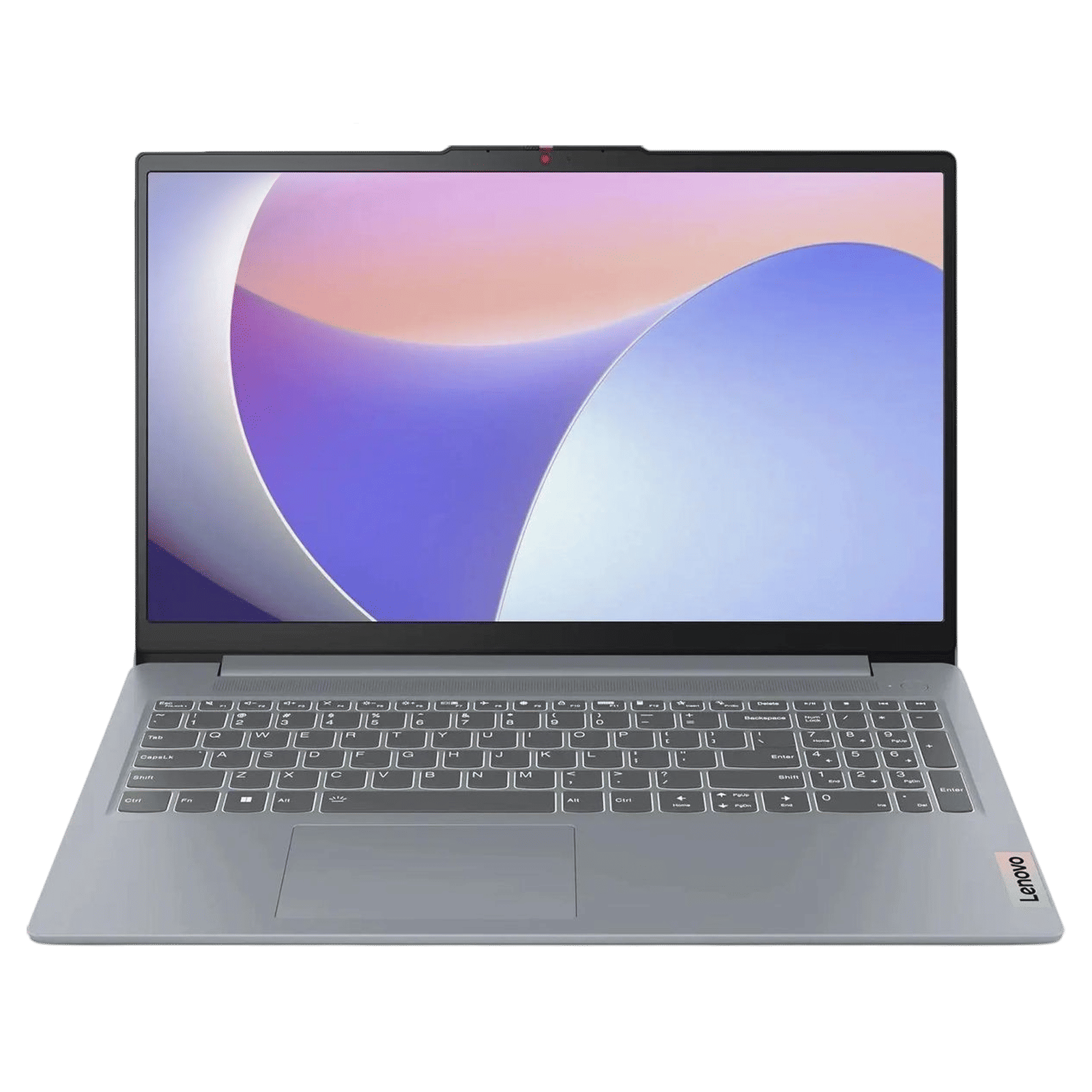
Lenovo IdeaPad Slim 3 15IAH8 Intel Core i5 12th Gen Thin & Light Laptop (16GB, 512GB SSD, Windows 11 Home, 15.6 inch Full HD IPS Display, MS Office 2024, Arctic Grey, 1.62 KG)
Buy now
SMT and HT are good features to have as they further boost the performance of your computer by using the physical cores more efficiently.
Here's how to check CPU cores on Windows
Step 1: Right-click on the taskbar and select ‘Task Manager’.
Step 2: Now open the ‘Performance’ tab and select CPU.
Step 3: Here you’ll see the name of your laptop’s processor, and at the bottom a table indicating the number of cores and logical processors in your laptop.
System performance isn’t determined just by the number of cores you have. The quantity and speed of your RAM, whether you’re using an SSD or not, and the tech in your CPU itself determine overall system performance.

Unleash your inner geek with Croma Unboxed
Subscribe now to stay ahead with the latest articles and updates
You are almost there
Enter your details to subscribe

Happiness unboxed!
Thank you for subscribing to our blog.
Disclaimer: This post as well as the layout and design on this website are protected under Indian intellectual property laws, including the Copyright Act, 1957 and the Trade Marks Act, 1999 and is the property of Infiniti Retail Limited (Croma). Using, copying (in full or in part), adapting or altering this post or any other material from Croma’s website is expressly prohibited without prior written permission from Croma. For permission to use the content on the Croma’s website, please connect on contactunboxed@croma.com
- Related articles
- Popular articles
Anirudh Regidi
Comments