







Team Cherry’s Hollow Knight: Silksong is out, and the unassuming indie game has been shattering records on PC as well as on consoles. It’s a metroidvania title packed with a whole lot of fights and adventure. The game’s set in Pharloom, and you play as Hornet, a mysterious princess-protector of Hallownest’s ruins.
Intrigued? Here’s how you can download the action-adventure title on your laptop and console.
How to download Hollow Knight: Silksong on laptop
Step 1: Open Steam on your laptop or desktop. If you don’t have it, go ahead and install the app from your browser.
Step 2: Once you are inside Steam, you should see the game’s widget on the homepage in the app. If not, you can simply search for the game, and you should find it.
Step 3: Now, you’ll have to purchase the game. In India, the game costs Rs 880. You can also get the bundle, which costs Rs 1,160 and comes with the official soundtrack.
ALSO READ: How to download God of War Ragnarok on PC
Step 4: Once you continue with the purchase and have the game in your library, just hit install, and it should be on your system once the installation is completed.
How to download Hollow Knight: Silksong on console
On the console side, you can get it on the PS4/PS5 and Xbox One. Follow the steps below to purchase and install it on your console.
Step 1: Open the PlayStation store on your PS4/PS5 console or the Xbox store on the Xbox One.
Step 2: Look for the game’s widget or simply search for it.
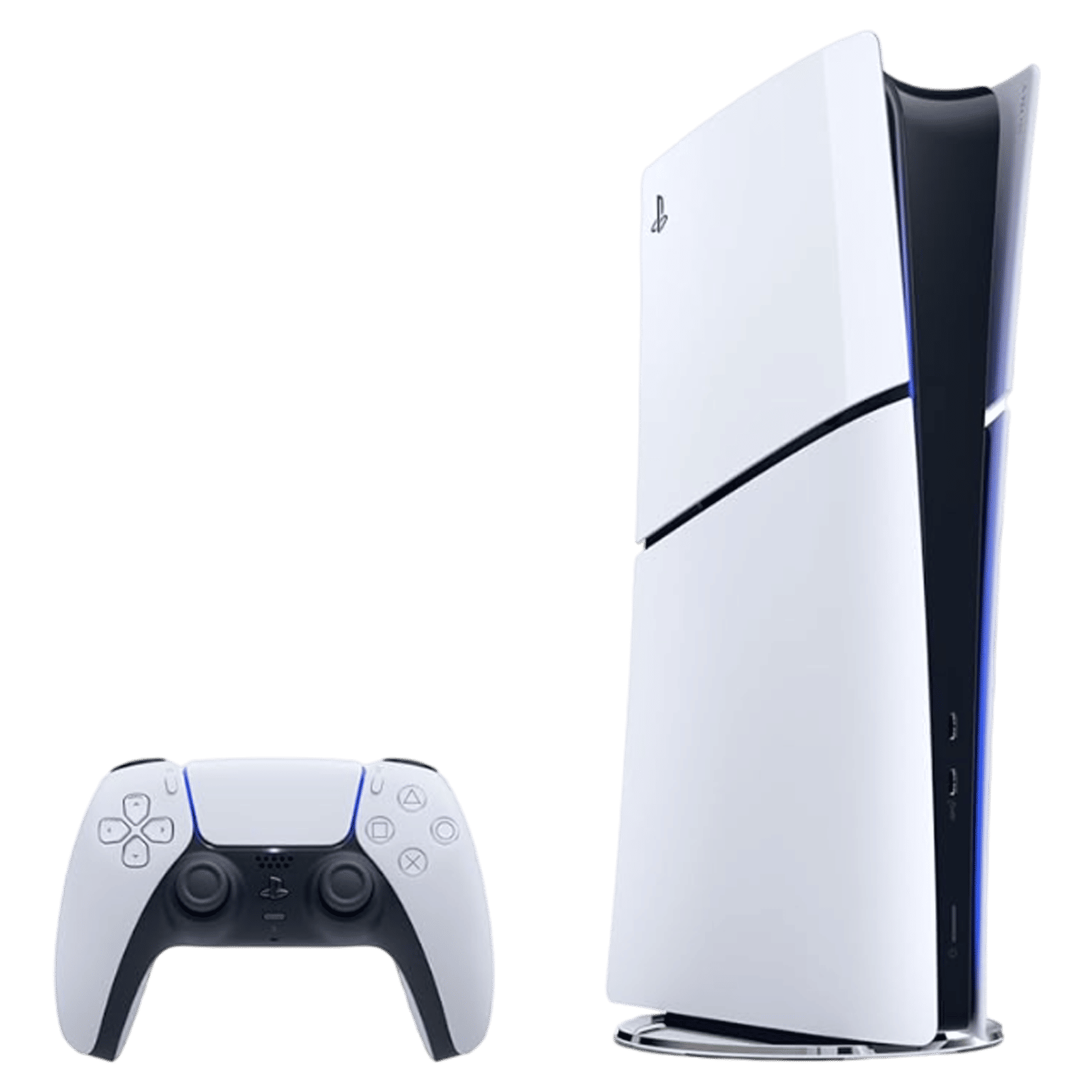

Step 3: Once you find it, just purchase and install it on your console. On the PlayStation Store, it costs Rs 1,164.
After the installation is complete, you can begin playing. And for more such game tutorials, stay tuned to Unboxed by Croma.

Unleash your inner geek with Croma Unboxed
Subscribe now to stay ahead with the latest articles and updates
You are almost there
Enter your details to subscribe

Happiness unboxed!
Thank you for subscribing to our blog.
Disclaimer: This post as well as the layout and design on this website are protected under Indian intellectual property laws, including the Copyright Act, 1957 and the Trade Marks Act, 1999 and is the property of Infiniti Retail Limited (Croma). Using, copying (in full or in part), adapting or altering this post or any other material from Croma’s website is expressly prohibited without prior written permission from Croma. For permission to use the content on the Croma’s website, please connect on contactunboxed@croma.com
- Related articles
- Popular articles
Pranav Sawant
Comments