







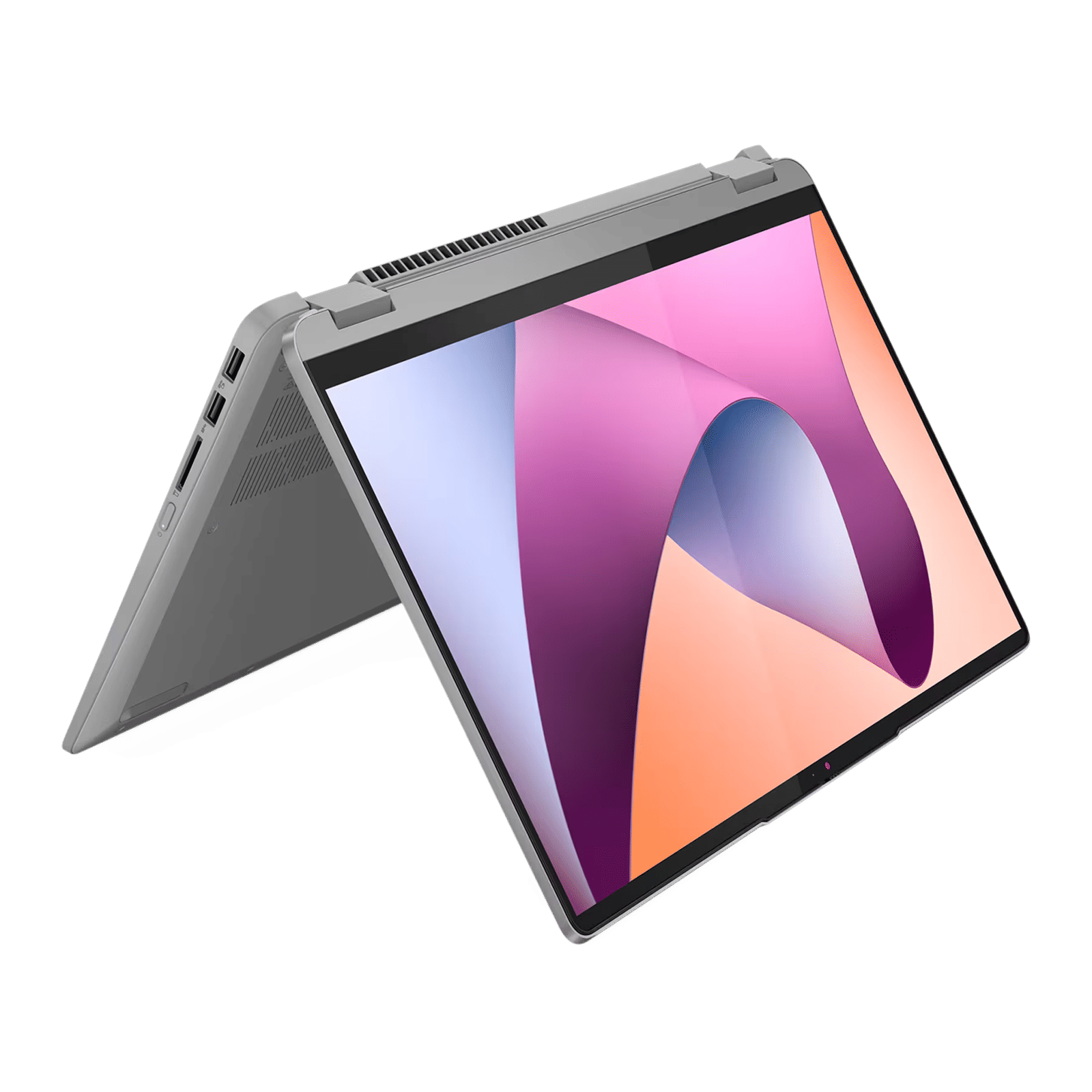
When a keyboard doesn’t have a scroll key, it’s usually because you’re looking at a laptop keyboard that aims to minimise the size by cutting out or merging keys that are rarely used. Many 75 per cent keyboards also omit the key, as Scroll Lock isn’t an oft-used key. Scroll Lock as a function is essentially phased out today anyway as we only ever see it used by a niche crowd in Excel, FLStudio, and a handful of professional scenarios.
ALSO READ: Types of computer keyboards: A complete guide
Here are some ways to enable scroll lock on your laptop:
Enabling scroll lock on laptop keyboards
Most laptop makers include some sort of shortcut to enable and disable scroll lock while not including a separate key. This includes Fn + S, C, or K in the case of Dell, HP, and Lenovo laptops, and Fn + Insert in ASUS. Some also use scroll lock in combination with the function keys.
On a MacBook, you can use Fn + F14, Fn + F12, or Fn + Shift + F12 depending on the model of device you have. The Fn key and Globe key are the same.

Using the on-screen keyboard
If these don’t work, you can also use the on-screen keyboard on Windows to toggle scroll lock. Activate the keyboard by either opening the Run command (Win + R) and typing osk, or by toggling the keyboard from the system tray or taskbar on devices that have detachable keyboards.
It’s nice to see that even those few holdouts who swear by the Scroll Lock function have an option to use the key even if it’s not in widespread use. When in doubt, look up the manufacturer’s website for your specific laptop or keyboard model to confirm that Scroll Lock is supported, and what the shortcut for it is.

Unleash your inner geek with Croma Unboxed
Subscribe now to stay ahead with the latest articles and updates
You are almost there
Enter your details to subscribe

Happiness unboxed!
Thank you for subscribing to our blog.
Disclaimer: This post as well as the layout and design on this website are protected under Indian intellectual property laws, including the Copyright Act, 1957 and the Trade Marks Act, 1999 and is the property of Infiniti Retail Limited (Croma). Using, copying (in full or in part), adapting or altering this post or any other material from Croma’s website is expressly prohibited without prior written permission from Croma. For permission to use the content on the Croma’s website, please connect on contactunboxed@croma.com
- Related articles
- Popular articles
Anirudh Regidi
Comments