







Given that TV sizes are actually a measure of the diagonal of the display area, i.e. from one corner to a diagonally opposite corner, the information isn’t directly useful when sizing up an installation point or table for said TV.
While you do have the option of simply measuring the TV directly with a tape measure or similar measuring device, one may not always be at hand. Here are some tips to help you measure your TV, or plan for one, in any situation.
The nerdy way
If you need an approximate measure of your TV’s dimensions, you can simply calculate the length and breadth of the TV from it’s diagonal measurement.
Say you have a 43″ TV. In this case, the diagonal is 43 inches. In addition, all modern TVs have an aspect ratio of 16:9, which is the ratio of the length to the breadth of the TV.
With this information, we can set the length as 16x and the breadth as 9x, where x is a variable that we need to calculate.
Since we have length, breadth, and a diagonal, and the three segments form a right-angle triangle, one can apply the Pythagoras theorem.
ALSO READ: What are the most common laptop screen issues? How to fix them
Knowing this, we can calculate the length and breadth. The formula would look something like this:
(16x)^2 + (9x)^2 = 43^2
Solve for x and you get the result as x = 2.3 Your length is then 16x = 16×2.3 = 36.8 inches, and the breadth is 9x = 9×2.3 = 20.7 inches.
This is of course an approximation and doesn’t include bezels. Add another inch or two to either side to be safe.
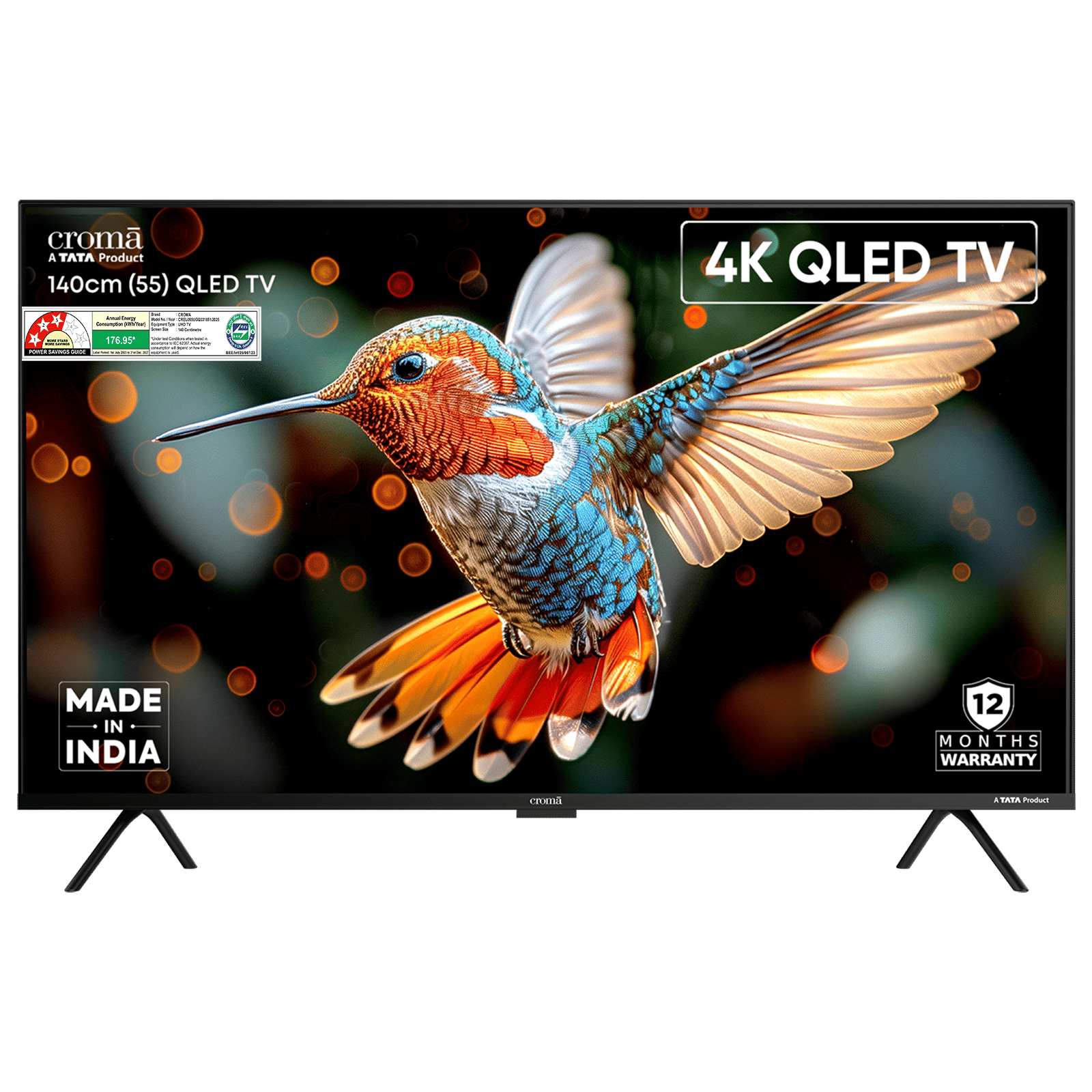

Just ask ChatGPT
If you can’t be bothered to math, just ask ChatGPT (or other LLM of choice). “What is the length and breadth of a 43 inch TV” will suffice as a prompt.
Of course, having a tape measure is the best way to go about getting an accurate measure as you can simply get the precise numbers you’re looking for. Also, if you’re simply looking for a measure of the base, you could just check the TV’s store page or manufacturer page.

Unleash your inner geek with Croma Unboxed
Subscribe now to stay ahead with the latest articles and updates
You are almost there
Enter your details to subscribe

Happiness unboxed!
Thank you for subscribing to our blog.
Disclaimer: This post as well as the layout and design on this website are protected under Indian intellectual property laws, including the Copyright Act, 1957 and the Trade Marks Act, 1999 and is the property of Infiniti Retail Limited (Croma). Using, copying (in full or in part), adapting or altering this post or any other material from Croma’s website is expressly prohibited without prior written permission from Croma. For permission to use the content on the Croma’s website, please connect on contactunboxed@croma.com
- Related articles
- Popular articles
Anirudh Regidi
Comments