







Instagram scrolling is no longer confined to your phone. Meta is quietly testing an Instagram for TV app that brings Reels to the big screen, turning short-form video into something closer to channel surfing. It lands just months after Instagram finally showed up on iPad, and it signals Meta’s growing interest in making its platforms feel at home beyond handheld screens.
ALSO READ: Instagram finally lands on iPad, 15 years of its launch
For now, the experience is very much a work in progress. The app is limited to Fire TV devices and is rolling out only in select regions, with the US first in line. And rather than a full Instagram clone, this version focuses almost entirely on Reels.
What's the Instagram experience like on TVs?
Instagram for TV is designed around passive discovery. Reels are grouped into interest-based channels such as sports, music, and entertainment, shaped by your existing Instagram preferences. Videos remain in their original vertical format, even on widescreen televisions, which feels slightly odd at first but makes sense given how Reels are shot and edited.
You can sign in with up to five Instagram accounts, browse creators, view profiles, and even dip into reactions and comments. Meta says more features are coming later, including phone-as-remote controls, easier sharing with friends, and improved ways to explore content from creators you already follow.
Content is currently capped at PG-13, and teen accounts carry over the same safety and usage limits found on the mobile app.
How to watch Instagram Reels on your TV
If you have a compatible Fire TV device and access to the test app, getting started takes just a few minutes. Here’s how you can doomscroll through Reels on your TV:
Step 1: On your Fire TV home screen, select Find
Step 2: Search for Instagram
Step 3: Select the Instagram app and choose Get
Step 4: Open the app and sign in to your Instagram account
You can also link your account from the Instagram mobile app via Settings and Activity, which speeds things up. Once logged in, you can start browsing Reels straight away.
Supported devices currently include Fire TV Stick HD, Fire TV Stick 4K Plus, Fire TV Stick 4K Max (first and second generation), Fire TV 2-Series, Fire TV 4-Series, and the Fire TV Omni QLED range.
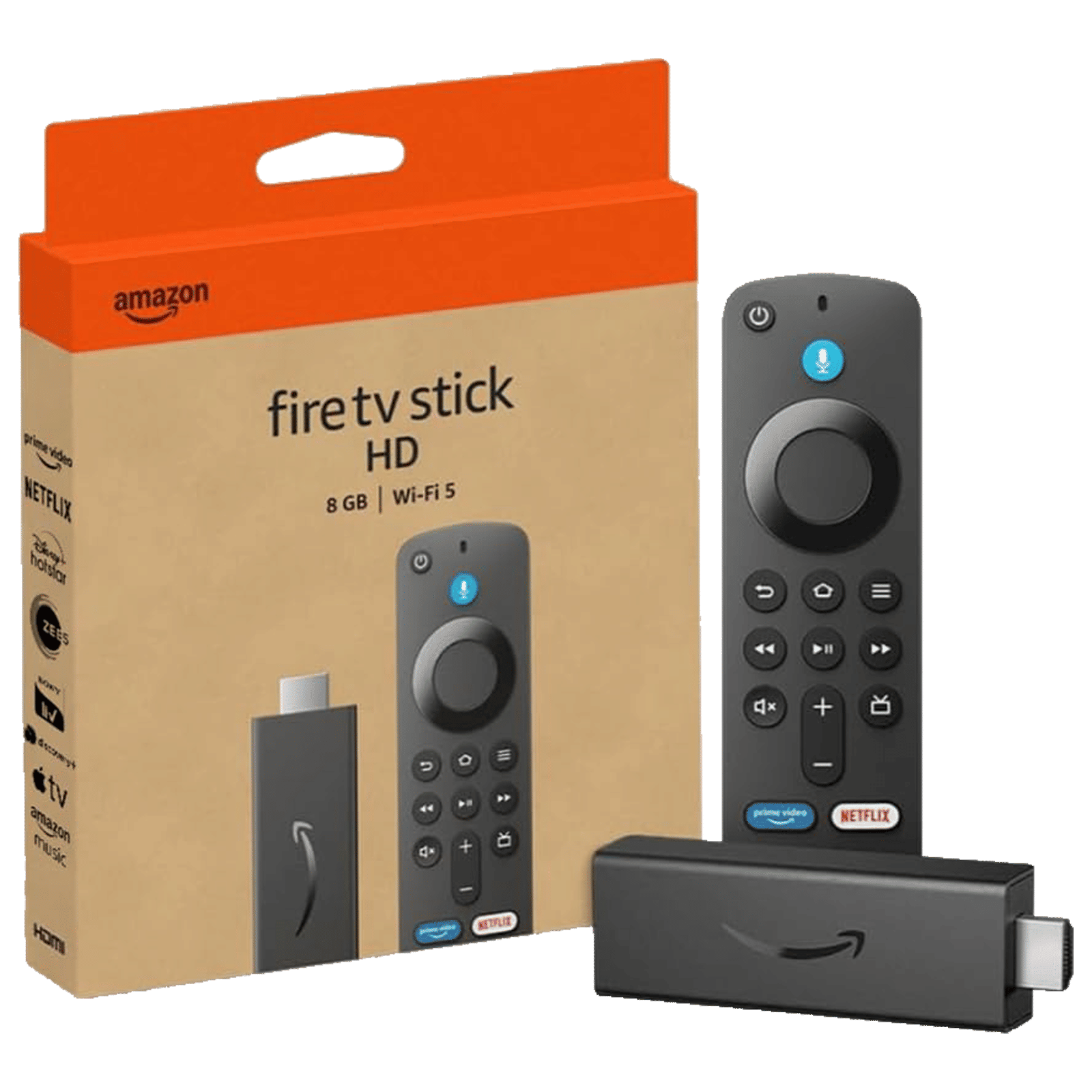
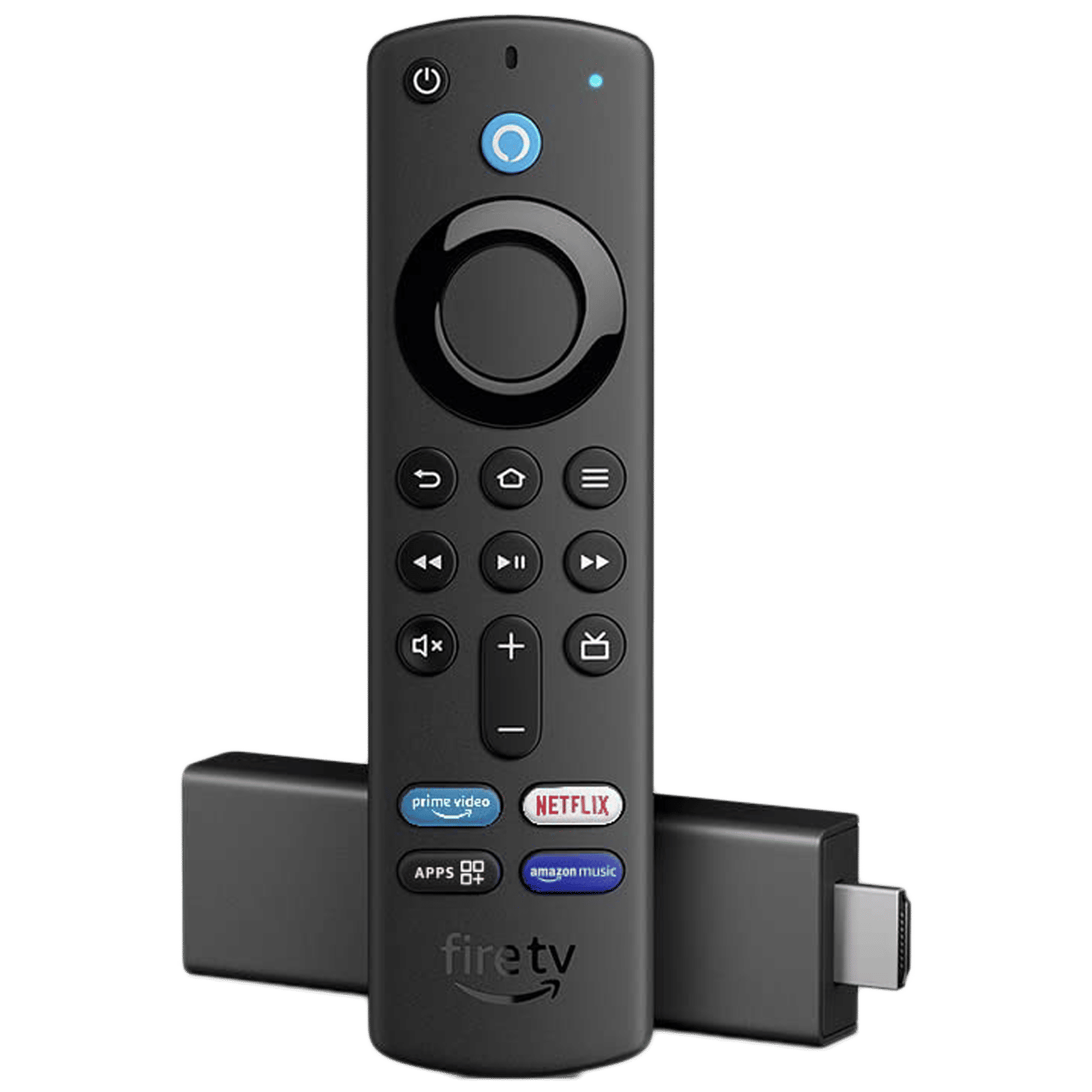
With this quirky new feature, Meta is clearly testing whether short-form video can hold attention in a living-room setting, competing with streaming platforms themselves. Will you use it? Drop a comment with your thoughts!

Unleash your inner geek with Croma Unboxed
Subscribe now to stay ahead with the latest articles and updates
You are almost there
Enter your details to subscribe

Happiness unboxed!
Thank you for subscribing to our blog.
Disclaimer: This post as well as the layout and design on this website are protected under Indian intellectual property laws, including the Copyright Act, 1957 and the Trade Marks Act, 1999 and is the property of Infiniti Retail Limited (Croma). Using, copying (in full or in part), adapting or altering this post or any other material from Croma’s website is expressly prohibited without prior written permission from Croma. For permission to use the content on the Croma’s website, please connect on contactunboxed@croma.com

- Related articles
- Popular articles
Mashak. Sk
aditya907882
Himanshu Yadav
Instagram id username sapnagupta3400 id password please give me