







A macro camera on your mobile phone is designed for taking super close-up shots of small subjects, such as the weave of a fabric or the fine patterns on a butterfly’s wings. It can focus at a much shorter distance than your regular camera, which means you can get right up close without the picture turning blurry.
You can use a macro lens to photograph flowers, insects, fabric textures, and everyday objects, capturing details that are normally invisible to the naked eye. If you have been curious about what a macro camera does and how to make the most of it, this quick guide will walk you through the basics.
What is a macro camera in a mobile phone?
As mentioned earlier, a macro camera on a mobile phone is a dedicated lens that lets you capture sharp and detailed images of tiny subjects from very close up.
ALSO READ: Macro to manual: How to use each camera mode
Unlike the main camera on your phone, which usually needs some distance to focus, a macro lens allows you to get very close, sometimes just two to five centimetres from the subject, and still keep it sharp. Macro camera lens uses a different focal length and focusing system to pick up small textures and patterns you would normally miss.
How to use a macro camera for close-up shots
Taking macro photos on your phone is simple, but a few tips can make a big difference to the clarity and detail. Here is how to use your phone’s macro camera for close-up shots:
1. Turn on macro mode
Open your phone’s camera app and switch to macro mode.
2. Move in close and find focus
Once macro mode is on, bring your phone close to the subject, usually around two to five centimetres away.
ALSO READ: A guide to using the Camera Assistant app on Samsung Galaxy smartphones
If you are too far, the shot will look soft or blurry; if you are too close, the camera may not focus at all. Adjust the distance slowly until the image looks sharp, then tap the screen to lock focus on the detail you want to highlight.
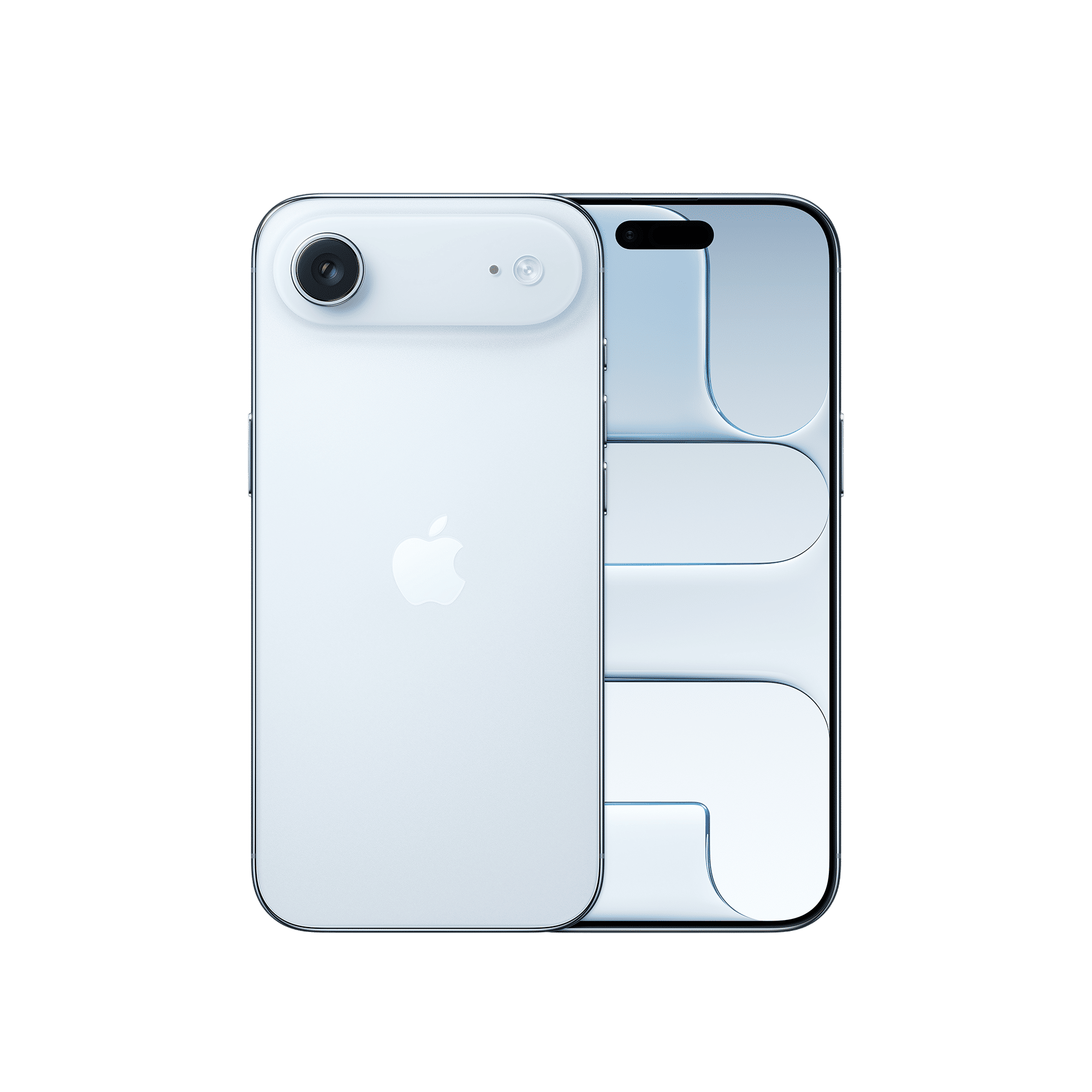
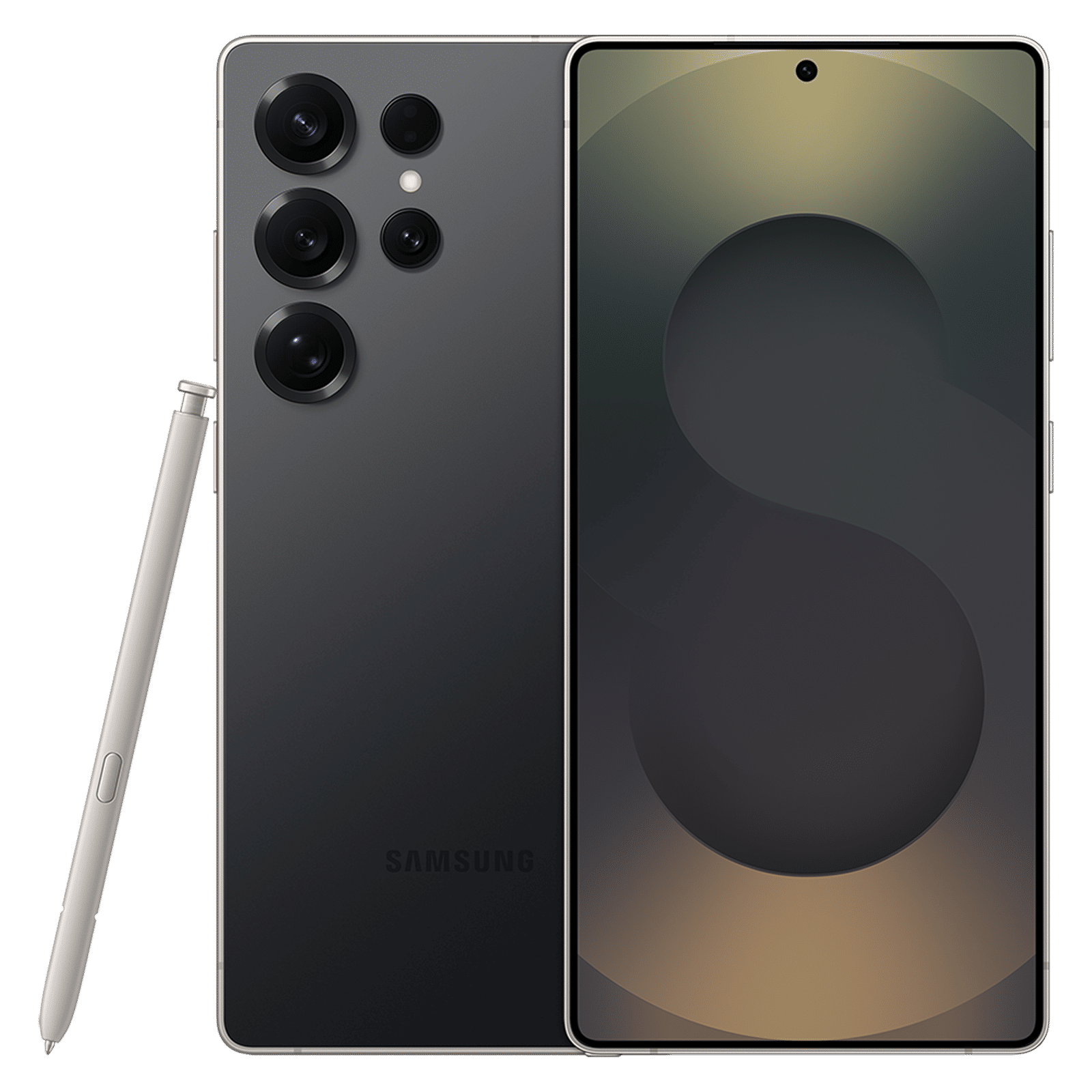
3. Use good lighting
Macro shots need plenty of light to avoid looking noisy or grainy. Natural daylight works nicely, but if you are indoors, try using an extra lamp or your phone’s flashlight to brighten the scene without overexposing it. Additionally, watch out for shadows or glare, as these can hide texture and reduce colour accuracy.
4. Keep it steady
Even small movements can blur a macro shot. Hold your phone steady with both hands, rest it on a surface, or use a tripod for extra stability.
Once you have the basics down, you can experiment with different angles and distances to see what works best for your subject.

Unleash your inner geek with Croma Unboxed
Subscribe now to stay ahead with the latest articles and updates
You are almost there
Enter your details to subscribe

Happiness unboxed!
Thank you for subscribing to our blog.
Disclaimer: This post as well as the layout and design on this website are protected under Indian intellectual property laws, including the Copyright Act, 1957 and the Trade Marks Act, 1999 and is the property of Infiniti Retail Limited (Croma). Using, copying (in full or in part), adapting or altering this post or any other material from Croma’s website is expressly prohibited without prior written permission from Croma. For permission to use the content on the Croma’s website, please connect on contactunboxed@croma.com
- Related articles
- Popular articles
Shubhendu Vatsa
Comments