







A reboot in mobile device means turning your phone off and then back on. The process, also known as a restart, shuts down the operating system and clears temporary memory, without affecting user data or settings. The primary difference between a restart and a reset is that the latter erases data and returns the device to its factory settings, while a reboot simply refreshes the system.
What is reboot in mobile?
In mobile, reboot helps resolve minor software glitches, improves performance, and closes background apps that may be consuming resources.
– What it does: Closes all apps and refreshes the operating system
– Data impact: No data loss, and settings remain intact
– Time: Around 30 to 60 seconds
– Use case: Slow performance, minor glitch, or app crashes
What's the difference between restart and reset
| Action | Data Impact | Settings | Duration | Use Case |
| Reboot/Restart | No loss | Preserved | 1 minute | Minor issues |
| Soft Reset | No loss | Preserved | 1-2 minutes | System freezes |
| Hard Reset | Complete wipe | Factory defaults | 10-30 minutes | Major problems |
ALSO READ: How to reset an Android phone when locked
If you have an Android device, you can reboot or restart by holding the power button and selecting Restart. However, iPhone users need to first shut down their device and manually start it again. You can do a force restart by holding power + volume down for 10 to 15 seconds, and the device will restart automatically. To do a factory reset, go to Settings > System > Reset > Factory Reset.
FAQs
Q1: How often should I reboot my phone?
A: A weekly reboot is recommended for optimal performance, but modern smartphones can run without a restart.
Q2: Does regular rebooting offer any benefits?
A: Yes, there are a few benefits. The process clears RAM and temporary files, stops background processes from consuming battery, and resolves connectivity issues.
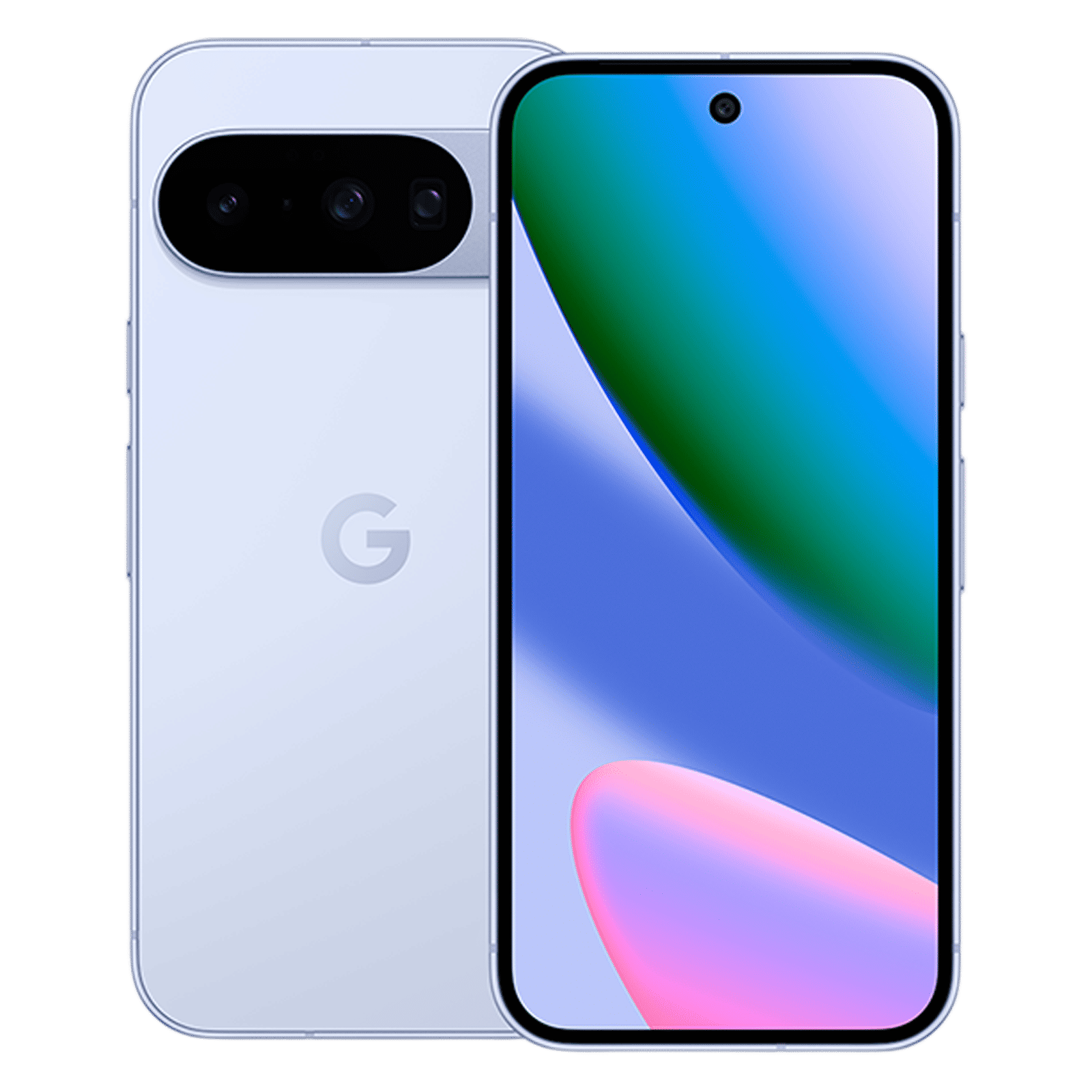
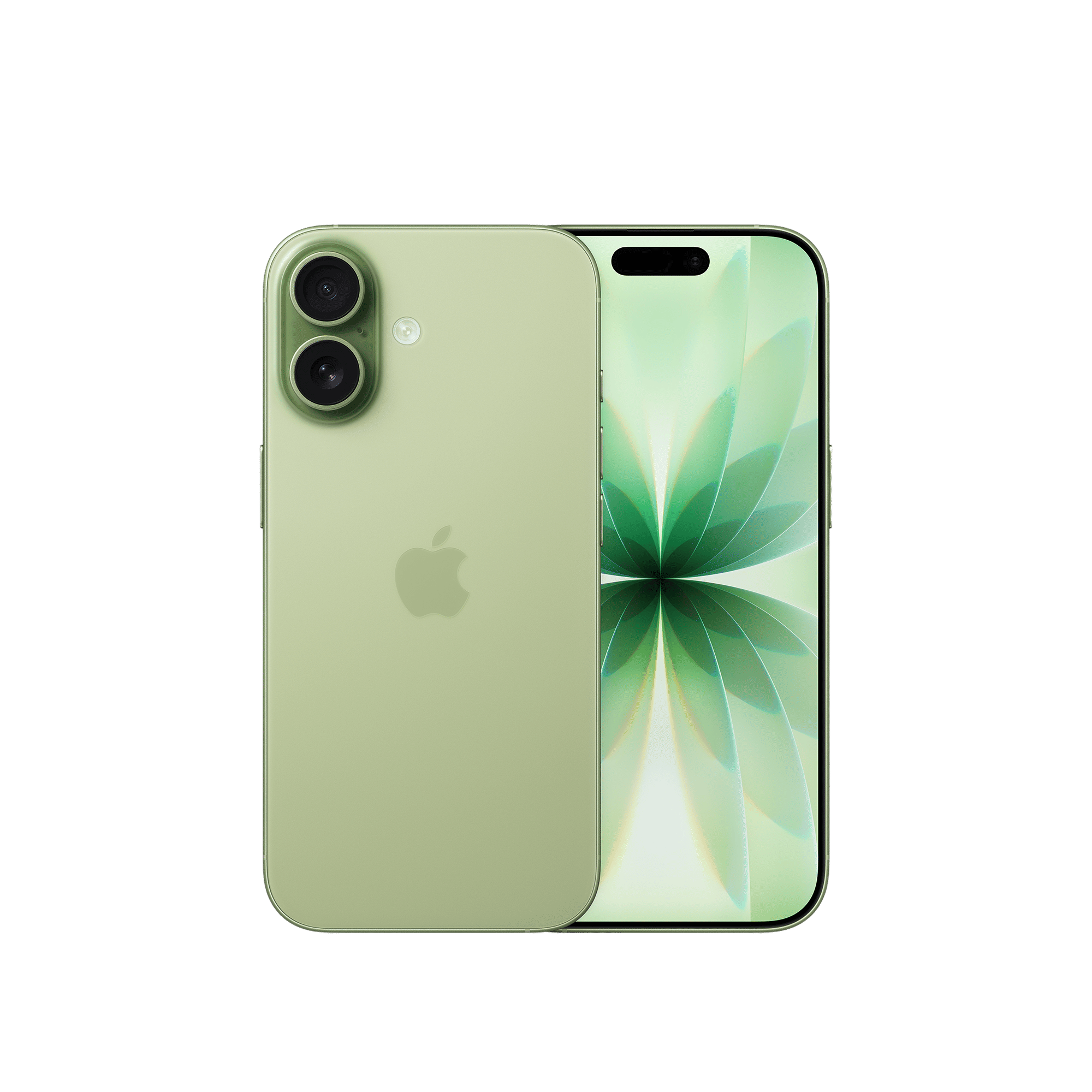
Mobile reboot turns your phone off and back on to refresh the system without data loss. While reboot and restart are essentially the same process, they differ from factory reset, which wipes all data.

Unleash your inner geek with Croma Unboxed
Subscribe now to stay ahead with the latest articles and updates
You are almost there
Enter your details to subscribe

Happiness unboxed!
Thank you for subscribing to our blog.
Disclaimer: This post as well as the layout and design on this website are protected under Indian intellectual property laws, including the Copyright Act, 1957 and the Trade Marks Act, 1999 and is the property of Infiniti Retail Limited (Croma). Using, copying (in full or in part), adapting or altering this post or any other material from Croma’s website is expressly prohibited without prior written permission from Croma. For permission to use the content on the Croma’s website, please connect on contactunboxed@croma.com
- Related articles
- Popular articles
Karthekayan Iyer
Comments