







The iPhone is four times more likely to be stolen than an Android device, and the iPhone maker is well aware of this. To limit what thieves can do with a stolen iPhone, Apple has been introducing several new features. One feature making iPhones even more secure is the security delay.
Introduced as part of Stolen Device Protection, it limits some security actions, such as changing your Apple Account password and has become one of Apple’s most important protections against account theft and unauthorised access.
What is the security delay in iPhone
Security delay is a wait period enforced by Apple before it allows sensitive changes to account information. The security delay kicks in when users enable stolen device protection and attempt actions such as:
– Changing your Apple ID password
– Removing your Apple ID from a device
– Turning off Find My iPhone
– Modifying account recovery information
– Resetting data encryption
Apple enforces a mandatory 1-hour waiting period before you can change any settings. It works by requiring Face ID or Touch ID initially, followed by a 1-hour wait, and Face ID or Touch ID for changing restricted actions.
Security delay on iPhone: Why it happens
The security delay on iPhone happens when your device detects that it is in an unfamiliar location and requests changes to sensitive account information. If someone steals your iPhone or gains temporary access, the security delay prevents them from instantly locking you out of your own account or making sensitive changes to your account. Three reasons why security delay happens on iPhone:
– New location: If Apple detects your iPhone is making security changes from a new location or an unfamiliar network.
– Stolen Device Protection: If you have Stolen Device Protection enabled, the chances of security delay appearing on iPhone are higher than usual.
– Suspicious activity: Unusual login behaviour or multiple failed passcode attempts, or recovery attempts.
As soon as the security delay is triggered, your iPhone remains usable while your data remains encrypted and protected. However, no critical security changes – like changing Apple account password – are allowed, and Apple continues to monitor your device for suspicious activity. In case of iPhone theft, the owner of the device can use this window to regain control of the device.
Security delay: Can you bypass it?
Well, Apple has designed the stolen device protection and security delay in such a way that you cannot completely bypass it. However, you can reduce further occurrences by returning to a familiar location. Here are some actions recommended to ensure the security delay doesn’t occur regularly:
– Avoid changing security settings from unfamiliar networks
– Regularly verify your Account ID
– Set up Account Recovery
– Keep Location Services and Find My enabled
– Enable two-factor authentication
– Add trusted phone numbers and recovery contacts
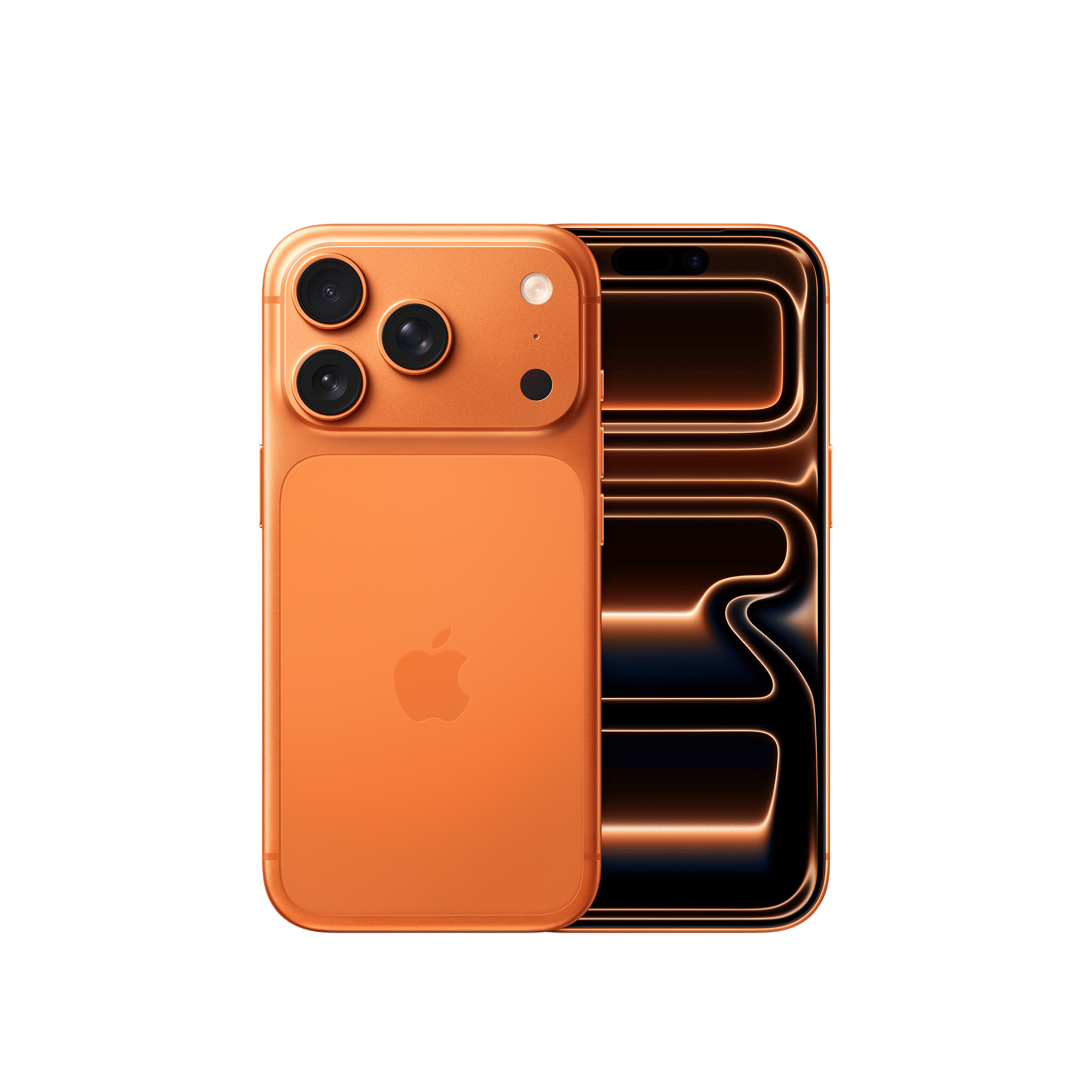

Smartphones and iPhones are no longer just devices to help you stay connected. It is the primary device used to do banking transactions, make online purchases, hold medical records, and even hold private communications.
ALSO READ: How to remove SIM card from any iPhone safely
Apple knows the significance of this data, and by slowing down sensitive changes to your account information, it is adding another layer of defence against malicious actors. While it may seem like an inconvenience at first, the security delay on iPhone significantly reduces the chances of your digital life being hijacked.

Unleash your inner geek with Croma Unboxed
Subscribe now to stay ahead with the latest articles and updates
You are almost there
Enter your details to subscribe

Happiness unboxed!
Thank you for subscribing to our blog.
Disclaimer: This post as well as the layout and design on this website are protected under Indian intellectual property laws, including the Copyright Act, 1957 and the Trade Marks Act, 1999 and is the property of Infiniti Retail Limited (Croma). Using, copying (in full or in part), adapting or altering this post or any other material from Croma’s website is expressly prohibited without prior written permission from Croma. For permission to use the content on the Croma’s website, please connect on contactunboxed@croma.com
- Related articles
- Popular articles
Karthekayan Iyer
Comments