







Apple has released iOS 26.0.1, the first update after last week’s big iOS 26 rollout. The new version focuses on bug fixes, performance stability, and small but important improvements for iPhone users. Here’s all you need to know.
What’s new in the iOS 26.0.1?
The iOS 26.0.1 update isn’t a major update; rather, the one that comes next – iOS 26.1, will be a major update. This one, however, is still important as it fixes quite a few bugs.
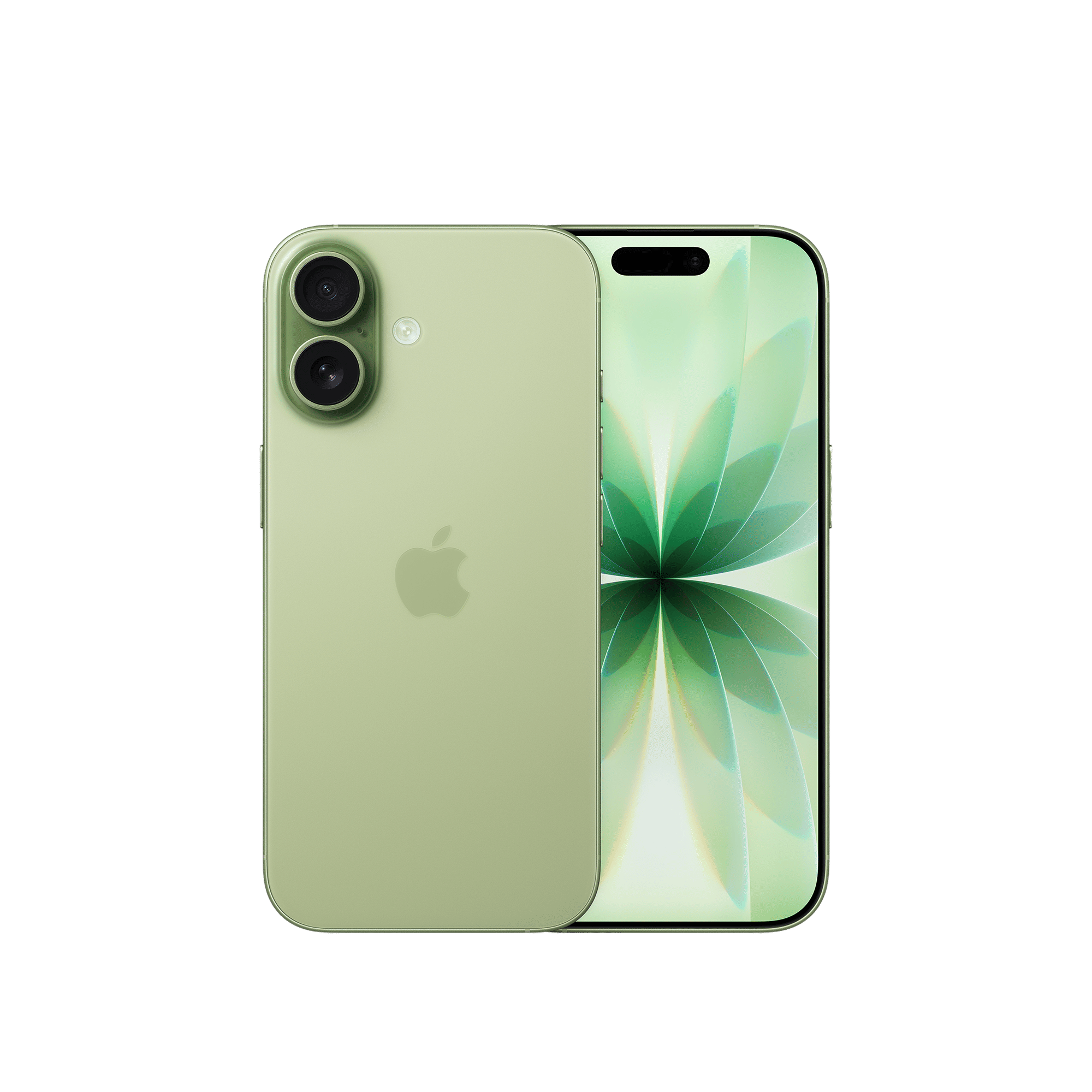
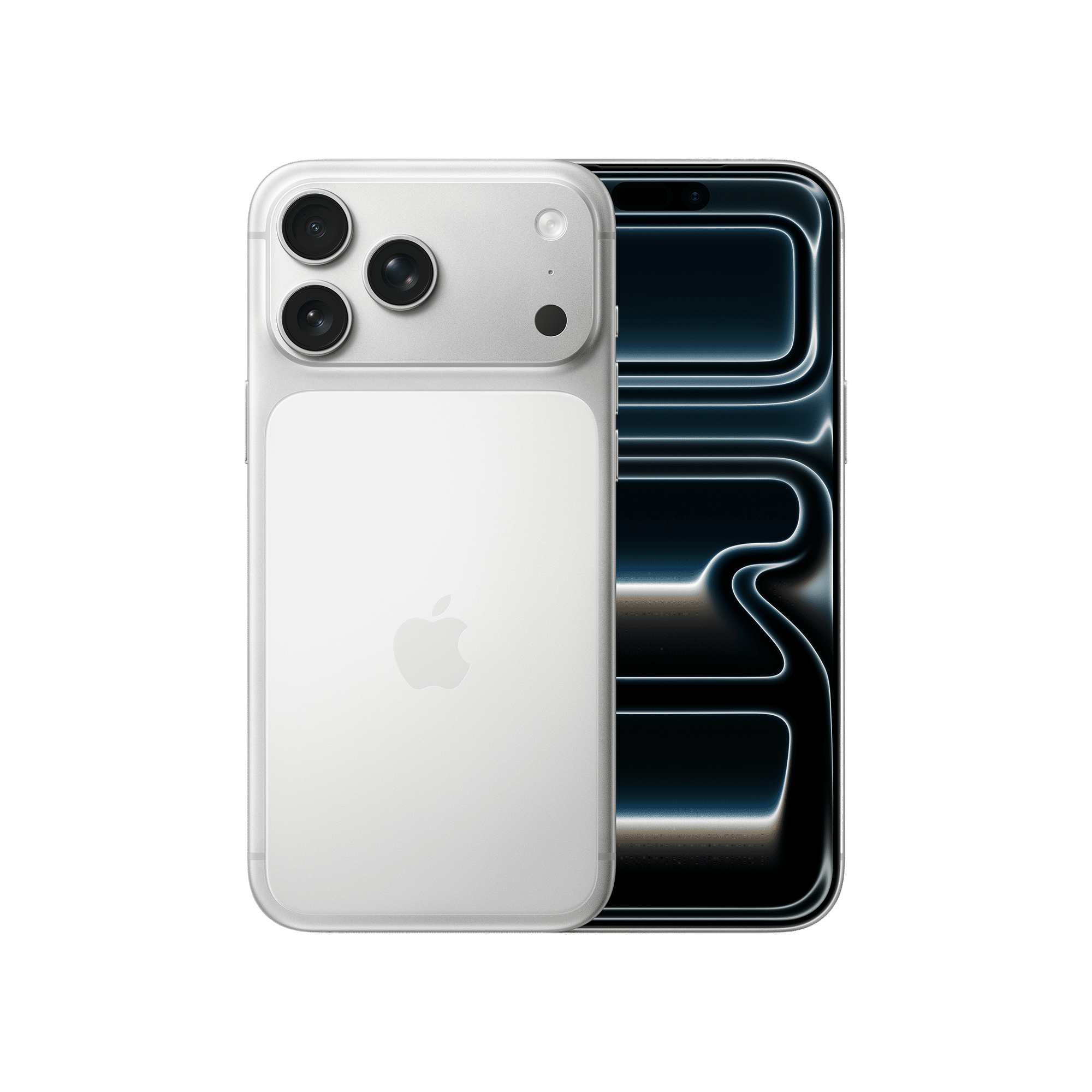
This update is just over 500MB and addresses connectivity issues on the new iPhone 17, iPhone Air, and iPhone 17 Pros, where Wi-Fi and Bluetooth could disconnect unexpectedly. It also fixes a glitch in low-light photography that caused unwanted artifacts on photos.
Other changes include restoring the ability to search in the Calendar app, ensuring Apple Intelligence models download correctly, and fixing a bug where VoiceOver could get disabled after updating to iOS 26.
How to install iOS 26.0.1
Users can install the update by heading to Settings > General > Software Update. The new build should appear as version 26.0.1. Alongside iOS, Apple has also rolled out iPadOS 26.0.1, macOS Tahoe 26.0.1, watchOS 26.0.1, tvOS 26.0.1, and visionOS 26.0.1.
Since this is an incremental update, it is always recommended to back up your iPhone before installing.
What’s next?
Apple is already testing iOS 26.1 in beta, which, as mentioned above, will be a major update. It’s expected to refine Liquid Glass animations, bring more Apple Intelligence features, and expand support across apps like Photos and Calendar.

Unleash your inner geek with Croma Unboxed
Subscribe now to stay ahead with the latest articles and updates
You are almost there
Enter your details to subscribe

Happiness unboxed!
Thank you for subscribing to our blog.
Disclaimer: This post as well as the layout and design on this website are protected under Indian intellectual property laws, including the Copyright Act, 1957 and the Trade Marks Act, 1999 and is the property of Infiniti Retail Limited (Croma). Using, copying (in full or in part), adapting or altering this post or any other material from Croma’s website is expressly prohibited without prior written permission from Croma. For permission to use the content on the Croma’s website, please connect on contactunboxed@croma.com
- Related articles
- Popular articles
Pranav Sawant
Comments