







From battery and connection issues to dirty speaker grills and software bugs, the causes for one AirPod not working are well-known. Fortunately, the fixes and troubleshooting steps are so straightforward that you can resolve the issue in a few minutes.
One AirPod not working: Fixes
Before planning a service visit, here are the fixes you can try at home:
Check battery levels
Open the AirPods case near your iPhone or iPad and check the charge status of each AirPod and the case. If one of your AirPod is completely drained, then it will appear not to be working.
Reset your AirPods
– Step 1: Put both AirPods in the case, close the lid and wait for 30 seconds
– Step 2: On your iPhone or iPod, go to Settings > Bluetooth and tap the “More Info” button next to your AirPods and tap Forget This Device, then tap again to confirm.
– Step 3: Open the lid of your charging case
– Step 4: Press and hold the setup button on the back of the case for about 15 seconds
– Step 5: When the status light on the front of the case flashes amber and then white, follow the steps on your device’s screen to reconnect.
Balance audio
– Step 1: Go to Settings > Accessibility > Audio/Visual > Balance
– Step 2: Make sure the slider is centred
Airpods not working
If the above fixes don’t work, check your Apple device for a software update. Software bugs often tend to resolve with a firmware update. You can also try pairing your AirPods with another device to rule out hardware issues.
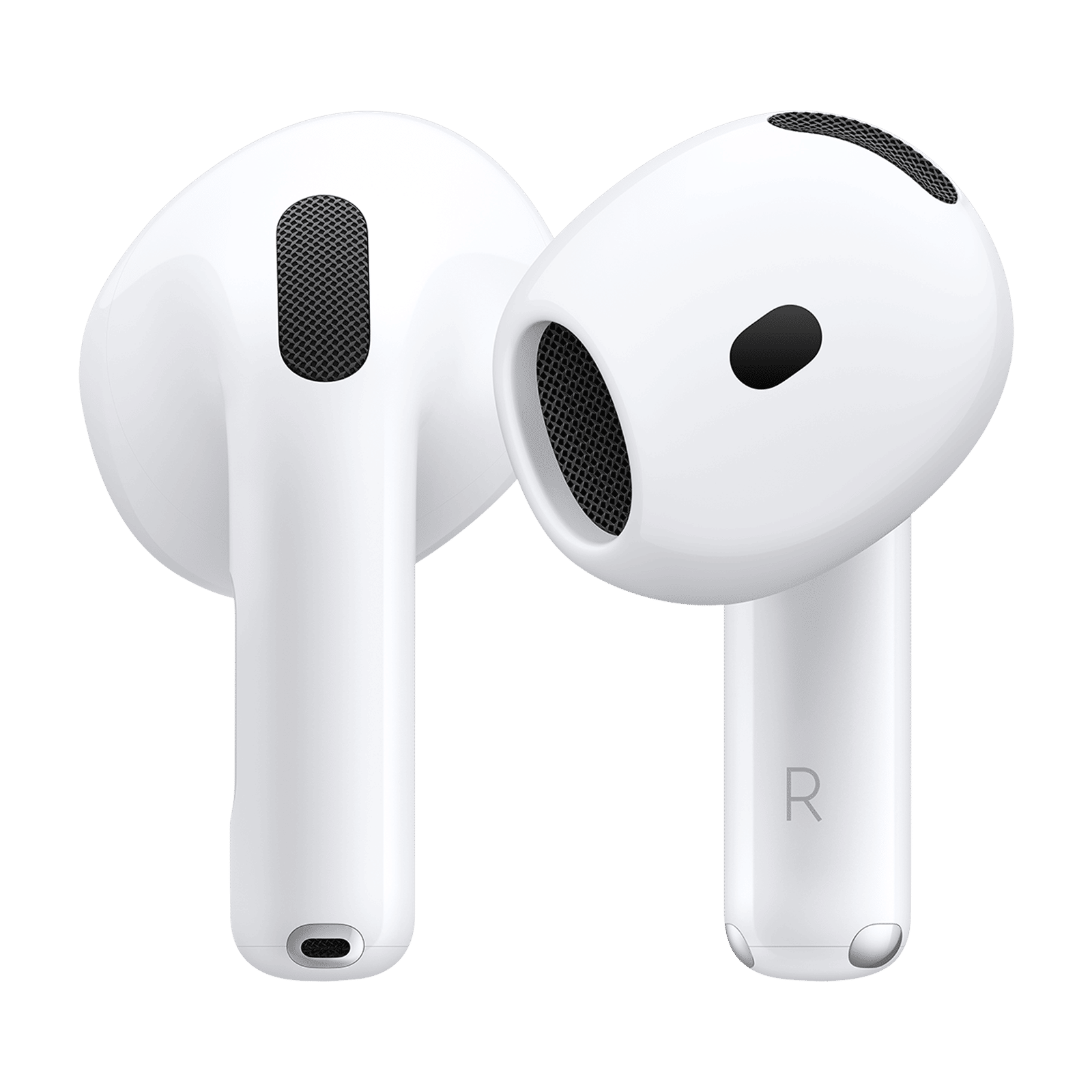

FAQs
Q1: Why does only one AirPod connect?
A: This is caused by pairing errors, low battery, or dirt blocking contacts.
Q2: Can dirt cause AirPods malfunction?
A: Yes, dirt, debris, or earwax buildup can affect device performance and noise control features like ANC and transparency.
ALSO READ: How to reset your AirPods and AirPods Pro
One AirPod not working is often resolved by either cleaning the contacts or resetting the device. To avoid AirPods malfunction, clean your device regularly, keep software updated, and check battery life.

Unleash your inner geek with Croma Unboxed
Subscribe now to stay ahead with the latest articles and updates
You are almost there
Enter your details to subscribe

Happiness unboxed!
Thank you for subscribing to our blog.
Disclaimer: This post as well as the layout and design on this website are protected under Indian intellectual property laws, including the Copyright Act, 1957 and the Trade Marks Act, 1999 and is the property of Infiniti Retail Limited (Croma). Using, copying (in full or in part), adapting or altering this post or any other material from Croma’s website is expressly prohibited without prior written permission from Croma. For permission to use the content on the Croma’s website, please connect on contactunboxed@croma.com
- Related articles
- Popular articles
Karthekayan Iyer
Comments