







A power bank is basically a portable rechargeable battery you can take anywhere to keep your phone, tablet, or even laptop powered up on the go. To charge a power bank, just plug it into a wall adapter or USB port with the right cable and let it charge fully until the indicator lights or screen confirms it’s done. Charging a power bank properly keeps the battery healthy, avoids painfully slow charging, and helps it last longer. So, here’s how to do it.
How to properly charge a power bank?
Charging your power bank the right way helps it perform at its best by keeping the battery healthy, speeding up charging times, and making it last longer.
ALSO READ: Say goodbye to lithium! Sodium-ion power banks could be the future of charging on the go
While every model is a little different, the basics remain the same. Here is how you can properly charge a power bank to keep it working at its best:
Step 1: Use the right cable and charger
Most power banks come with their own charging cable, usually USB to Micro USB or USB-C. It is best to use the one that came in the box because it is designed to deliver the right amount of power. Pair it with a wall charger that matches the input rating of your power bank. For example, a bank rated for 2.4A input will fill up faster with a 2.4A charger compared to a 1A one.
Step 2: Plug into a reliable power source
Connect the USB end of the cable to a good wall charger or a powered USB port. Try not to charge from a laptop unless you have to, because wall chargers generally provide steadier and faster power.
ALSO READ: Power banks: Everything you need to know
Avoid DC to DC charging, like using another power bank or laptop to charge yours, because it wastes energy, produces more heat, and can shorten battery life.
Step 3: Watch the charging lights
Most power banks have small LED indicators that show how far along the charge is. A blinking light usually means it is still charging, while a steady light means it is full. Smaller models that are around 2,000mAh can be ready in a couple of hours, but high-capacity ones above 15,000mAh can take several hours or even overnight.
Step 4: Avoid overcharging or draining it completely
Even though most modern power banks have built-in protection, it is still better to unplug once it is fully charged. Likewise, avoid letting the battery drain to zero too often. Keeping it between 20 per cent and 80 per cent most of the time helps extend its lifespan.
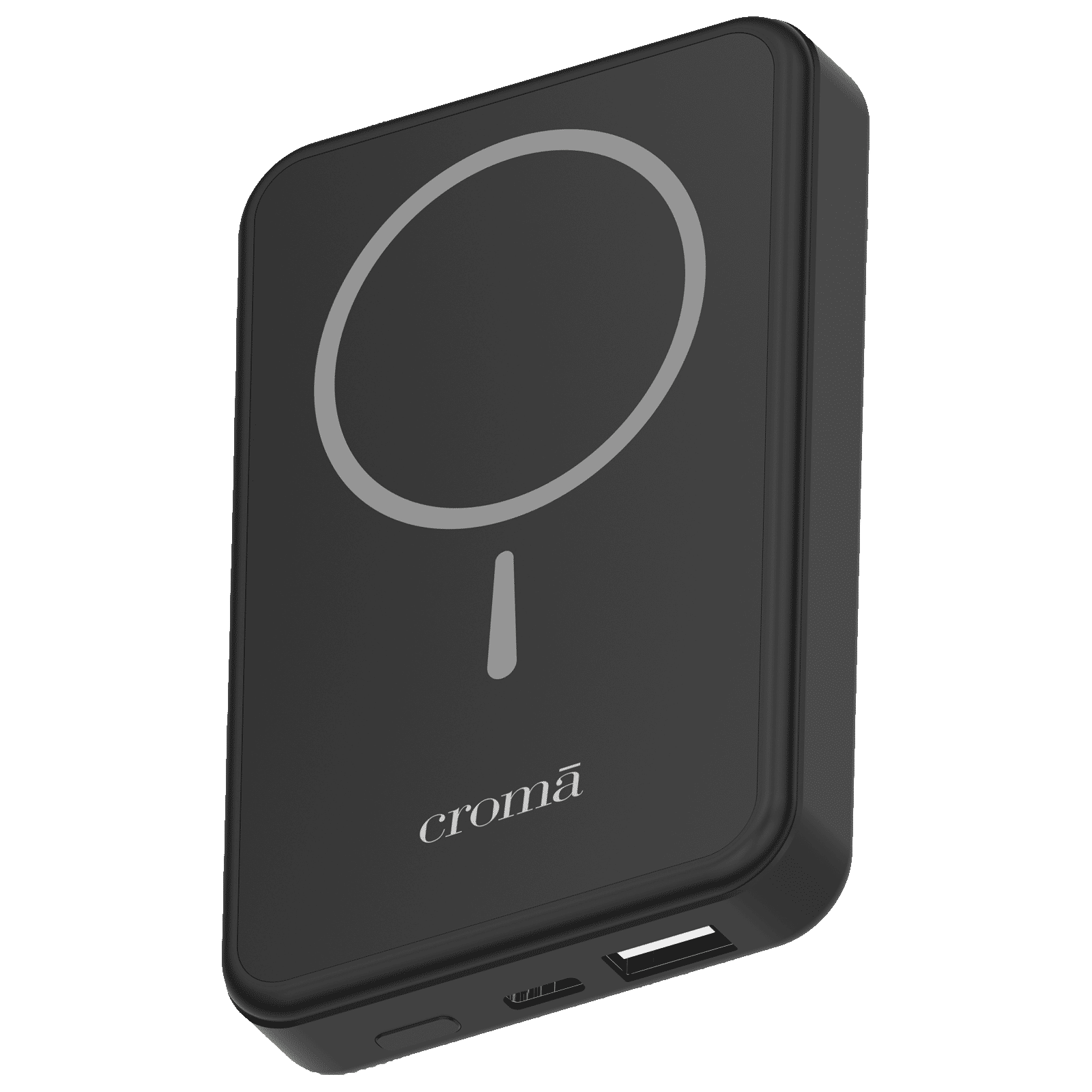
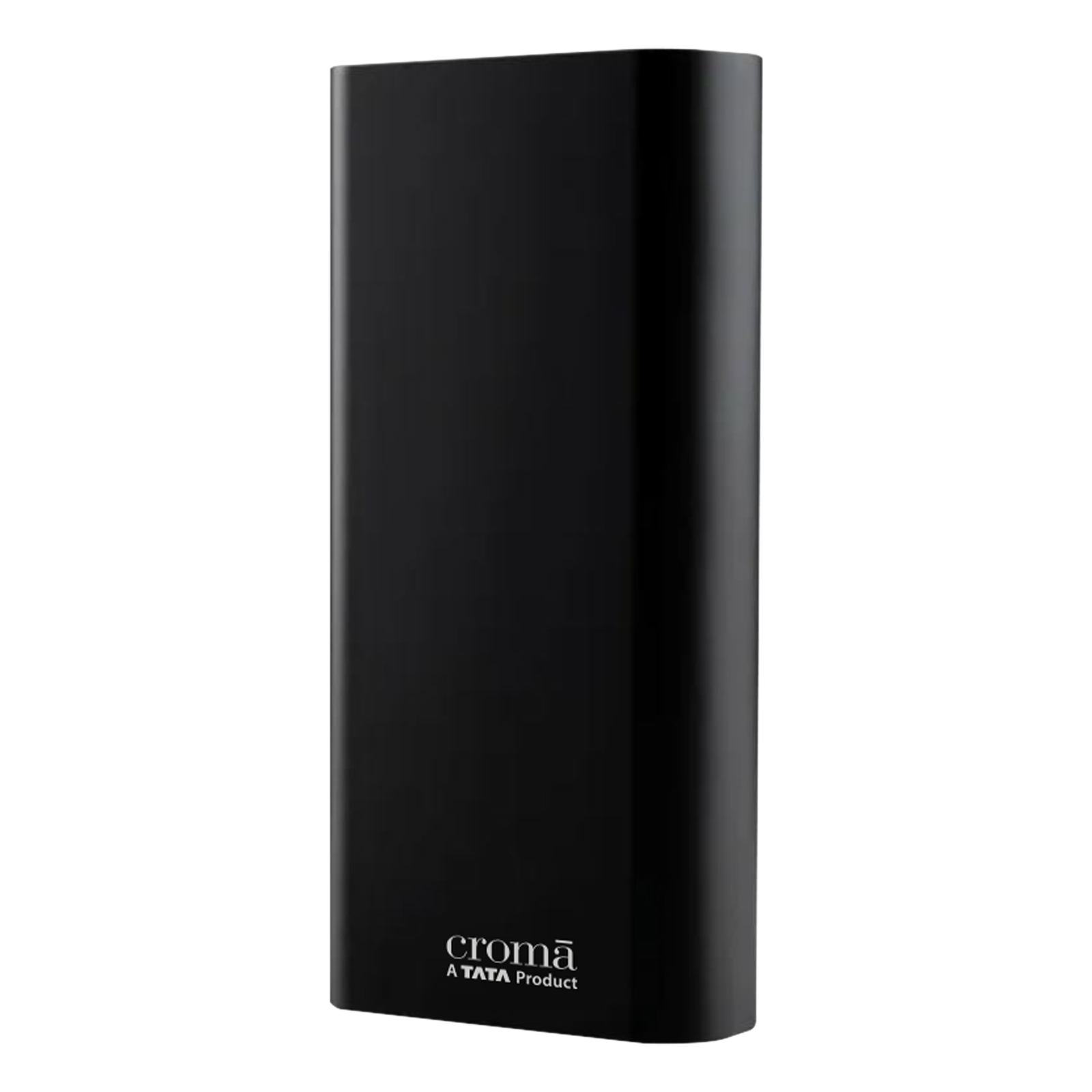
Step 5: Store it properly when not in use
If you are not using your power bank daily, give it a small charge every few months to keep the battery in good condition. Store it in a cool, dry place, as heat and extreme cold can damage the battery over time.

Unleash your inner geek with Croma Unboxed
Subscribe now to stay ahead with the latest articles and updates
You are almost there
Enter your details to subscribe

Happiness unboxed!
Thank you for subscribing to our blog.
Disclaimer: This post as well as the layout and design on this website are protected under Indian intellectual property laws, including the Copyright Act, 1957 and the Trade Marks Act, 1999 and is the property of Infiniti Retail Limited (Croma). Using, copying (in full or in part), adapting or altering this post or any other material from Croma’s website is expressly prohibited without prior written permission from Croma. For permission to use the content on the Croma’s website, please connect on contactunboxed@croma.com
- Related articles
- Popular articles
Shubhendu Vatsa
Comments