







You’ll want to confirm the specifications of your laptop before purchase, especially if it’s a second-hand unit, and also to confirm whether it’s compatible with a new program or game that you want to run.
While some laptop makers do add stickers with a spec sheet, most don’t. Thankfully, both Windows and macOS include a suite of tools that will let you easily check full laptop specifications and system properties.
ALSO READ: Understanding laptop lifespan: When to look for a replacement?
Here’s how to see the properties of your laptop:
DxDiag
This sounds geeky, but the simplest way to get a complete list of laptop specs and properties on Windows is to run a simple command.
Press Win+R, type dxdiag, and hit enter. The app will ask if you want to see if the drivers are signed. You can hit either Yes or No as it doesn’t matter at this stage. This will now open the ‘DirectX Diagnostics Tool’ which will list all key specs of your laptop or PC in the System panel.
Clicking on ‘Display’ will list all GPUs in your machine (integrated and discrete), and the other panels will list all other hardware including sound and input devices, add-on cards, etc.
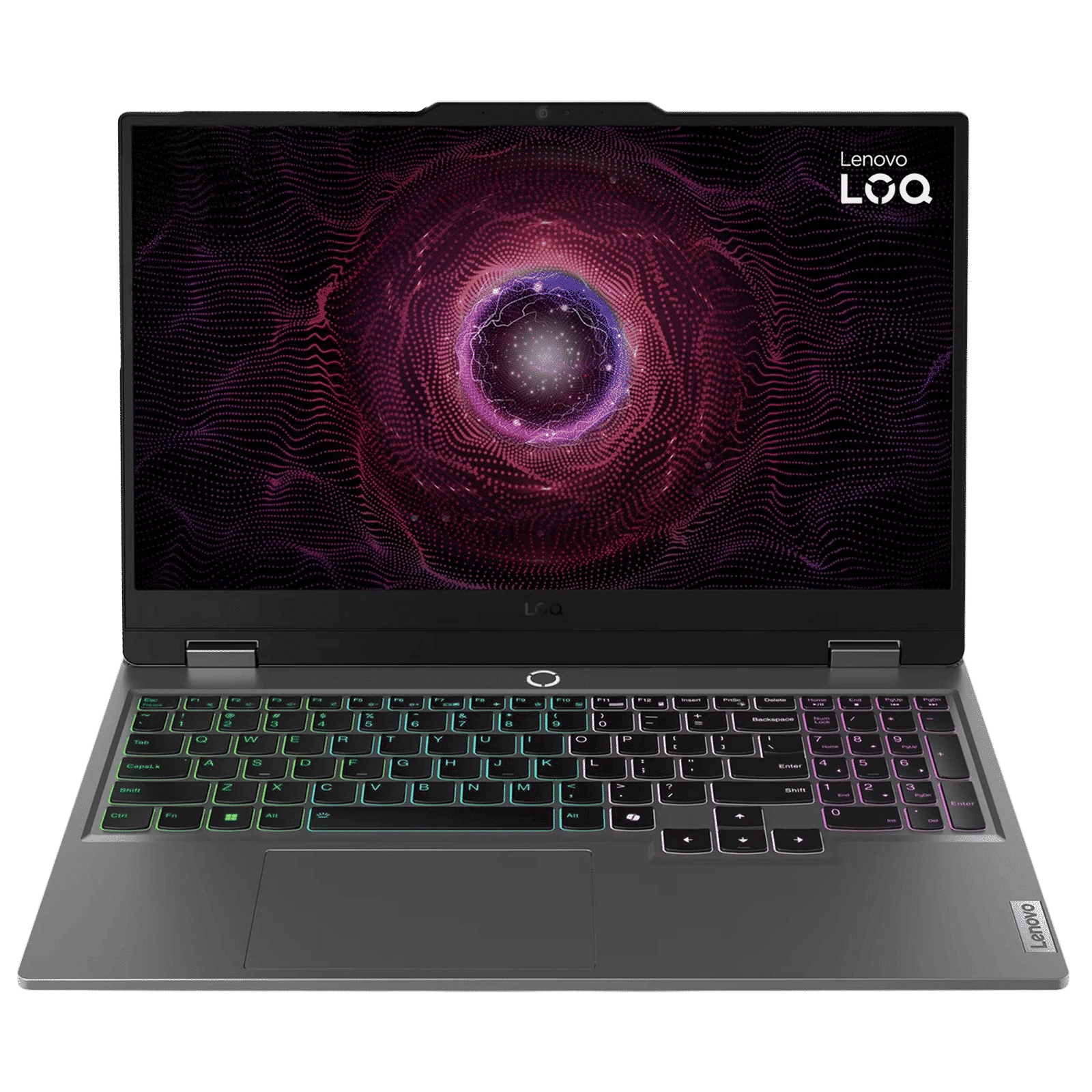
Lenovo LOQ 15ARP9 AMD Ryzen 5 Gaming Laptop (24GB, 512GB SSD, Windows 11 Home, 6GB Graphics, 15.6 inch 144 Hz Full HD IPS Display, NVIDIA GeForce RTX 3050, MS Office Home 2024, Luna Grey, 2.38 KG)
Buy now
The one piece of information missing here is storage, which you can find by hitting ‘Save All Information’ and opening the subsequent text file. This file contains a list of all the hardware in your laptop.
On a Mac
On macOS, click on the Apple icon in the menu bar and head to ‘About this Mac’ This will reveal a summary of the hardware installed on your Mac. You can also click on ‘More Info’ for a detailed system overview in case the information you see isn’t enough.
And that’s it! A few clicks and a bit of typing and all the information you want on your machine is available to you. Searching the manufacturers website for specs is always an option, but the above tools are a great way to confirm that you have exactly the hardware you’ve paid for.

Unleash your inner geek with Croma Unboxed
Subscribe now to stay ahead with the latest articles and updates
You are almost there
Enter your details to subscribe

Happiness unboxed!
Thank you for subscribing to our blog.
Disclaimer: This post as well as the layout and design on this website are protected under Indian intellectual property laws, including the Copyright Act, 1957 and the Trade Marks Act, 1999 and is the property of Infiniti Retail Limited (Croma). Using, copying (in full or in part), adapting or altering this post or any other material from Croma’s website is expressly prohibited without prior written permission from Croma. For permission to use the content on the Croma’s website, please connect on contactunboxed@croma.com
- Related articles
- Popular articles
Anirudh Regidi
Comments