







Poor Wi-Fi coverage or a weak Wi-Fi signal can make streaming, gaming, and even simple browsing frustrating. However, a fix is easy, and you don’t need expensive equipment or technical expertise. With simple steps, you can improve signal strength throughout your home and here are 7 effective ways to extend your Wi-Fi range at home.
How to extend WiFi range
1. Reposition your router
Place your router in a central, elevated location for optimal coverage and away from walls and metal objects.
2. Update router antennas
Replace standard antennas with high-gain directional antennas that can direct and amplify your signal.
3. Use a Wi-Fi range extender
Install repeaters or range extenders to amplify your existing network to reach distant rooms or areas with weak signals.
4. Use a mesh Wi-Fi system
For a seamless, whole-house coverage, you can switch to a Wi-Fi mesh network without signal drops.
5. Switch to the 5GHz band
You can switch to a less congested 5GHz frequency for faster speeds while maintaining 2.4GHz for longer range.
ALSO READ: Wi-Fi router FAQs: Everything you need to know before upgrading your home network
6. Update router firmware
Regular updates improve performance and fix bugs.
7. Use Ethernet
Connecting key devices directly can free up Wi-Fi bandwidth for others.
How to increase WiFi range
Most routers have a range of 150 to 300 feet, but walls and interference can significantly reduce this distance. In addition to the above steps, you can also try using your home’s electrical wiring to extend internet connectivity.
FAQs
Q1: Does changing the Wi-Fi channel help?
A: Yes, switching channels can reduce interference, especially in crowded areas.
Q2: Can a second router act as a repeater?
A: Yes, if it is configured in “bridge” or “repeater” mode.
Q3: Can aluminium foil improve Wi-Fi signal?
A: Yes, if placed strategically, they can redirect signals, but professional solutions are more effective.
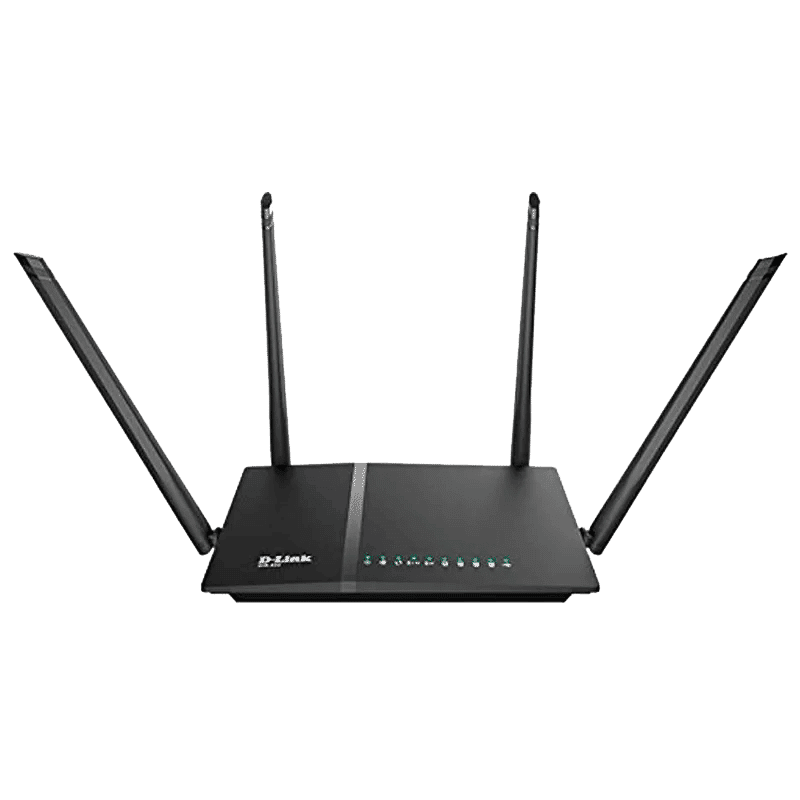
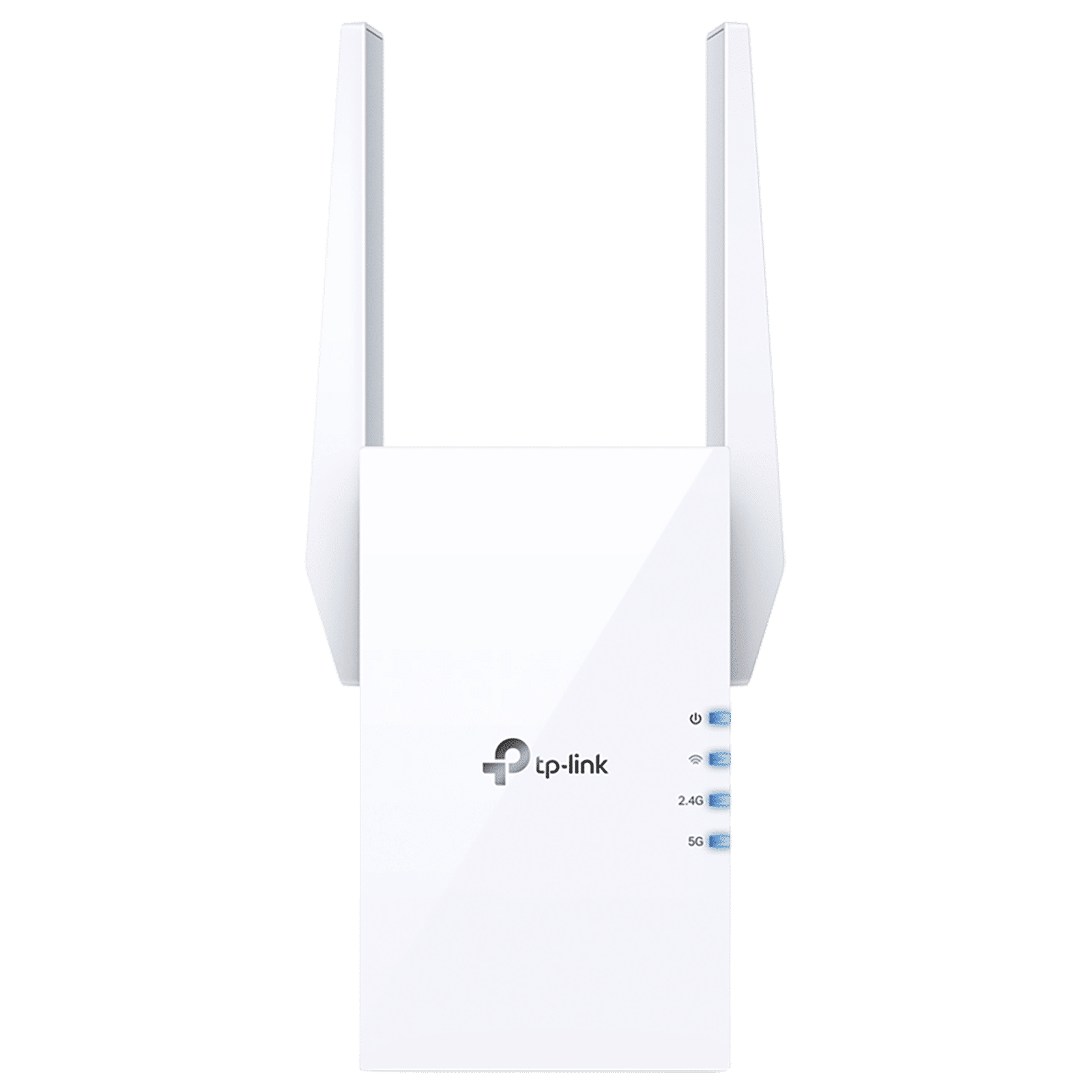
To extend your Wi-Fi range at home, you need to centralise your router placement, invest in modern equipment upgrades, keep devices updated and free from interference. It also helps to understand your network’s limitations to create reliable connectivity.

Unleash your inner geek with Croma Unboxed
Subscribe now to stay ahead with the latest articles and updates
You are almost there
Enter your details to subscribe

Happiness unboxed!
Thank you for subscribing to our blog.
Disclaimer: This post as well as the layout and design on this website are protected under Indian intellectual property laws, including the Copyright Act, 1957 and the Trade Marks Act, 1999 and is the property of Infiniti Retail Limited (Croma). Using, copying (in full or in part), adapting or altering this post or any other material from Croma’s website is expressly prohibited without prior written permission from Croma. For permission to use the content on the Croma’s website, please connect on contactunboxed@croma.com
- Related articles
- Popular articles
Karthekayan Iyer
Comments