







A CCTV system is one of the easiest and most effective ways to improve security in your home. However, if you have been wondering how to install one at home, then the good news is that most CCTV systems are DIY camera kits that are affordable and plug-and-play devices. In other words, you can follow a simple DIY guide and install one without professional help.
CCTV: How to install
With the right tools and preparation, you can set up a complete home surveillance system following a beginner’s DIY guide. For CCTV how to install is a common question but here are the things to consider before you do:
Choose the right type of CCTV system
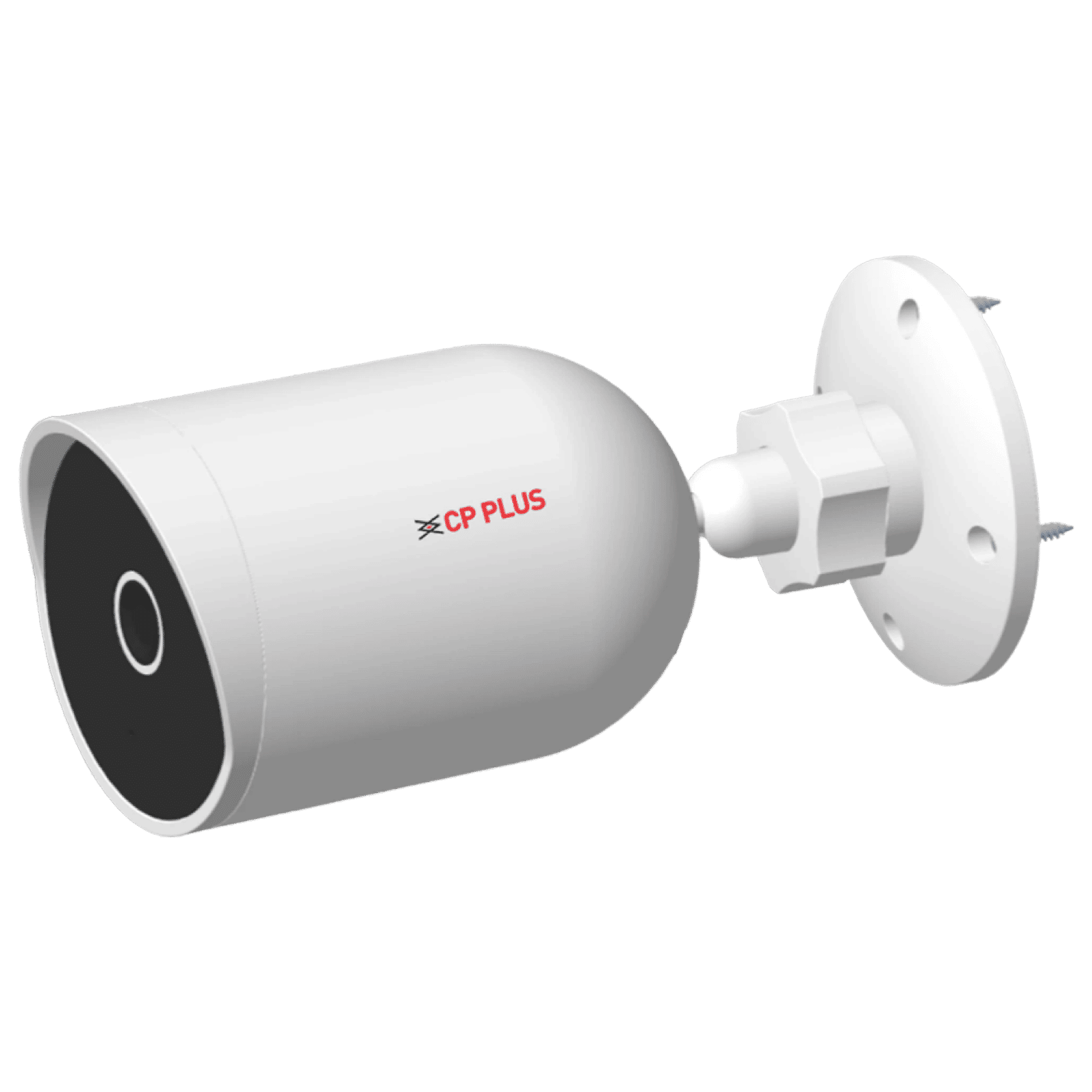
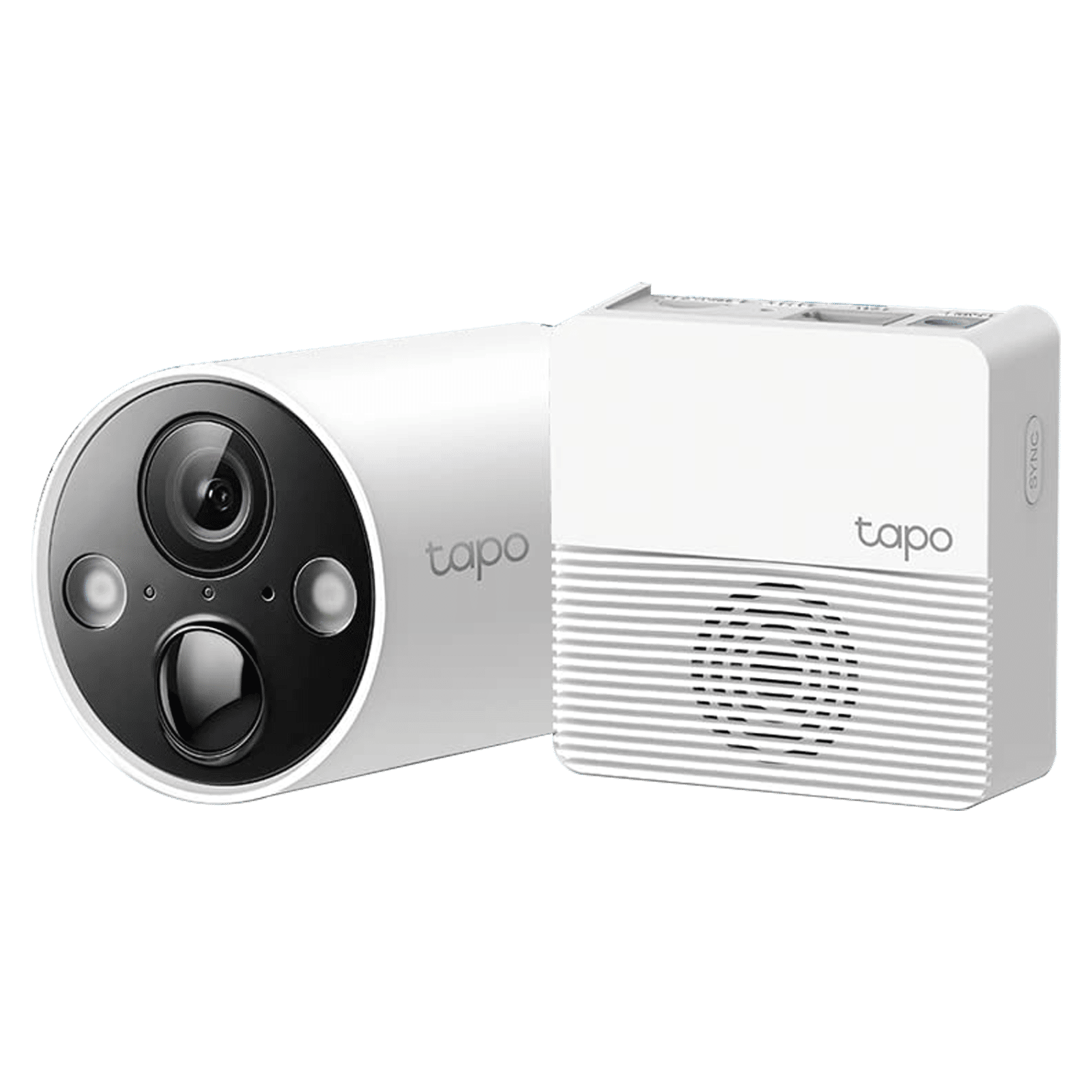
Before installing a CCTV system, you need to choose the right type of system for your home. You can go for a wired CCTV system that offers stable video quality and is designed for long-term use. The alternative is wireless systems that are easier to install, require minimal drilling, and are ideal for rental homes. Beyond this, you must also decide between indoor, outdoor, and PTZ (pan-tilt-zoom) camera options depending on your needs.
ALSO READ: Best CCTV cameras for home security in India
Select camera locations
The easiest way to identify key areas for your home CCTV camera system is to walk around your home. The common areas where CCTV systems are installed include main entrance, hallways, stairways, back door, balcony, etc.
Gather the tools
Most DIY camera kits come with mounting brackets and screws but you might need other tools such as
– A drill
– Screwdrivers
– Ladder
– Extension cords
– Ethernet cables
How to install CCTV camera
Once you have surveyed your home for camera locations, gathered right tools and equipment, here’s how to install CCTV camera:
Step 1: Install the cameras
Mark the mounting points with a pencil, drill holes, and fix the bracket in place. Now, attach the camera firmly and adjust the angle to cover the area that you wish to cover. For outdoor cameras, make sure they are not directly affected by rain or sunlight.
Step 2: Connect the cameras
Once installed, you need to connect the camera to the recorder or app depending on the system.
– Wired system: Connect each camera cable to the DVR/NVR and use power splitters or adapters as required.
– Wireless systems: Power on each camera and connect them to your Wi-Fi network using the manufacturer’s mobile app.
Make sure the recorder is placed in a safe, central location for easy management.
Step 3: Configure storage and recording modes
Once you have installed the CCTV camera system, the next step is to configure the storage and recording preference. If required, insert the HDD into the DVR/NVR and choose from modes like continuous recording, motion-triggered recording, or scheduled recording.
ALSO READ: 5 best outdoor security cameras to install in your homes
Step 4: Test the CCTV system
Now that your CCTV camera system is set and the recording option selected, the next step is to test video quality and camera angles. Check all camera feeds for clarity, brightness, night vision, and blind spots. If needed, adjust camera angles and for wireless systems, ensure your Wi-Fi signal is strong and use an extender for coverage.
Now that your CCTV system is installed and ready to use, you can check whether your system comes with remote access allowing you to monitor your home from anywhere. For best results, maintain your CCTV system properly by cleaning the lenses on a monthly basis, checking cables for wear, update firmware, and ensure your storage device doesn’t malfunction. By following the above steps, you can easily install a CCTV system at home and secure your surroundings.

Unleash your inner geek with Croma Unboxed
Subscribe now to stay ahead with the latest articles and updates
You are almost there
Enter your details to subscribe

Happiness unboxed!
Thank you for subscribing to our blog.
Disclaimer: This post as well as the layout and design on this website are protected under Indian intellectual property laws, including the Copyright Act, 1957 and the Trade Marks Act, 1999 and is the property of Infiniti Retail Limited (Croma). Using, copying (in full or in part), adapting or altering this post or any other material from Croma’s website is expressly prohibited without prior written permission from Croma. For permission to use the content on the Croma’s website, please connect on contactunboxed@croma.com
- Related articles
- Popular articles
Karthekayan Iyer
Comments