







Chromecast is the term that Google uses to refer to the devices and technologies it uses to enable wireless streaming of video and audio content from your personal devices to a TV. This tech can also be used to mirror screens.
Early versions of the Chromecast required the use of a dedicated HDMI dongle called a Chromecast, but modern smart TVs tend to have the tech built into the TV itself. Apple and other companies offer similar tech under different various brand names.
Chromecast normally works seamlessly with mobile devices, but even PC users can benefit with the right tools. Here’s how:
How to use Chromecast with your PC
First, ensure that your TV supports Chromecast or that your Chromecast dongle is plugged in. Next, check that your TV and your PC are on the same WiFi network. Install Google Chrome.
Once installed, open Chrome and navigate to the tab you want to cast. Then click on the more icon (three vertical dots on the very right of the menu bar), head to ‘Cast, save, and share’, and then select ‘Cast’. Select your Chromecast device from the list to begin streaming. Any content that’s on the open browser tab from which you selected cast will appear on your TV.
To mirror content on your desktop to a TV, follow the same procedure as above but before selecting a device to cast to, click on ‘Sources’ and select ‘Cast Desktop’. Your entire desktop will now be cast to the TV.
ALSO READ: How to convert a normal TV into a Smart TV
Some apps like YouTube and Netflix can cast natively from the browser and it’s recommended to use that process.
To stop casting, simply hit ‘Stop Casting’ in the Chrome toolbar.
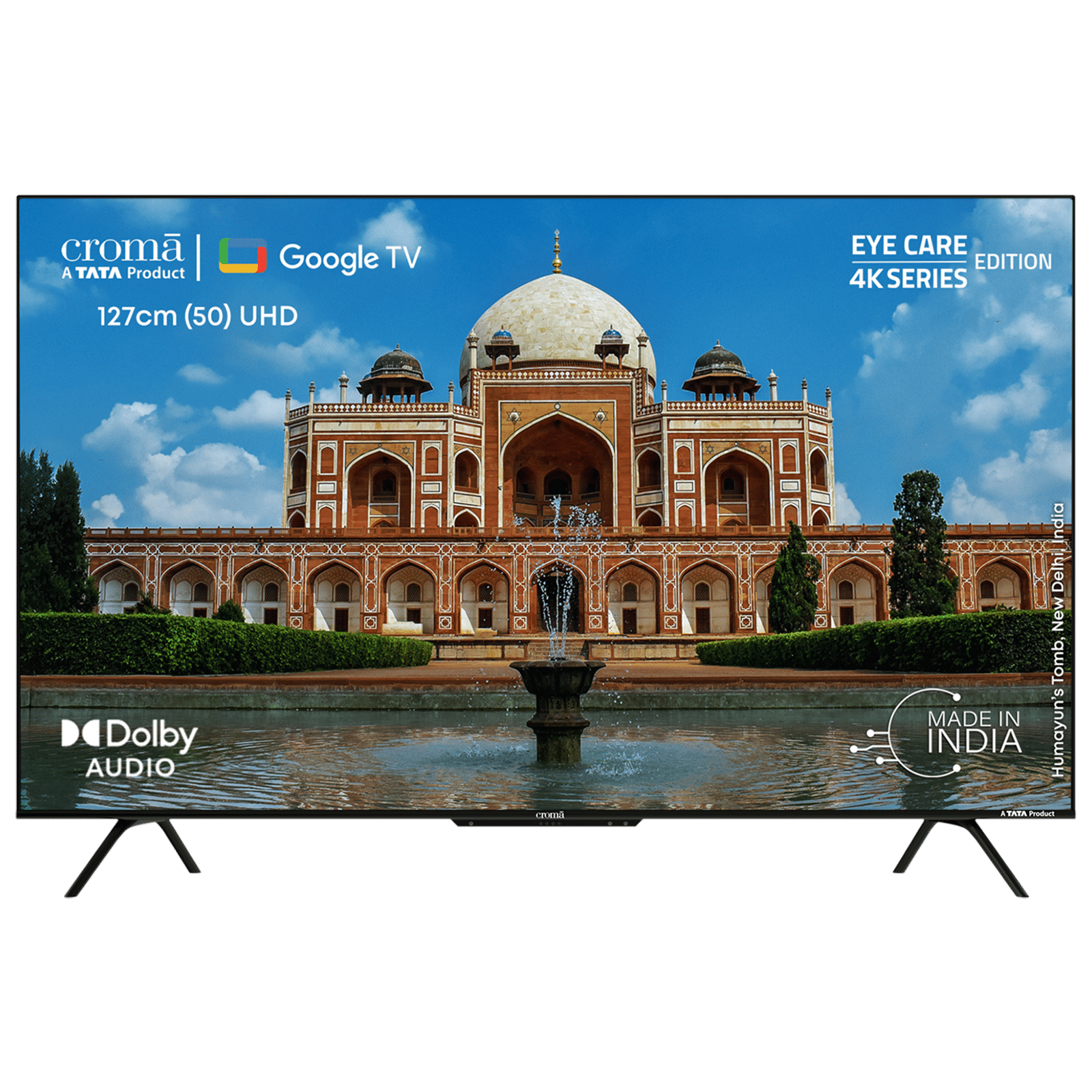
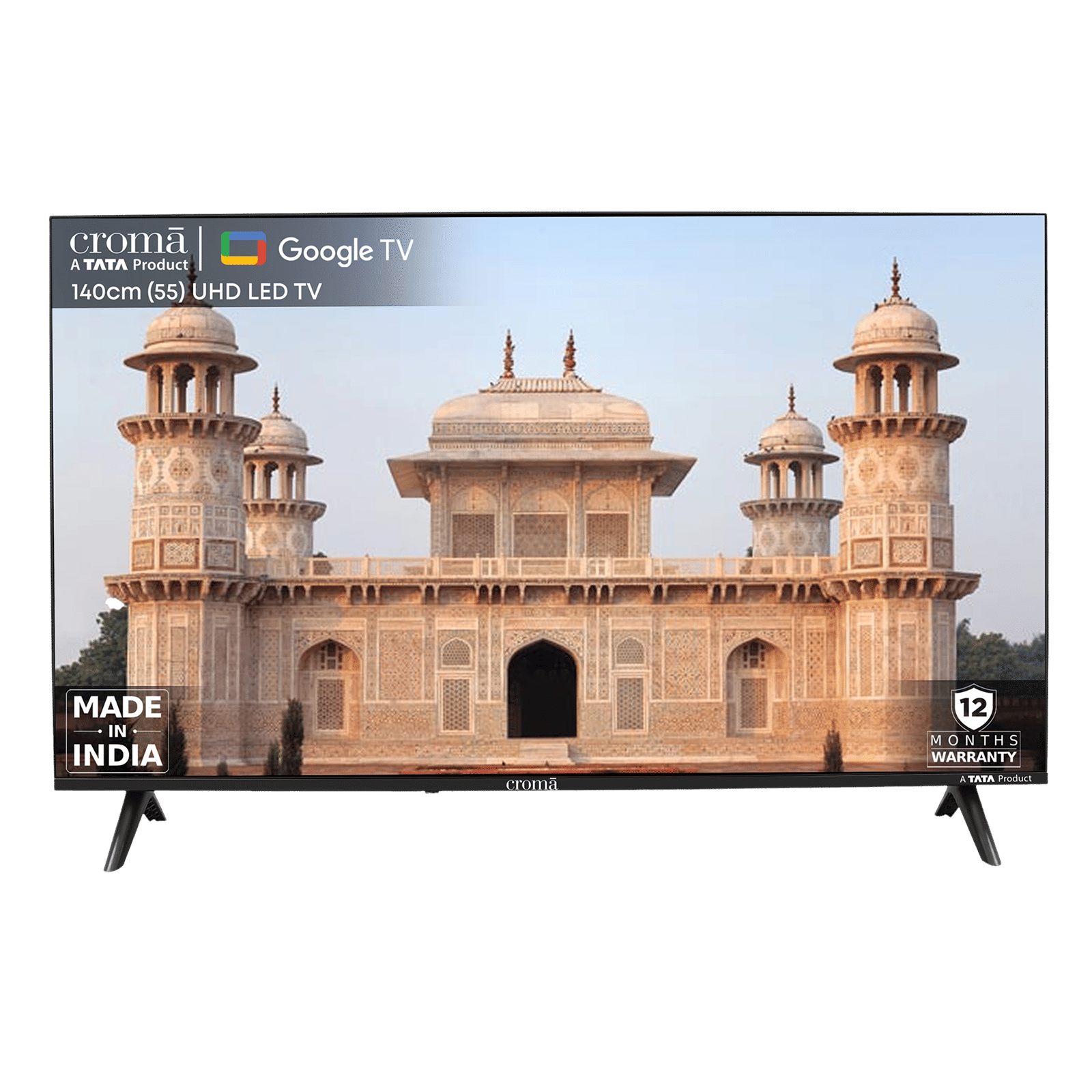
As long as you have great Wi-Fi, casting from your PC to your TV should work seamlessly. Chromecast’s limitations of quality and latency do apply, however, and we’d recommend using an HDMI cable when gaming or watching high-quality video.

Unleash your inner geek with Croma Unboxed
Subscribe now to stay ahead with the latest articles and updates
You are almost there
Enter your details to subscribe

Happiness unboxed!
Thank you for subscribing to our blog.
Disclaimer: This post as well as the layout and design on this website are protected under Indian intellectual property laws, including the Copyright Act, 1957 and the Trade Marks Act, 1999 and is the property of Infiniti Retail Limited (Croma). Using, copying (in full or in part), adapting or altering this post or any other material from Croma’s website is expressly prohibited without prior written permission from Croma. For permission to use the content on the Croma’s website, please connect on contactunboxed@croma.com
- Related articles
- Popular articles
Anirudh Regidi
Comments