







A lot of people assume a security camera is useless without Wi-Fi. That makes sense, given most modern cameras are built around live viewing, mobile apps, and cloud storage. In practice, though, Wi-Fi isn’t always necessary and you can still use a security camera without a Wi-Fi connection.
A majority of security cameras can record and operate offline using local storage, which makes them perfect for homes, businesses, and remote locations with limited or unreliable internet access. So, to help you set up, here’s how to use a security camera without Wi-Fi.
How to use a security camera without Wi-Fi
Using a security camera without Wi-Fi is possible, but it works differently from the app-based cameras most people are used to. Without an internet connection, the camera can’t upload footage to the cloud or stream video to your smartphone remotely. Instead, it records locally or operates within a closed system. With that in mind, here are three ways you can use a security camera without Wi-Fi:
1. Using a DVR or NVR camera system
This is the simplest and most common way to run security cameras without Wi-Fi. Basically, here the cameras connect directly to a DVR or NVR using cables. The recorder stores footage on a built-in hard drive and creates its own local network for the system to function. Because everything runs through the recorder, no internet connection is required at any stage.
To set it up, all you need to do is:
- Mount the cameras where you want coverage
- Connect each camera to the DVR or NVR
- Plug the DVR or NVR into a monitor or TV
- Power on the system
Once set up, the cameras record automatically. You can watch live footage on the connected screen and review recordings directly from the recorder.
2. Using a security camera with an SD card
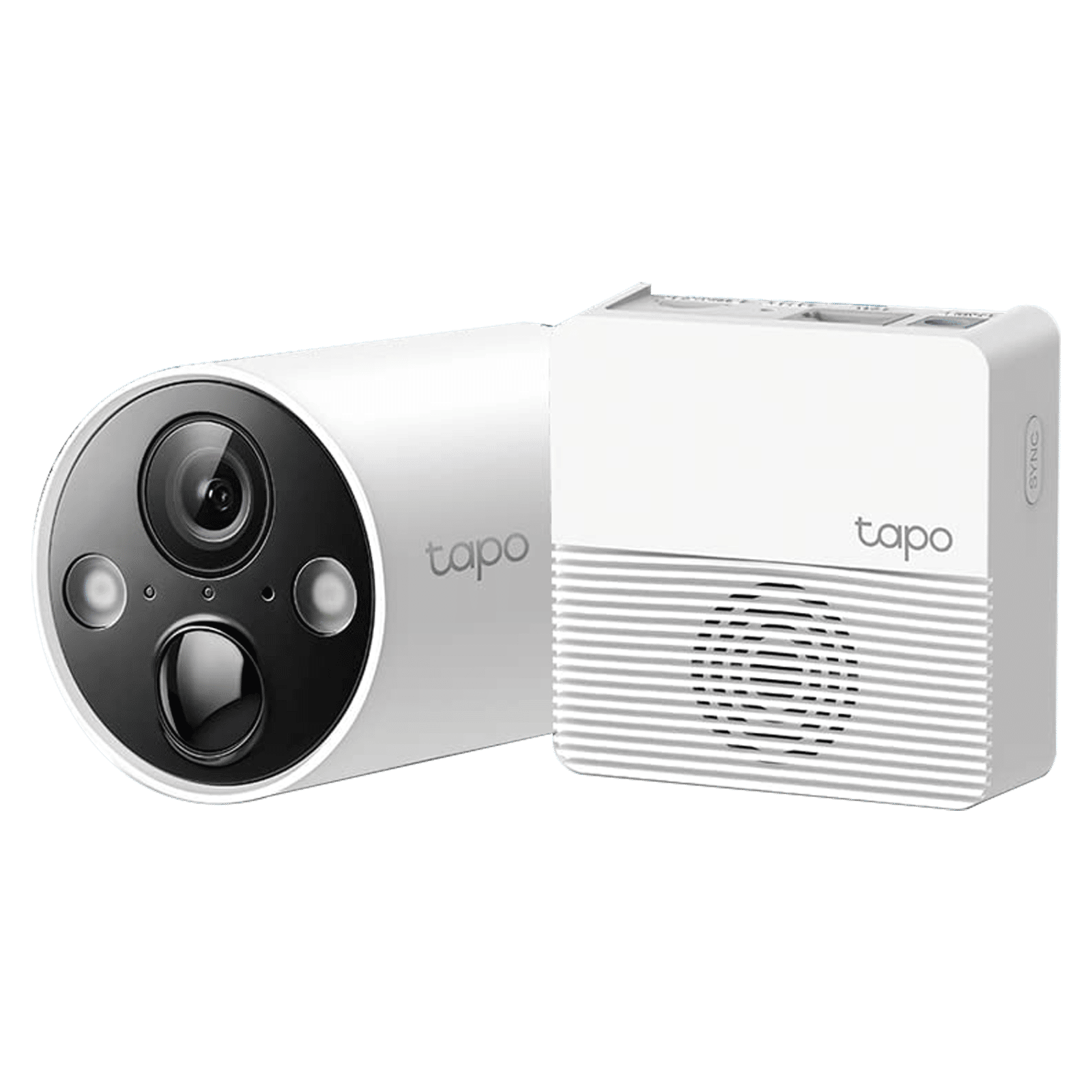
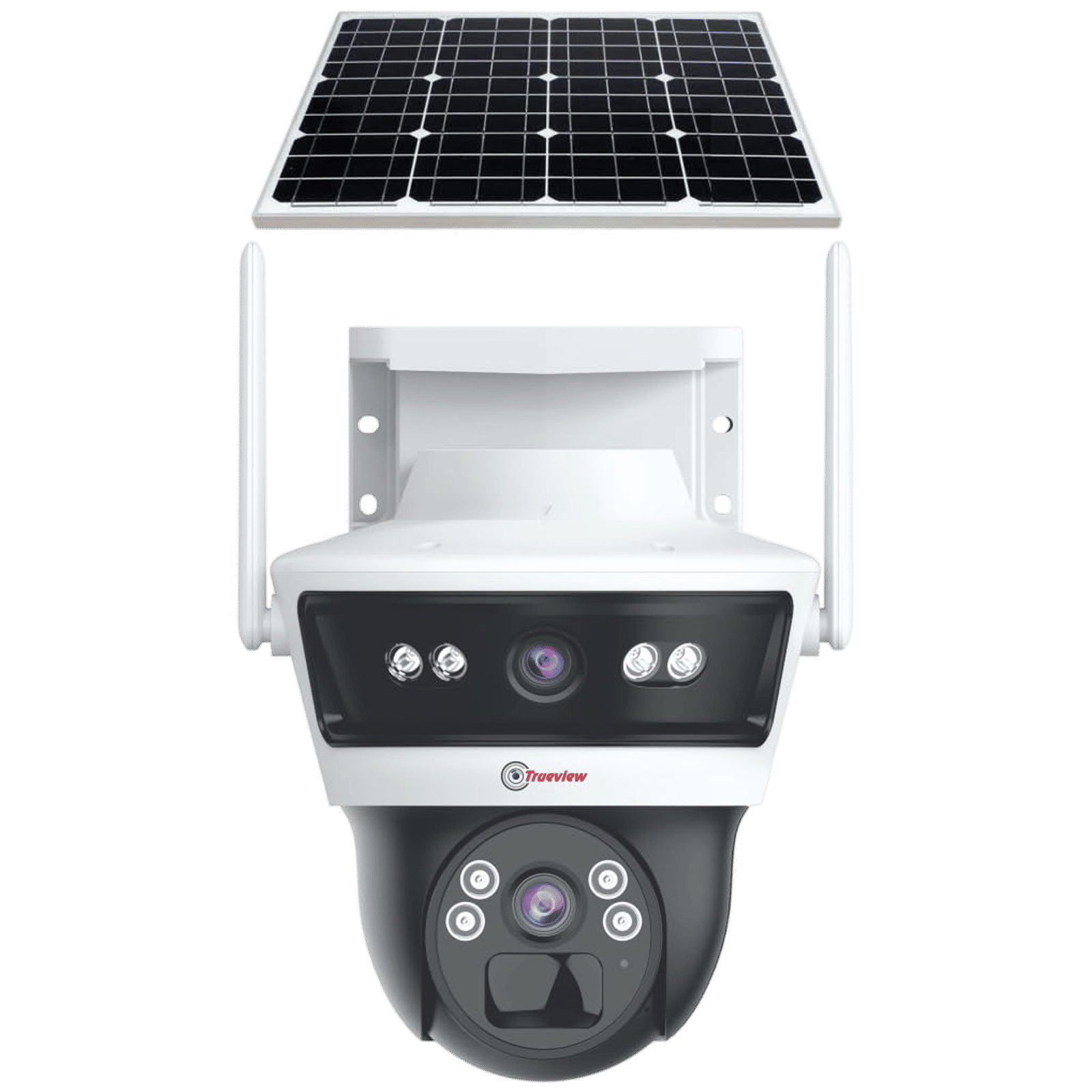
Some standalone cameras can operate entirely offline by saving footage to an SD card. These cameras record video internally and save the clips directly to an SD card inserted into the device. Here’s how to set it up:
- Insert a compatible SD card into the camera
- Power on the camera
- Place the camera where you want coverage
ALSO READ: Can I use an indoor camera as a baby monitor?
To view footage, remove the SD card and insert it into a phone, computer, or card reader.
3. Using a PC or Mac
You can also use a security camera without Wi-Fi by connecting it directly to a computer. In this case, the camera connects to your PC or Mac using an Ethernet cable, which creates a small local network between the two devices. This allows you to view live footage and access basic controls without any internet access. To set it up:
- Power on the camera
- Connect it to your PC or Mac using an Ethernet cable
- Adjust your computer’s IP settings to match the camera’s network
- Open the camera’s software or browser interface
You can then view live footage and save recordings locally on your computer. And that’s how you can use a security camera without Wi-Fi.

Unleash your inner geek with Croma Unboxed
Subscribe now to stay ahead with the latest articles and updates
You are almost there
Enter your details to subscribe

Happiness unboxed!
Thank you for subscribing to our blog.
Disclaimer: This post as well as the layout and design on this website are protected under Indian intellectual property laws, including the Copyright Act, 1957 and the Trade Marks Act, 1999 and is the property of Infiniti Retail Limited (Croma). Using, copying (in full or in part), adapting or altering this post or any other material from Croma’s website is expressly prohibited without prior written permission from Croma. For permission to use the content on the Croma’s website, please connect on contactunboxed@croma.com
- Related articles
- Popular articles
Shubhendu Vatsa
Comments