







OnePlus has begun rolling out the OxygenOS 16 stable update to the OnePlus 13R in India. The latest update brings a design overhaul and also adds the updated Trinity Engine for improved performance.
Additionally, it adds cool new AI tools and O+ Connect features. Here’s how you can update your OnePlus 13R, and everything new coming your way.
What's new in OxygenOS 16?
The OxygenOS 16 update with version number CPH2691_16.0.0205 (EX01) is based on Android 16, and it introduces improved animations for system apps. The home screen icons, Smart Sidebar, widgets, and folders have also received speedy animation.
Further, charging and fingerprint animations have also been refined with light wave patterns. OnePlus has also updated the Trinity Engine, which ensures performance and power are delivered more efficiently. It also optimises your gaming experience and eliminates any possible lag with the camera app.
OxygenOS 16 also brings new AI features, like the new Mind Assistant in Mind Space, which can easily search and find saved content. Photos app has received a new layout with clearer categories, and the Notes app now supports block editing, among other features. The Recorder app also has a new AI noise reduction feature.
ALSO READ: OnePlus AI and iPhone-like Plus Key aim to make phones smarter and simpler
Apart from this, you get visual upgrades, including a new Flux Home screen and dynamic wallpapers. Lastly, the update adds better cross-device features with O+ Connect.
How to update your OnePlus 13R
Step 1: Open Settings on your OnePlus 13R.
Step 2: Tap About device, followed by tapping on Software.
Step 3: Hit check for update, and you should see the new update.
Step 4: Download and install it, let the phone restart, and you should have Android 16-based OxygenOS 16 on your OnePlus 13R.
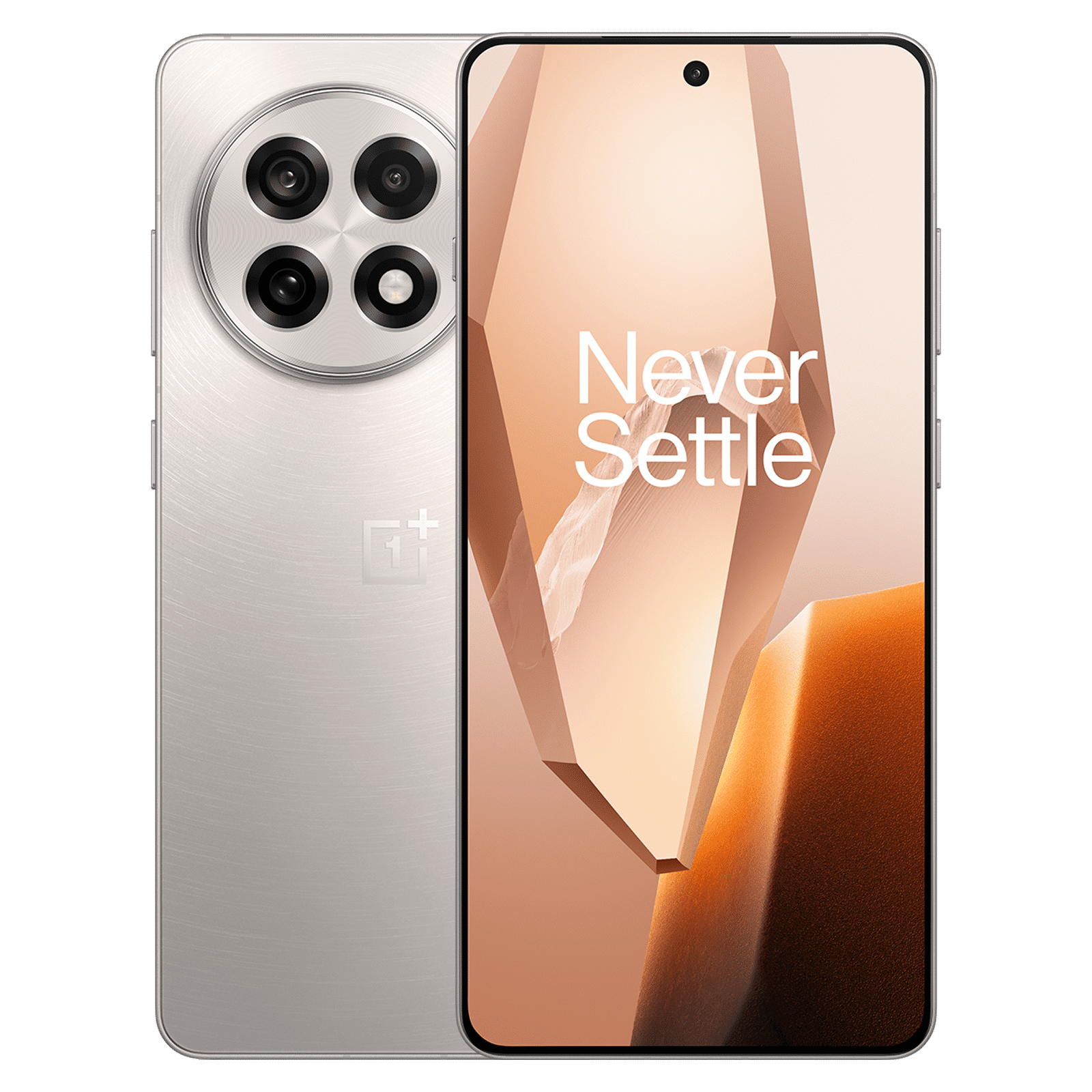
Notably, this is the OxygenOS 16 update with version number is being rolled out in batches. This means you may or may now see it right away, but you should get it soon.
What are your thoughts on OxygenOS 16? Do let us know in the comments below.

Unleash your inner geek with Croma Unboxed
Subscribe now to stay ahead with the latest articles and updates
You are almost there
Enter your details to subscribe

Happiness unboxed!
Thank you for subscribing to our blog.
Disclaimer: This post as well as the layout and design on this website are protected under Indian intellectual property laws, including the Copyright Act, 1957 and the Trade Marks Act, 1999 and is the property of Infiniti Retail Limited (Croma). Using, copying (in full or in part), adapting or altering this post or any other material from Croma’s website is expressly prohibited without prior written permission from Croma. For permission to use the content on the Croma’s website, please connect on contactunboxed@croma.com
- Related articles
- Popular articles
Pranav Sawant
Comments