







Apple has been supporting eSIMs in their iPhones for almost a decade now, and it’s only recently that they revealed eSIM-only variants. An eSIM or embedded SIM is essentially a digital version of the standard plastic SIM card that’s built into the phone’s motherboard. This is done at the time the board is manufactured and is a permanent addition. When swapping carriers, you’re downloading a digital profile that replaces the existing one in your eSIM.
ALSO READ: Top 5 iPhones under Rs 50,000 to buy in 2025
Here’s how to transfer an eSIM from iPhone to another:
Transferring an eSIM from one iPhone to another
Apple has a built-in eSIM Quick Transfer feature on all eSIM iPhones that support iOS 16 or later. To start the process, place the two phones next to each other and ensure that Bluetooth is enabled.
When setting up a new iPhone, proceed with the Quick Setup as prompted by the UI until you reach the ‘Set Up Cellular’ screen. Here, you’ll see a list of registered phone numbers that you’re using on your other Apple devices, and you might see an option saying ‘Transfer from nearby iPhone.’ The latter option is carrier-dependent.
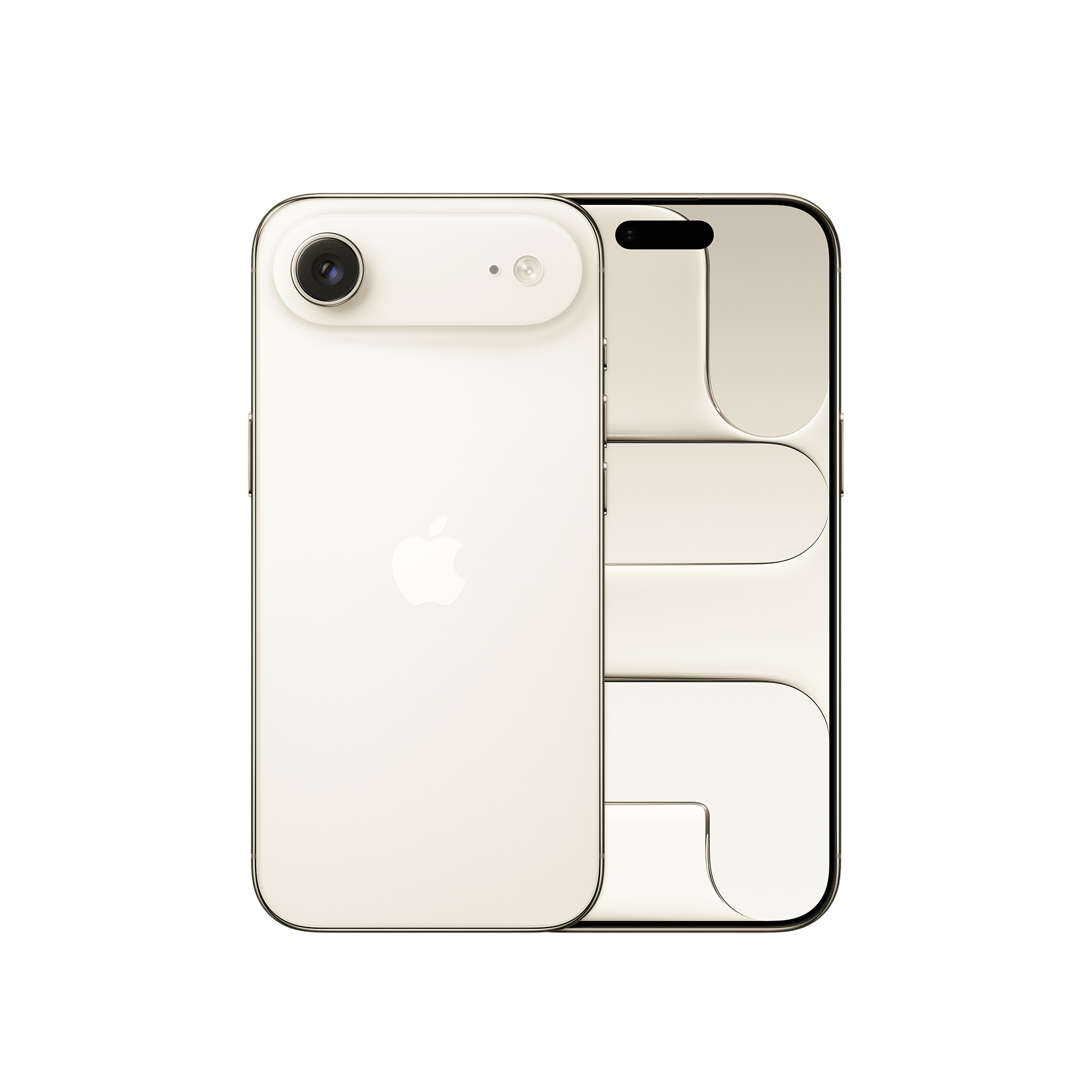
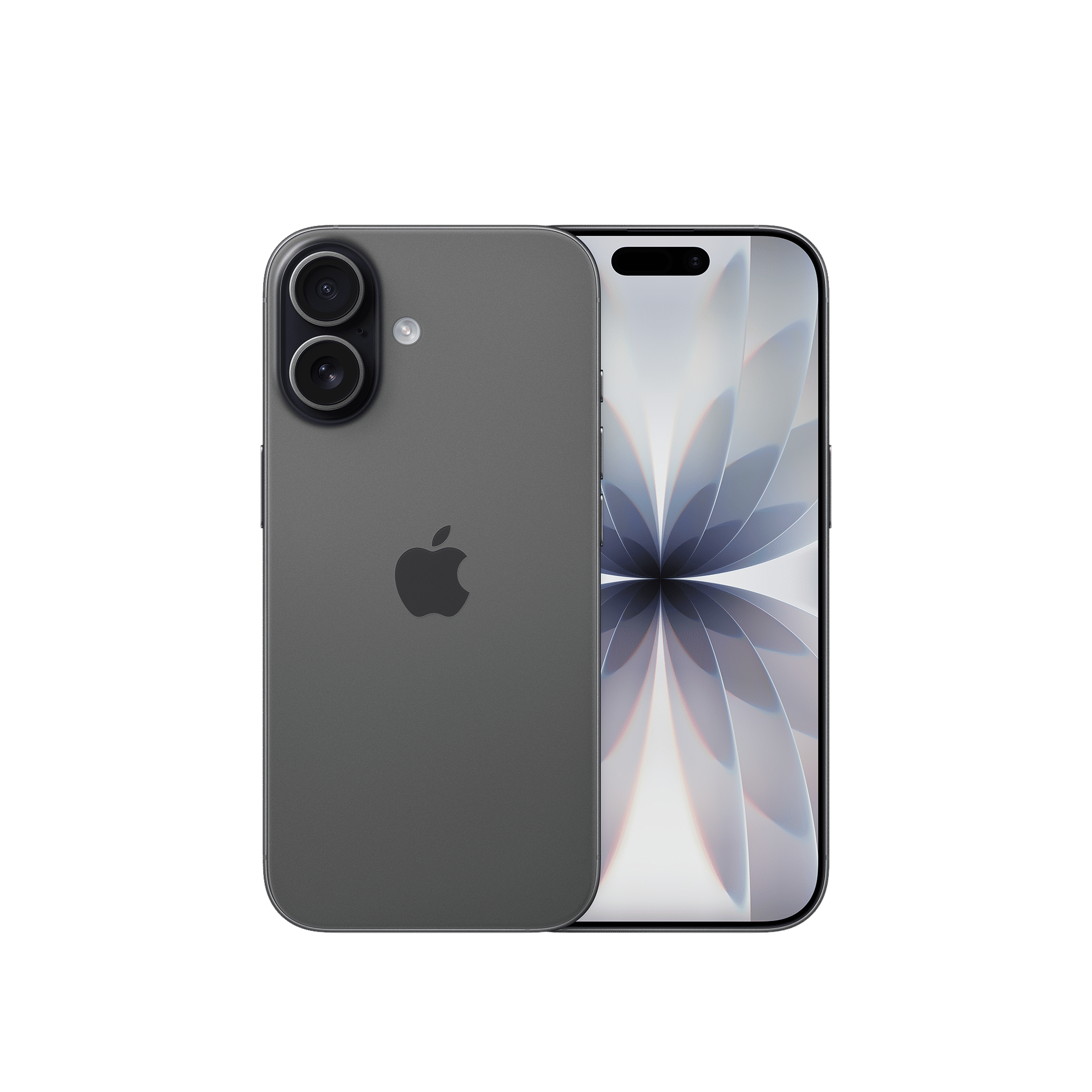
If the option is present, you can tap on it to select it. You’ll then need to check the old iPhone which now displays a message stating ‘Transfer SIM’. Tap ‘Continue’ to proceed.
You’ll need to enter a verification code that your new iPhone displays on your old iPhone. The transfer will complete in a minute or two and you should see your network now fully functional on the new iPhone. The old iPhone will no longer be connected to your previous SIM.
Other methods
In some cases, you might need to use a carrier-specific app or talk to customer care for the requisite codes.
Your carrier might also give you the option of transferring or registering a new eSIM via QR code, which you can scan by heading to Settings>Cellular or Mobile Service>Add eSIM>Use QR code.
You can also use the ‘Transfer from Nearby iPhone’ or ‘Transfer fro Android’ options from the ‘Add eSIM’ menu.
The transfer process might seem a little convoluted to users who are comfortable with the traditional SIM transfer process of just popping out the old SIM and installing it in the new one. Note however that eSIMs generally tend to be more secure. The transfer process is also straightforward within most networks even when travelling. To convert an existing SIM card into an eSIM, you can tap contact your carrier.

Unleash your inner geek with Croma Unboxed
Subscribe now to stay ahead with the latest articles and updates
You are almost there
Enter your details to subscribe

Happiness unboxed!
Thank you for subscribing to our blog.
Disclaimer: This post as well as the layout and design on this website are protected under Indian intellectual property laws, including the Copyright Act, 1957 and the Trade Marks Act, 1999 and is the property of Infiniti Retail Limited (Croma). Using, copying (in full or in part), adapting or altering this post or any other material from Croma’s website is expressly prohibited without prior written permission from Croma. For permission to use the content on the Croma’s website, please connect on contactunboxed@croma.com
- Related articles
- Popular articles
Anirudh Regidi
Comments