







Apple dropped a host of genuinely practical utilities for the iPhone this year without making a massive fuss about them.
We’ve curated five specific tools that stand out because they are actually useful. These have arrived with both iOS 26 and iOS 18, which both saw updates released in only this year.
1. Callback reminder for a missed call
Managing a flood of missed calls often leads to the embarrassing realisation that you forgot to ring someone back hours ago. The Phone app now includes a direct integration for setting reminders immediately after you swipe on a missed call in your Recents list.
Tapping the blue clock icon reveals a menu where you can tell your phone to bug you about it later. Options include setting a nudge for one hour later, later that evening, or even the next day depending on how urgently you need to ignore that person.
You can access this feature by navigating over to: Phone app > Recents > Swipe left on a missed call > Tap blue clock icon > Select reminder time
2. Adaptive Power battery mode
Your iPhone now manages the eternal struggle between performance and stamina much more intelligently thanks to the new Adaptive Power battery mode. It goes far beyond what the existing Low Power Mode does, which is basically dropping your display brightness and throttles everything to 60Hz.
The system actually learns from your specific usage patterns to predict exactly when you might need that extra bit of juice later in the day.
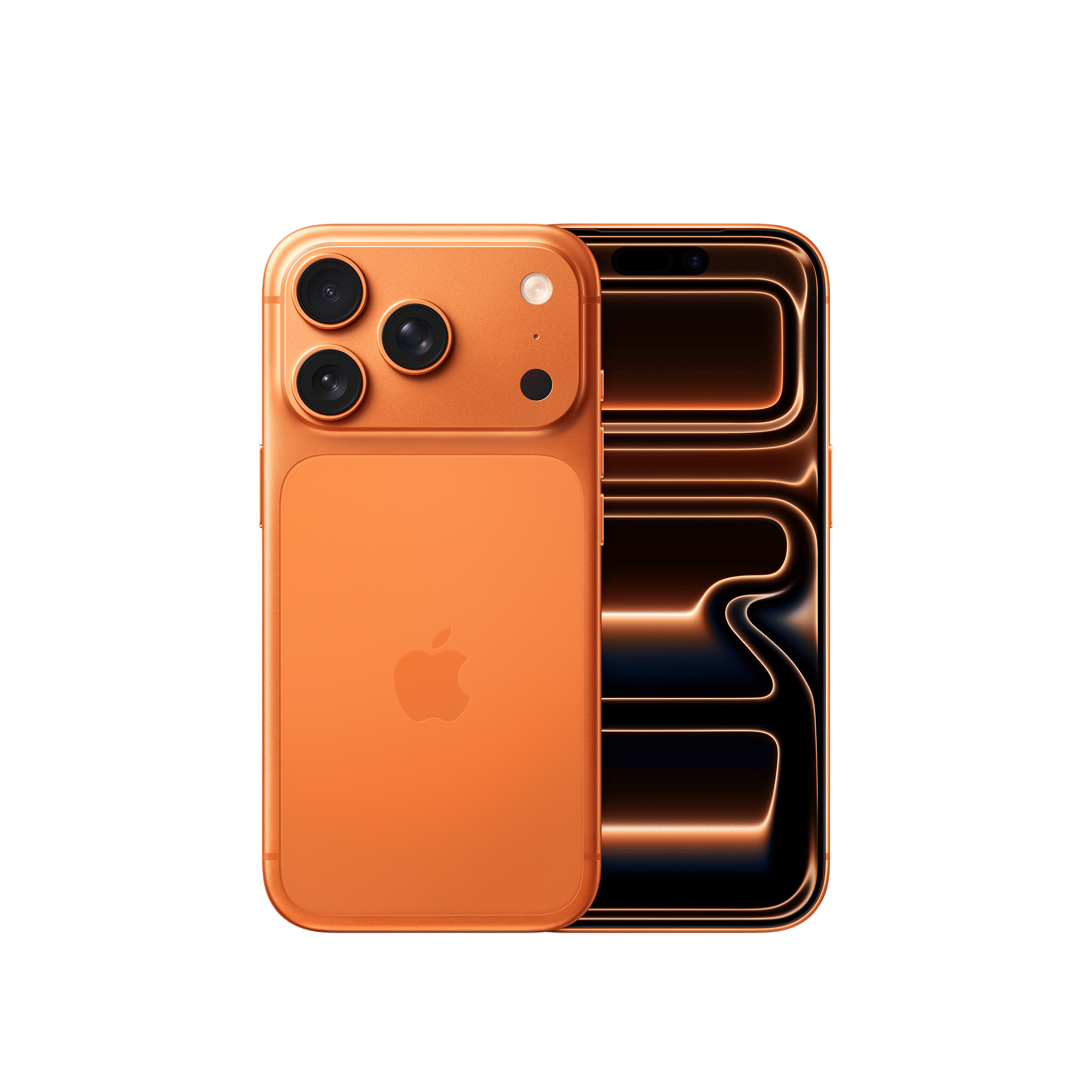
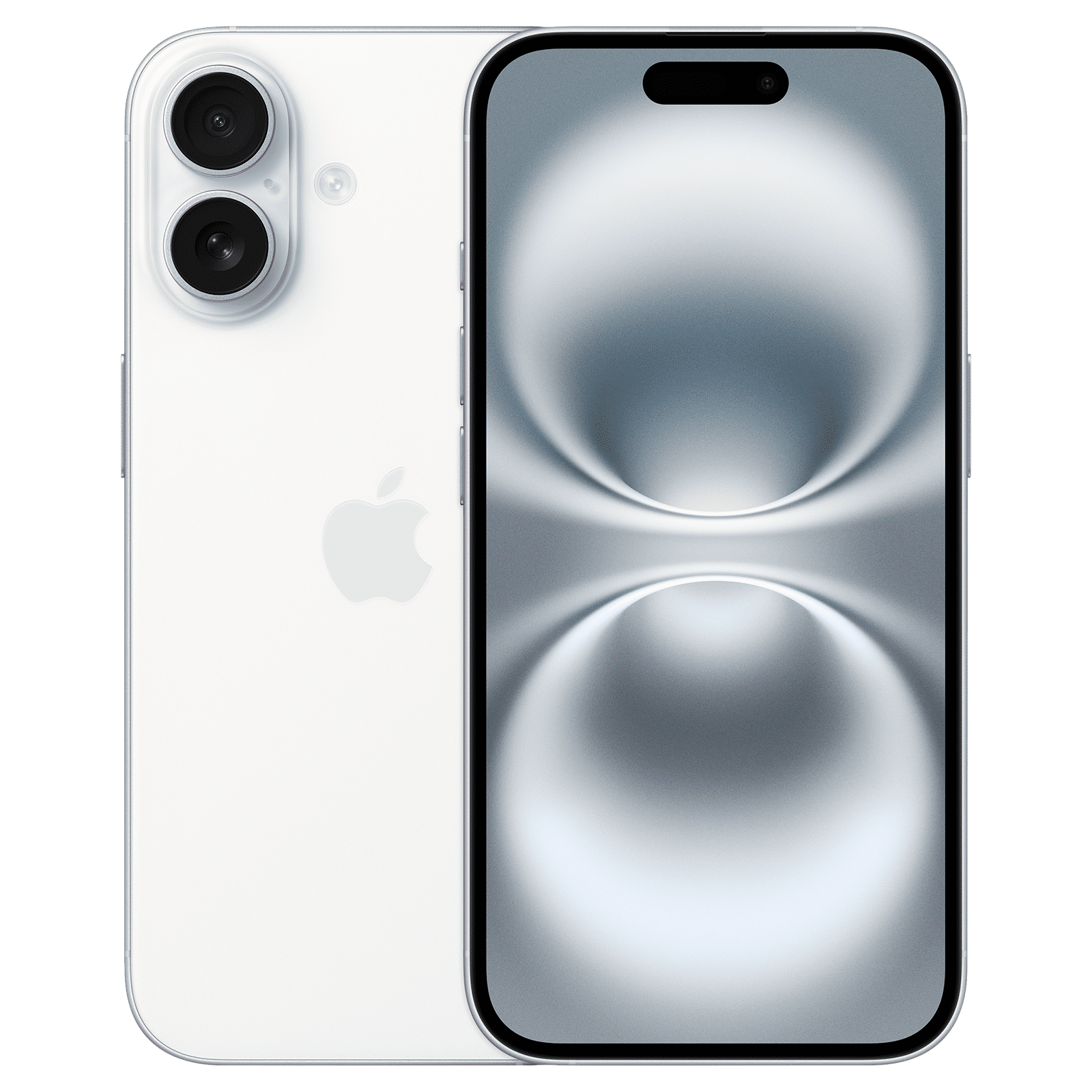
Owners of the new iPhone Air or iPhone 17 will see this enabled right out of the box when they first switch on the device. Anyone holding onto an iPhone 16 or iPhone 15 Pro needs to dig into the battery settings to flip the switch manually.
How to access: Settings > Battery > Power mode > Toggle “Adaptive Power” on
3. Custom snooze times
Apple has finally started offering an option beyond the nine-minute snooze button. You can now tweak that window to anywhere between one and 15 minutes…to suit your specific level of procrastination. The feature makes the alarm function significantly more versatile for daily productivity tasks that require short buffers.
For instance, you might need a tight three-minute warning to wrap up a work email. Or perhaps you need a generous ten-minute buffer before a meeting starts. That’s when adjusting the snooze times come in handy.
How to access: Clock app > Alarms > Edit > Select an alarm > Snooze > Select duration
4. Ambient Music in Control Center
Control Center gained a surprisingly unique audio widget this year. It lets you trigger curated soundscapes designed for specific vibes like Sleep, Chill, Productivity, or Wellbeing–without ever launching a separate application.
You get distinct playlists for each category and the Dynamic Island even displays track info while letting you skip through the selection. It basically removes the distraction of searching through libraries when you really just need immediate white noise. But perhaps the best part is that it’s not locked behind a subscription like Apple Music is.
To add: Settings > Control Centre > Tap the green “+” next to Ambient Music
To use: Swipe down for Control Centre > Tap Ambient Music widget
5. Reduce Loud Sounds
The settings menu now hides a toggle called Reduce Loud Sounds that effectively acts as a audio compressor for your device speakers. It works by smoothing out the any volume spikes that happen when you do things like jumping between different apps or watching videos with terrible mixing.
ALSO READ: Android Quick Share now works with Apple AirDrop, allowing seamless file sharing
It works by squashing the loudest peaks while keeping quiet details audible.
How to access: Settings > Sounds & Haptics > Reduce Loud Sounds

Unleash your inner geek with Croma Unboxed
Subscribe now to stay ahead with the latest articles and updates
You are almost there
Enter your details to subscribe

Happiness unboxed!
Thank you for subscribing to our blog.
Disclaimer: This post as well as the layout and design on this website are protected under Indian intellectual property laws, including the Copyright Act, 1957 and the Trade Marks Act, 1999 and is the property of Infiniti Retail Limited (Croma). Using, copying (in full or in part), adapting or altering this post or any other material from Croma’s website is expressly prohibited without prior written permission from Croma. For permission to use the content on the Croma’s website, please connect on contactunboxed@croma.com
- Related articles
- Popular articles
Zohaib Ahmed
Comments