







You can connect a Bluetooth speaker to your TV by enabling Bluetooth on both devices and pairing them through the TV’s audio or connection settings. The TV then sends sound wirelessly to the speaker using Bluetooth, eliminating the need for cables or adapters.
It’s a simple way to improve sound quality, especially if your TV’s built-in speakers are weak or too quiet. It also reduces clutter and lets you place the speaker wherever it sounds best. If your TV supports Bluetooth or you’re using an external adapter, here’s how to connect your Bluetooth speaker to your TV.
How to connect your Bluetooth speaker to your TV?
Connecting a Bluetooth speaker to your TV is one of the easiest ways to improve sound quality without dealing with messy cables. If your TV supports Bluetooth, the setup takes just a few minutes.
If it doesn’t, you can still make it work with a small Bluetooth adapter. Here’s how to connect a Bluetooth speaker to your TV, depending on your setup:
1. If your TV has built-in Bluetooth
Most smart TVs today, including models from Samsung, LG, Sony, and others, are equipped with Bluetooth built-in, which makes pairing your TV and speaker quite simple and easy. To pair your Bluetooth speaker, start by setting it to pairing mode. You can usually do this by holding the Bluetooth or power button until it starts flashing.
Then, go to your TV’s settings menu and look for Bluetooth options under sections like “Sound,” “Connections,” or “Audio Output.” Once the speaker appears in the list, select it and confirm the connection. After pairing, your TV’s audio will automatically play through the Bluetooth speaker.
2. If your TV does not have Bluetooth
If your TV does not support Bluetooth, you can still connect a speaker by using an external Bluetooth transmitter or adapter. These are small plug-and-play devices that connect to your TV’s audio output. The connection usually happens through a headphone jack, RCA ports, USB or an optical audio output, depending on what your TV supports.
ALSO READ: 5 features to look for in your next Bluetooth speaker
Once the transmitter is connected, put both the transmitter and your Bluetooth speaker into pairing mode. They should connect automatically and allow your TV’s audio to stream wirelessly to the speaker.
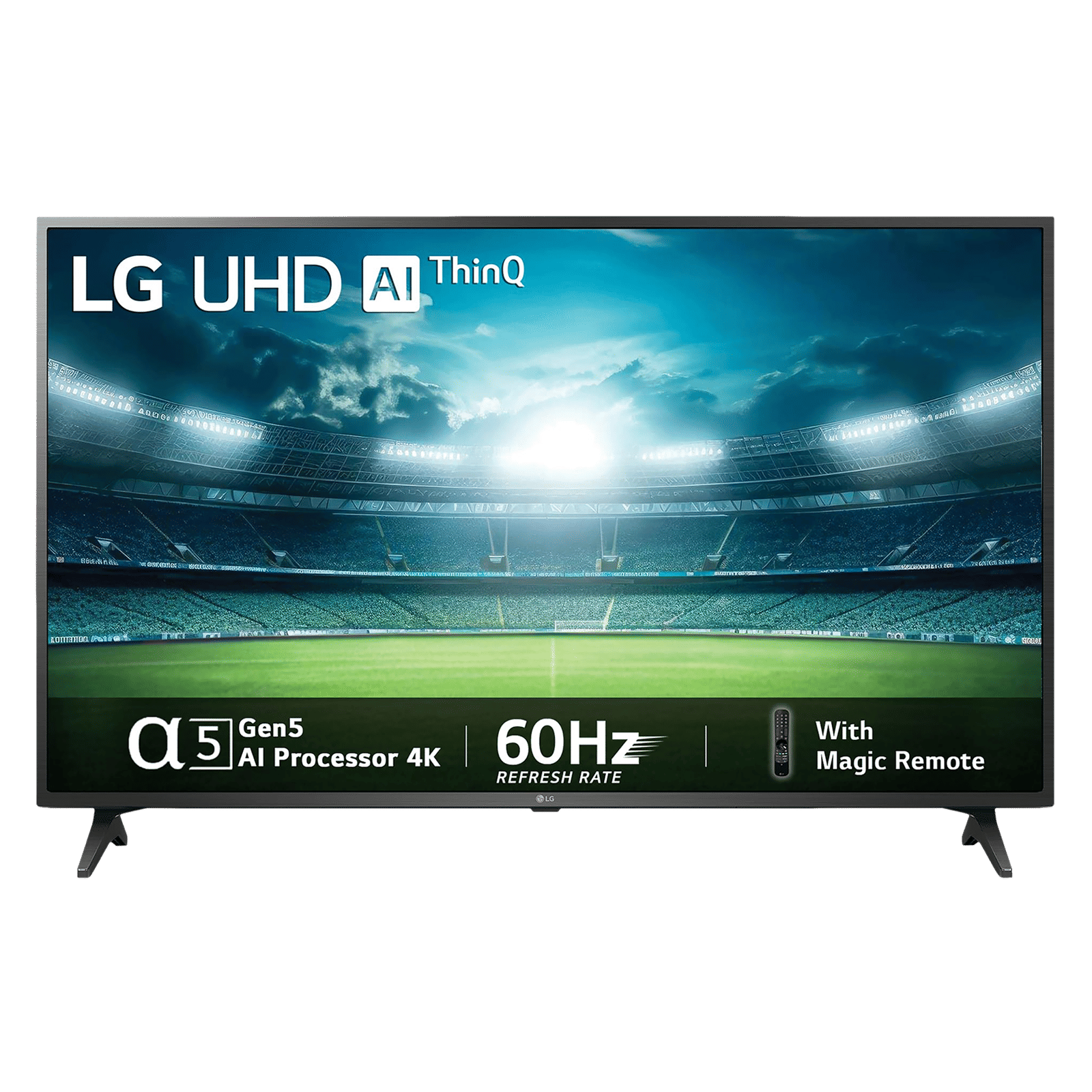

One thing to keep in mind is that Bluetooth connections can sometimes cause a small delay between video and sound. If you notice that the audio does not match the visuals, check your TV’s sound settings for an option called “Audio Delay” or “AV Sync.” You can adjust the timing to better match the audio with what is happening on screen.

Unleash your inner geek with Croma Unboxed
Subscribe now to stay ahead with the latest articles and updates
You are almost there
Enter your details to subscribe

Happiness unboxed!
Thank you for subscribing to our blog.
Disclaimer: This post as well as the layout and design on this website are protected under Indian intellectual property laws, including the Copyright Act, 1957 and the Trade Marks Act, 1999 and is the property of Infiniti Retail Limited (Croma). Using, copying (in full or in part), adapting or altering this post or any other material from Croma’s website is expressly prohibited without prior written permission from Croma. For permission to use the content on the Croma’s website, please connect on contactunboxed@croma.com
- Related articles
- Popular articles
Shubhendu Vatsa
Comments