







If you joined Apple’s beta program, you’ve been living with a “test version” of iOS 26. Beta versions are like sneak previews of a movie, you get to see things early, but there might still be some rough edges and glitches. The final release, which arrives in mid-September, is the polished, stable version Apple wants everyone to use.
ALSO READ: iOS 26 release date: Check all eligible devices, top features
Apple usually puts out an RC (Release Candidate) a week before the official launch. This is basically the finished software, just released a little earlier. Think of it as the dress rehearsal before the premiere.
So, the question is, do you want to install the Release Candidate as soon as it’s out, or wait for the big public release day? Either way, the software is the same.
How to prepare for iOS 26 official launch
Option 1: Update early with the Release Candidate
If you like being ahead of the curve, you can grab the Release Candidate. Just make sure your iPhone is already on the latest beta version, then go to Settings > General > Software Update.
Once the Release Candidate shows up, install it. Afterward, turn off beta updates in the settings so your phone stops getting test versions in the future.
Option 2: Wait for the official release
If you’d rather not take any risks, simply turn off beta updates now and keep your iPhone as it is. On September 15, when Apple pushes the final version out to everyone, go back to the Software Update page and install it. Easy.

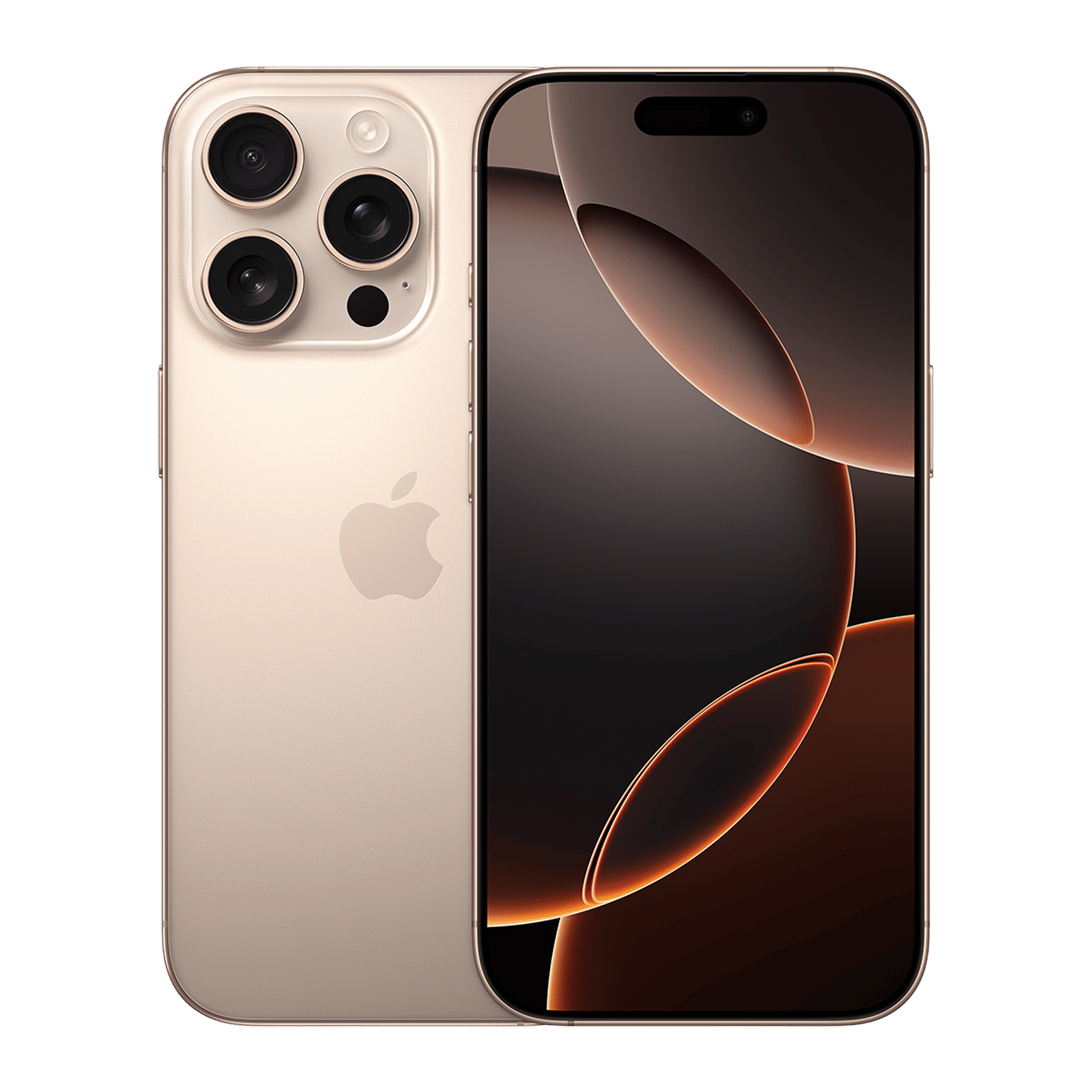
A few things to do first
Back up your iPhone: Ensure to save a copy of everything on your device, so you don’t lose photos, messages, or apps if something goes wrong.
Turn off beta updates: That way, your iPhone won’t download any new “test” versions by accident.
Don’t worry about missing features: The Release Candidate and the final version are exactly the same. The only difference is timing.
Are you excited about iOS 26 and have you had a chance to play around with it? Let us know in the comments and stay tuned to Unboxed by Croma for the latest tech updates.

Unleash your inner geek with Croma Unboxed
Subscribe now to stay ahead with the latest articles and updates
You are almost there
Enter your details to subscribe

Happiness unboxed!
Thank you for subscribing to our blog.
Disclaimer: This post as well as the layout and design on this website are protected under Indian intellectual property laws, including the Copyright Act, 1957 and the Trade Marks Act, 1999 and is the property of Infiniti Retail Limited (Croma). Using, copying (in full or in part), adapting or altering this post or any other material from Croma’s website is expressly prohibited without prior written permission from Croma. For permission to use the content on the Croma’s website, please connect on contactunboxed@croma.com
- Related articles
- Popular articles
Dhriti Datta
Comments