







The Indian Premier League (IPL) 2026 is not just another sporting event. It has become an annual ritual with evenings planned around match timings, WhatsApp groups becoming unofficial betting spots, and living rooms turning into mini stadiums.
While the thrill of a last-over finish or free hit retains its vanity, figuring out how to watch IPL 2026 live on TV isn’t as straightforward as it used to be.
How to watch IPL on your TV
With broadcasting rights split between traditional TV and digital streaming platforms, the common question among T20 cricket fans is: how to watch IPL? Well, it is simpler than it seems.
Here’s how to watch IPL across broadcast and streaming platforms in 2026:
1. Tune into Star Sports on cable or DTH
The first step to watch IPL live on TV is through the official TV broadcaster in India. Star Sports remains the official broadcaster of IPL 2026 in the country, covering every match across its network.
You can watch IPL 2026 on Star Sports 1, Star Sports 1 Hindi, Star Sports 1 Tamil, Star Sports 1 Telugu and Star Sports 1 Kannada TV channels. The matches will also be broadcast live on their corresponding HD channels.
If you are on a standard cable or DTH connection (Tata Play, Airtel Digital TV, Dish TV, or Sun Direct), simply check whether your plan includes the Star Sports pack.
2. Subscribe to JioHotstar for live streaming
JioHotstar (the merged entity of JioCinema and Disney+ Hotstar) holds the exclusive digital streaming rights for IPL 2026. It offers three different plans: mobile, super, and premium.
The mobile-only plan starts at Rs 79 for a month, Rs 149 for three months, and Rs 499 for a year. The super plan with access to two devices at a time starts at Rs 149 a month, Rs 349 for three months, and Rs 1,099 for a year.
The premium plan, with access for up to four devices at a time and an ad-free experience, starts at Rs 299 for a month, Rs 699 for three months, and Rs 2,199 for one year.
3. Watch on smart TV
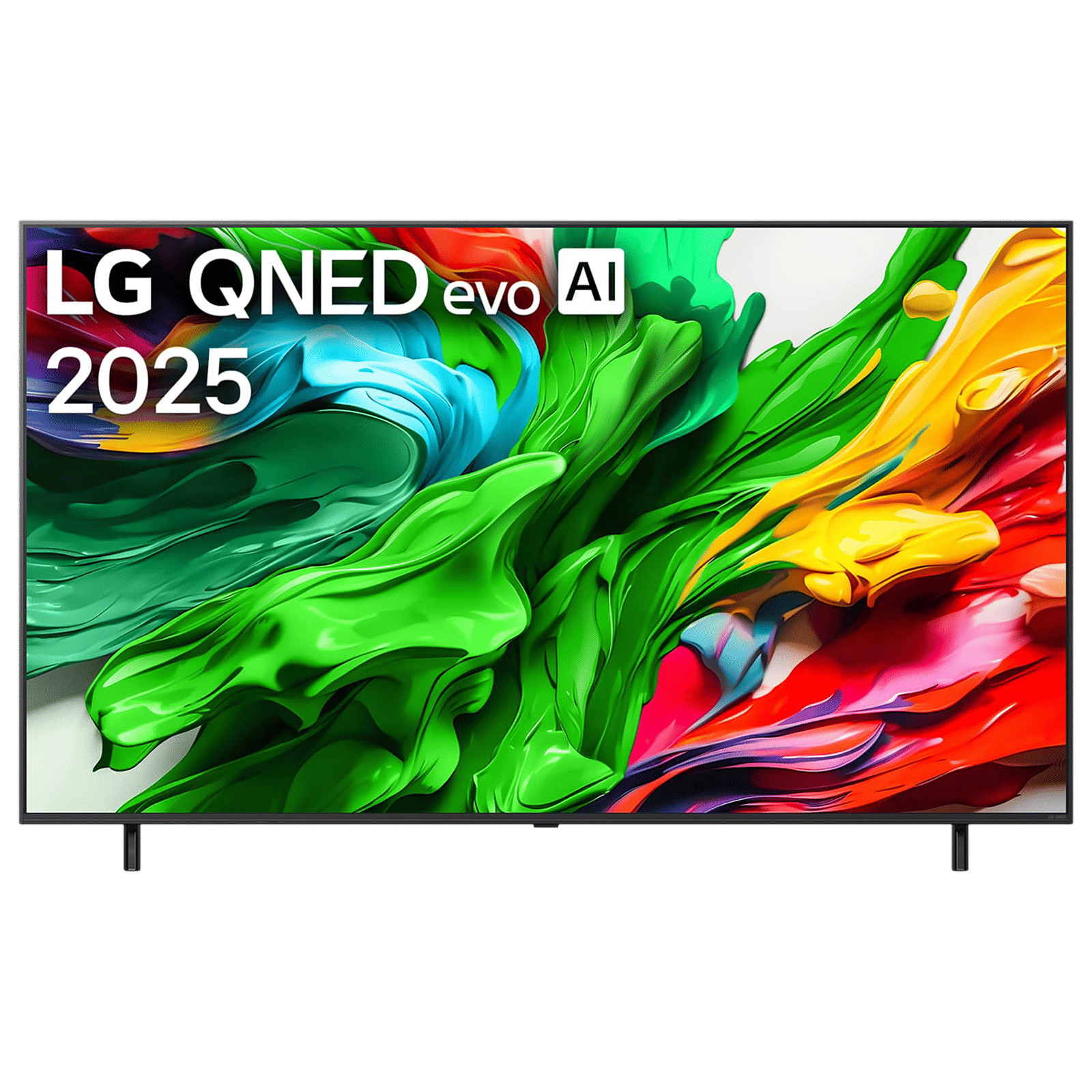
If you own a smart TV running Google TV, webOS, or Tizen, you can simply download the JioHotstar app, log in, and watch the matches effortlessly.
The app offers multiple camera angles with 2026, allowing fans to choose their own vantage point, including Hero Cam, Stump Cam, and Field View.
LG 190 cm (75 inch) 4K QNED MiniLed Smart WebOS TV with Dolby Vision & Dolby Atmos (2025 Model)
Buy now
4. Plug in your streaming stick
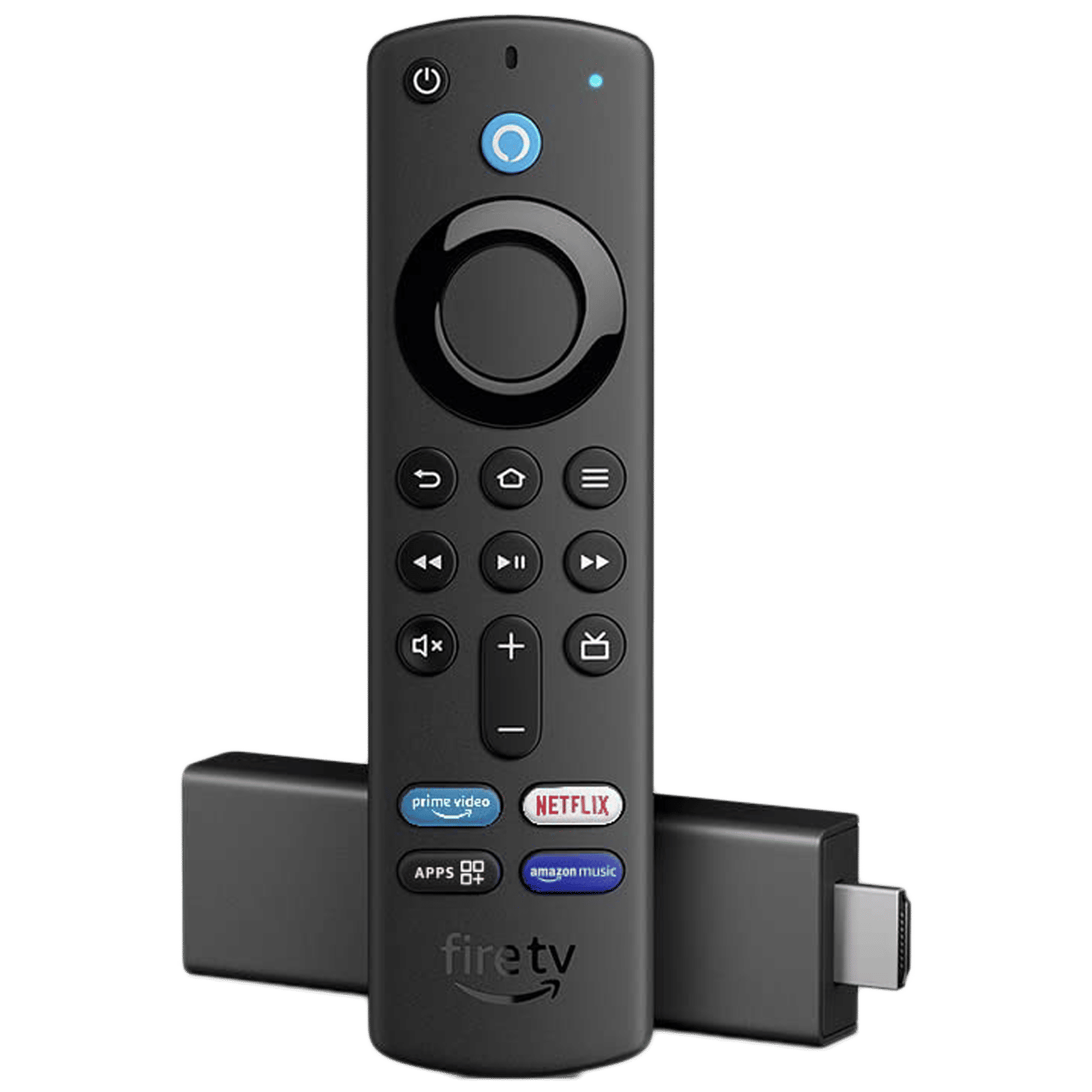
If your TV isn’t smart, you can still access IPL streaming by connecting a media streaming device like Fire TV Stick or Chromecast. These devices directly plug into your TV’s HDMI port and give access to various streaming apps. You can watch IPL without upgrading your entire TV setup.
amazon Fire TV Stick 4K with Alexa Voice Remote 3rd Gen (Dolby Vision and Atmos Support, B08XVZRR21, Black)
Buy now
Pro Tip: Jio and other OTT bundles
Jio offers complimentary JioHotstar access across several postpaid and prepaid recharge plans for its mobile and Wi-Fi customers. In other words, you may already have IPL streaming included without paying extra.
Log into the MyJio app and head to the “My subscriptions” section to check for free JioHotstar access. JioHotstar is also offered for free by Airtel, and some BSNL Bharat Fibre plans also include streaming benefits.
Whether you are watching on a 75-inch QLED TV in the living room, a 32-inch TV in your bedroom, or bringing the stadium to your home with a projector, watching IPL 2026 live on TV is easier than it seems.
All you need is the right combination of a broadcast plan, a compatible device, and a subscription to a streaming platform. Whether you are sticking with a traditional cable TV or streaming on a smart TV, uninterrupted cricket action becomes a reality.

Unleash your inner geek with Croma Unboxed
Subscribe now to stay ahead with the latest articles and updates
You are almost there
Enter your details to subscribe

Happiness unboxed!
Thank you for subscribing to our blog.
Disclaimer: This post as well as the layout and design on this website are protected under Indian intellectual property laws, including the Copyright Act, 1957 and the Trade Marks Act, 1999 and is the property of Infiniti Retail Limited (Croma). Using, copying (in full or in part), adapting or altering this post or any other material from Croma’s website is expressly prohibited without prior written permission from Croma. For permission to use the content on the Croma’s website, please connect on contactunboxed@croma.com
- Related articles
- Popular articles
Karthekayan Iyer
Comments